

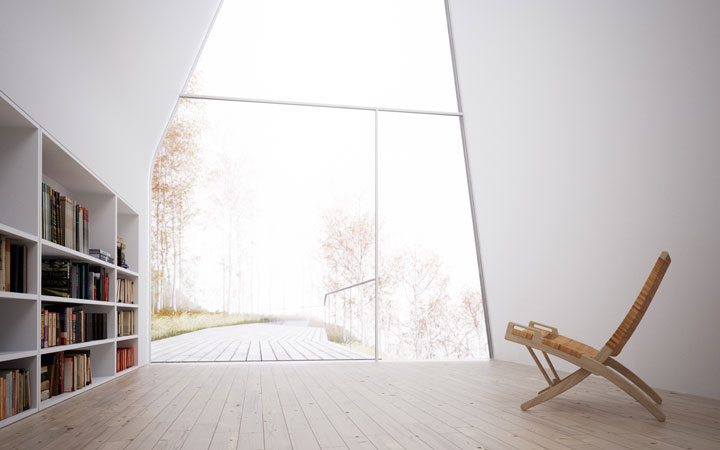



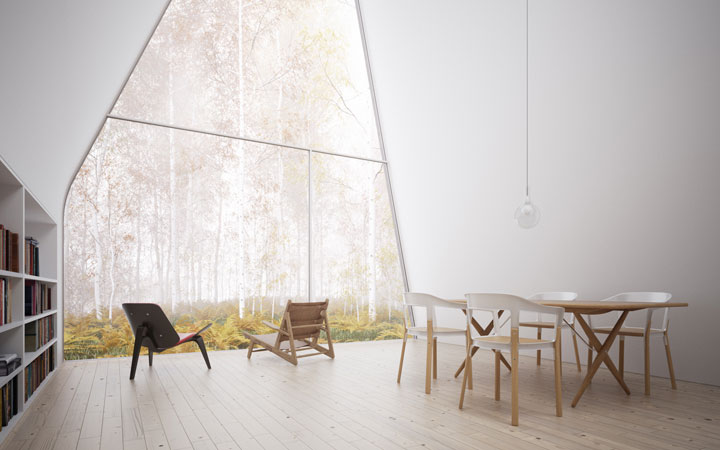
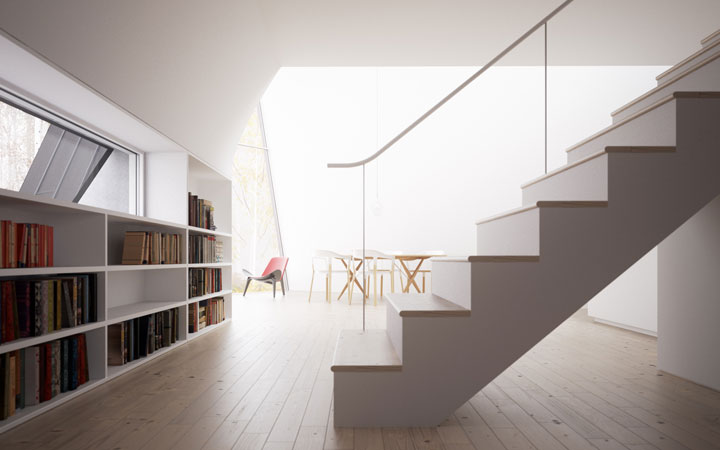
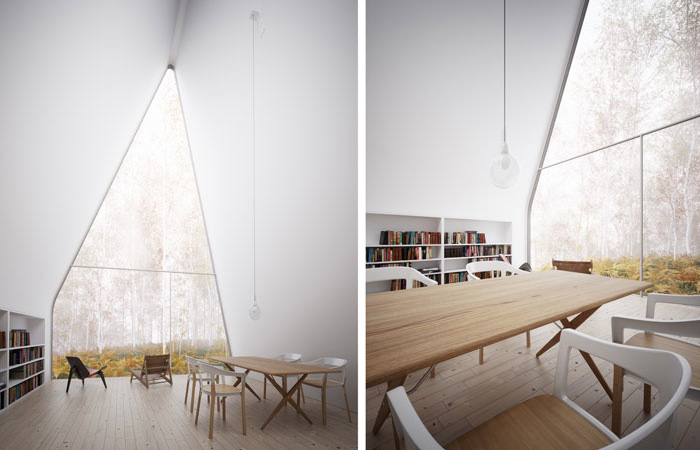
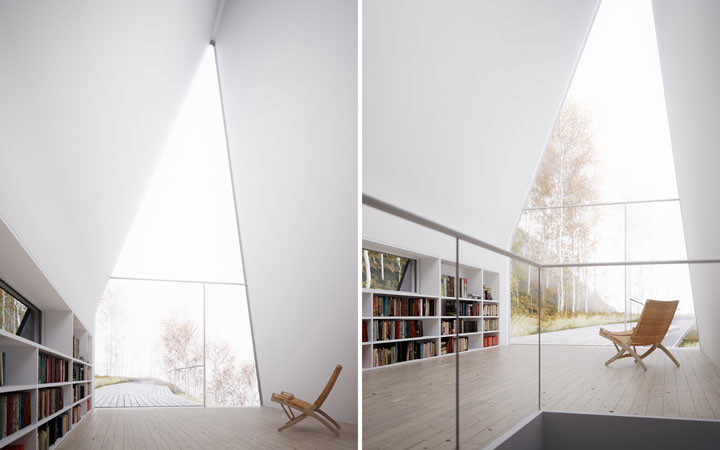


Photo by pdsphil.
 If you aren't blessed with ample windows or non-annoying overhead lighting, getting a bit of illumination around your workspace can be accomplished in ways more subtle, and less expensive, than adding more lamps. One of the Dumb Little Man blog's 10 cheap home office improvements involves a strategically placed mirror, which helps those with bright light going the wrong way re-capture it. When Jason was deep in his extreme home office makeover, he found that cheap rope lights made for great ambient illumination, especially as the sunlight changes in early morning and late afternoon.
 For a dedicated work desk, a desktop PC makes sense—it's far more bang for the buck, and you can use whatever size monitor you'd like. But desktop systems tend to get dirty, hot, and louder over time. Luckily, you need only a can of compressed air, some household oil, and a screwdriver to evacuate PC dust bunnies and get your system running with lower drag again. If it's just a noisy, case-shaking hard drive at the heart of your overly-audible system, try quieting it with rubber shocks or elastic suspenders. Starting over with a new system? Build it for silence from the start, and you'll hardly ever know your system is running.
 A really, seriously comfy chair. Wall colors other than white or beige. Extras of everything you occasionally run out of. You've probably put a whole bunch of thought into the precise layout of your computer desktop, but the trim and details of your home office often go sorely under-attended. The tail end of Sara Rimer's write-up about her perfect home office explicates the niceties that made her work-from-home life much more bearable. And readers gave up their own tips, like keeping the printer away from the computer (enforced away-from-screen breaks), and making the trash can and shredder as universally accessible as possible (clutter killers).
 Even if you're a total computer obsessive, having a space to leave must-notice reminders and sketch out your thoughts. If the tiny-but-affordable models at your local office store don't do it for you, or you want something a bit more personalized, think outside the wood-framed white. A glass version isn't quite as high-contrast readable, but certainly durable and might work against a white wall. You could also grab some stick-on, removable dry erase sheets for those moments of fleeting big-picture inspiration. Know a supposedly busted erase board about to hit the curb? Draw over the permanent marker or stuck-on erasable ink with another dry-erase marker, wipe it away, and you might be good as new. Need just a little reusable note space? Grab a CD "jewel" case and put one together. Anywhere you've got a vertical surface, you can make a magnetic-backed whiteboard with two coats of paint you can pick up at Home Depot.
 It seems like everyone over a certain age has a file cabinet of some sorts, but so many of them end up as supplemental shelf space cluttered with paper, and sometimes even the paper you would file inside it. That's a pretty clear sign that something's gone awry with your filing system. Gina rescued her own cabinet with better labels and a re-thinking of its purpose and use. The Simple Dollar helps out those who mostly use their cabinet for financial backup with the best document organizing system. And if you're the type to pull a folder and let it hang around, shame yourself into returning it by bookmarking its absence. Need something more, well, file-geeky? Try our complete filing cabinet page.
Remember when one power strip was all you needed for everything electronic in your life? Yeah, we do too, and still wish the Bills had won that Super Bowl. But these days, your cell phone, camera battery, iPod, work phone, laptop battery, and other gear require both space and voltage. Keeping them off your desk space, yet still easily found and charged, is easy to accomplish. You can simply convert a cheap bedside table or soften up a simple box, or get fancy by adding switches or automatic lighting. If you've just got one or two things to keep handy but out of the way, a wall-mounted charger, made from an empty lotion bottle, no less, might be all you need. Here's a video showing one of our (and our readers') favorites, the IKEA-purchased charger box:
 The entirely wireless workspace can be a reality, but not everybody's upgraded every single component in their work life to Wi-Fi or Bluetooth. Plus, non-iMac monitors will be wired into the immediate future. It's really cheap and not at all handyman-level to get wireless, either. Adam did it in 2006, Gina did a 2007 redux, and we've revisited the gear and guidelines a few times since. You can get to cordless simplicity with clamps, geek out over a concealed surge protector. There's no one-size-fits-all solution, but the project is almost always worth the two-lattes-at-Starbucks price of entry.
 Your body didn't evolve over 200,000 years to sit at a desk and use a computer eight-ish hours per day. The best you can do is try and lessen the impact of a modern work day on the parts that get the most taxed. The Ergotron site has a really helpful ergonomic workspace planner that provides ideal heights for desks, chairs, monitors, and other office components, along with a workspace assessment to see how your current setup holds out under stress tests. If that's all too much, simply move your monitors to just below eye level, as Reader's Digest suggests. If you're really keen on getting away from the standard office routine, gather up the tools and build your own standing desk space.
 Next time you feel the deep, strong need to run out and buy another plastic box for your stuff, ask yourself if you couldn't get just as far by putting a new label on a box you already have. That's the key to a label maker—it lets you design an organization system from your own work flow, not the other way 'round. We've previously revealed our crush on the Brother P-touch Home and Hobby model, but our label-loving readers have a few other recommendations, too.
 Sounds easy at first glance, doesn't it? Buy some stacking inboxes, put the coffee mugs away when you're done with them, and file everything you're not working on away. Boy, don't we wish. Our own Jason totally remade his entire home office space, from floors to walls, using a number of tried and tested organization and physical re-arrangements. I have only a single desk to manage, but found it cluttered enough to clean it and keep it that way, mostly by banishing my "junk drawer" and maximizing the horizontal real estate on it. However you tackle your decluttering project, pick something that sticks, and which makes putting things away take no more time than throwing something out. Photo by frischmilch.
What makes your home office a great place to work? How do you keep it both comfortable and productive? What productivity problems do you need to tackle in your setup? We want to hear it all in the comments.
Small business and home business ideas and advice on marketing, employees, and client. Business Profile: Table Top Trends Read how one person turned her love of Works. Piece of Advice for Home Office/Workspace: Invest in a comfortable in My top piece of advice to setting up an office that many people don't know yet.
You may interested in these articles :
Continue Reading
A standing desk is a great alternative to spending all day hunched in your chair . Today's featured workspace is a standing desk with ample space. For the past few months I have had incredible back pain that has led to many trips to the chiropractor. A growing body of research shows just how rough sitting all day is on our bodies . Where can I get a simple, affordable, adjustable standing desk? includes some do -it-yourself stand-up desk ideas.

For the desktop, I chose a high-quality plywood sheet 4 feet by 8 feet, cut in half at the store. When I cut off one corner to create the front of the desk, my old saw mangled the edge of the wood. The rough edge of the wood led me to buy a couple of yards of soft vinyl at a fabric store to cover the wood. The result is a very nice work surface.
The vinyl probably has just enough give to make writing on it pleasant, which makes it a nice addition even if there's no rough edges. If you're not opposed to whipping up some 2x4 legs, but you're not too keen on a plywood desk, check out this standing desk made from an Ikea coffee table. For more standing desk ideas, make sure to check out some of the really great reader submissions we've received over the years, like the Treadputer, a treadmill/standing desk hybrid, and the adjustable height standing desk, which puts both desk elevations in the same space. If you have a standing desk, or just a few experiences with one, sounds off in the comments below.
Continue Reading
I learned this from Tannaz Sassooni, one of my favorite Wise Bread bloggers: Put an old fashioned egg timer on the desk. When I start a long or boring project, I’ll set the timer at 15 minutes, and no matter what happens, I’ll force myself to take a break when the alarm goes off. At first I thought the timer will (a) stress me out or (b) distract me. But it turned out to be a great idea. I often procrastinate because I hated doing long and boring projects. But if I promise myself a 15 minute break no matter what, I’m much more likely to be productive. The gentle ticking of the timer is also a lot of fun. I sometimes pretend I’m a spy trying to break top secret codes from the NSA, while in reality I’m just answering emails from cool bloggers like yourself.
Will Chen from Wise Bread (rss)
This is actually one of the techniques I recommend in the Procrastination Prevention Course–although I haven’t ever tried the NSA spy scenario.
Piece of Advice for Home Office/Workspace: Invest in a comfortable chair. I’ve found that the investment easily pays for itself (unlike many superfluous environment purchases) by allowing you to focus on your work instead of an uncomfortable seat.
Scott H Young from ScottHYoung.com (rss)
Right now at my desk I have a very comfortable chair that took me well over a year to locate. I’ve been very happy with it and it is now over seven years old. Since we travel a lot I’ve found that I can usually adjust to just about any seat. The worst one I had to deal with was a metal folding chair in Mexico that would collapse 2 or 3 times each day.
Firewall your attention. Depending on your sensitivity to interruptions, this could be as simple as closing a door, or as complex as configuring software to keep you from browsing the World Wide Time Sink when you’re supposed to be working.
Bren Connelly from bren : blog (rss)
Firewalling your attention is a good way to put it. Sometimes the things we expect to act as inspiration are actually distractions when we are trying to work.
Get a door you can close. Make sure you can shut yourself off from the daily grind at home. It’s very tempting to work in the livingroom or have your spouse or kids come in every time for some fun or little questions. Make the agreement that when the door is closed, no one is allowed in.
Frank Meeuwsen from What’s The Next Action (rss)
The closed door can help a lot. Sometimes it also helps to put your office in a part of the house that isn’t in the middle of where everyone else is. An office in the basement or somewhere else out of the way can help make you just a little less accessible.
The closed door can also help you make the mental disconnect from being at home that is very important in getting work done. I’ve heard of people who work at home who leave the house and walk around the block to “go to work” and then leave their home office and walk around the block to “go home” at the end of the day.
Let me start by saying non-intuitive to me is different than to many people. Clients hire me because my training and experience in setting up offices is based on knowing what works. So, your question flips around for me to be: what mistake does most people make in setting up their workspace.
My top piece of advice in setting up an office that many people don’t consider is: be sure to take whether you’re right or left handed into account. Your orientation will impact where vital components are situated from your lighting to file location to monitor & keyboard location.
If you have a desk light it should not cast a shadow on your work over your writing hand. Thus, lefties should have a desk light in the upper right corner of their desktop and visa versa for righties. Your keyboard and monitor should be positioned so that you can put paper and pen on your natural writing side. I’ve worked with clients that have to continually reach over their keyboard to write. It’s a slow and uncomfortable position.
Susan Sabo from Productivity Cafe (rss)
This isn’t something I have ever thought about. However in looking at my desk, it looks like I’ve done most of this on accident. Anything I need to grab is on the right hand side of my desk. My lamp is the “wrong” side though. I’m guessing that it hasn’t bothered me because I do so little handwriting and I have other light sources.
I think many people don’t realize how dramatically the way you arrange your office furniture and storage in your home office space affects your productivity. So many home offices I go into have all their furniture up against a wall. They also work facing the wall which is not good for their eyes and can cause eyestrain and headaches if they don’t get up often.
The desks many people use at home today don’t have supply drawers handy, so their supplies end up all over the place and they lose efficiency. They also don’t have file drawers built in. So people buy file cabinets – but don’t place them near their desk so they can use them constantly as they work. Not having handy filing space encourages them to create TO FILE piles and even worse piles all over the floor behind them. Things get lost, damaged, stepped on and more. Don’t even get me started on what I’ve seen pets do to the piles people have on the floor.
The first thing I usually do with people after we get everything picked up and sorted out is rearrange the space. Usually into an L or U shape to create lots of storage and workspace. This way we can create a designated zone for everything they need to do and the supplies they need to do it. Most important is to create a home for all the paper they use regularly. We create homes for action paper, reference paper / files, space to hold binders, and sometimes spaces to hold their piles off the floor. Then we do whatever is necessary to create homes for supplies. We create supply storage using baskets, boxes, or setting up monitor risers.
You can see photos and examples of what I mean in my Office Organizing photo gallery at:http://www.neatandsimple.com/gallery/index.html
Ariane Benefit from Neat & Simple Living (rss)
I’ve have my two desks setup as an L shape although I’ve considered going to a single desk since I think everything would fit. Ariane’s before and after pictures are pretty interesting to look at.
Make it your own. By this I mean: (a) set up your space for how look like to work, e.g., minimalist, uber-organized, or even creative-chaotic; (b) do what you can to make it a space where you *want* to be; and (c) most importantly, make it a space where no one else goes – you can’t be productive if you’re constantly interrupted by others.
GTD Wannabe from GTD Wannabe (rss)
Good advice. I once had a friend who went to an interview and came back very excited. He said that they had a very lenient policy with how you setup/decorated your office space–even to the point that if you wanted to bring in sand for your floor to make it feel like a beach that was fine. While this might be a bit extreme, (and I’m sure the sand would have a negative effect on computer equipment) it is good to think about what works for you. Just because someone else is super organized doesn’t mean that is the best for your working style. I’m not suggesting that you try to be disorganized, but some people actually work better with what looks like a small amount of chaos.
Begin forming diligent work habits from Day 1: if you allow yourself to lay on the couch and watch TV instead of working, this will become
your habit. Instead, develop a routine that will find a balance between getting the work done and enjoying your home office. That routine might include:
- Showering and dressing before you work (you’re more productive that way).
- Making a list of the 3 things you want to accomplish today.
- Starting on the first thing on that list before you check email.
- When you finish a task on your list, reward yourself with something fun.
- Only check email twice a day.
Your individual routine will vary depending on your style and needs, but the key is to have a routine and make it a habit.
Leo Babauta from Zen Habits (rss)
This is great advice for anyone working from home. You have to approach it like a “real” job. If you wouldn’t wear your pajamas to work, you probably shouldn’t wear them to work in your home office.
Checking email twice a day can be a very big time saver for some people. It doesn’t work for me personally because most of the work I do for clients is over email. However I have learned to stop checking email when it is a distraction. For example, if I’m writing a letter and get stuck on how to word something, my tendency is to jump over and check my email. This isn’t helpful and I training myself to stop it.
Separate it from the rest of your life – This advice works two ways:
- It’s difficult to be productive if you’re in the middle of everything else going on at home, the vacuuming, the kids playing, etc. Make sure you can isolate yourself from anything else going on at home.
- When it’s time to take a break from work, don’t have it sitting where you can see it. You will be distracted by the thought of uncompleted work. If your home office space needs to do double duty, have some way of closing off your work when you are done for the day.
Ian McKenzie from Ian’s Messy Desk (rss)
For a lot of people the biggest struggle in working at home is being able to switch off work mode and switch on home mode. Shutting down your computer can be one way to literally turn off work mode when you can’t physically shut off your work space.
How many drawers and shelves do you REALLY need? If you plan to have places to stick stuff, you will accumulate even more stuff to put there. But if you plan a spartan space with few hiding/sticking places, you will have to think twice about all those papers and doodads that come into your office. My suggestion: one pencil-type drawer and a place for some files.
Andrew Flusche from Legal Andrew (rss)
This is a very interesting suggestion. Obviously you need to have adequate storage space, but too much storage can encourage bad habits. I’m not sure I could get by with one pencil drawer and a place for files. That wouldn’t give me any place to store spare batteries, extra cables, backup cell phone, broken ipod speaker, my old wallet, random extension cords, boxes from items I no longer have, money from foreign countries, a voip adapter with no power cable, a cool metal box that I found, 5 rocks (???), and an old laptop. Hm… Maybe I do need to cut down on my storage space. :) Very good suggestion.
Continue Reading
What home based business represent the best and hottest opportunity? This top 10 list offers something old and something new. How To Create a Home Office on a Budget 10 tips for creating a perfect home office. Our list of the top 101 homebased franchises has something for every (home) body. Even the smallest office needs a fast, reliable printer that produces good- looking documents. Our buying guide highlights some of the most capable models

Noah Woods
CLEANUP The author’s home office went from chaos to order after the intervention of Lisa Whited, an interior designer. Clutter reigns, and storage space is improperly used.
I found a few professional organizers on the Web and made some calls, without much success. One woman charged a minimum of $250 an hour (because, she said, “I can get it”); another suggested I consider going paperless, putting everything on the computer (not an option, in my mind).
Then one day Liz, the daughter of my longtime boyfriend, Lou Ureneck, came to visit us in our small two-bedroom apartment in Brookline, Mass. Liz, a struggling actress in New York who pays the rent with odd jobs — waitress, party caterer, freelance cupcake baker — hadn’t spent much time with us before, but I quickly noticed her extreme tidiness.
When she went into the kitchen to make a cup of tea, she never left the box of tea bags out for more than a minute; the used tea bag would disappear instantly into the garbage. And then, since she was already in there, she’d just clean everything, washing the dishes Lou and I had left in the sink, unloading the dishwasher, scrubbing down the counters for good measure.

I tried to thank her, but she shrugged it off. It was the just way she was.
I was awed, I was grateful. Liz was the one.
“Liz,” I said, leading her into my office, which was also the guest room in which she was staying, “do you think you might be able to help me with this?”
Within two days, she had waded through everything, consulting with me over what to toss and what to file under which category. We came up with dozens — Education Story Ideas, Bills, Manny Ramírez, Poems I Love, Expense Receipts, Letters from Mom and Dad — and she created a place for each, writing the headings onto manila folders that she dropped into hanging files in the double-wide, teak-finish filing cabinet I had bought at Ikea five years earlier, but had never made much use of.
After Liz went back to New York, some friends came to dinner. I raved about her wizardry with the filing cabinet and bragged that she had brought me to a higher state of organization. I was thrilled with this fresh start, and wanted to share my excitement.
“I did that once,” said one of the men at the table, a computer consultant, with a skeptical tone in his voice. “I got everything put away. And I never opened the filing cabinet again.”
“That,” I said serenely, “won’t happen to me.”
A few months later, it had. The cabinet was again serving mainly as a place to put notebooks, scraps of paper and letters I was planning to file tomorrow. The clutter had not only returned but multiplied. I was back to where I’d started, or worse.
I wasn’t alone. In the last decade, as our personal and work lives have become more frenetic, books by organizing gurus like Julie Morgenstern, Peter Walsh and David Allen have packed the best-seller list, and magazines like O and Real Simple have spent tens of thousands of words on the subject. The professional organizing business has grown exponentially (as evidenced, for example, by a 400-percent increase in the membership of the National Association of Professional Organizers since 1999).
Now, as unemployment is on the rise and freelance work and part-time jobs are replacing many full-time ones, more of us are spending more time in home offices (or in the tiny nooks that often pass for them). We may be spending less on furnishing them, but the demand for ways to make these spaces make sense has probably never been higher.
“People are overwhelmed,” said Nancy Black, a professional organizer in Beverly, Mass., for 26 years. “They’re trying to work 24-7. All you can do is help them figure out how to make their environment work best for them.”
But as serial readers of books on this subject learn — and as I learned after Liz’s masterful filing job — organization is not a one-size-fits-all proposition. Just as people’s differing appetites, metabolisms and capacities for exercise mean that a given diet will work well for some, not at all for others, differences in work styles can run deep, and often call for customized approaches to the home office. And yet, the experts say, few of us take (or even believe we have) the time to figure out how we really work, or what kind of system is likely to work for us.
Which is why Lisa Whited, an interior designer who specializes in adapting work spaces to the needs, habits and goals of their users, began our relationship — one that would end up changing my life — with an interview.

Erik Jacobs for The New York Times After hanging shelves, Ms. Whited starts sorting.

I’d found Ms. Whited through Lou’s brother, Paul Ureneck, who lives near her in Maine, about two months after the papers in my office started piling up again. Although she was based in Portland, more than 100 miles north of our apartment, she came highly recommended, agreed to do the whole project for a fee under $500 and was already making the commute down to the Boston area for another job. (I wasn’t organized enough to think of writing about the experience until later, of course.)
THE interview started on the phone before we met, and continued into her first visit. Was I right-handed or left-handed? Which side of the desk did I answer the phone on? How much office time did I spend on the computer? Did the printer work for me there, to the left of the computer where I had to reach for pages with my left hand?
What about all those reporter’s notebooks stacked up on the desk, or the files full of notes spread out across it? How did I use them: did I need them out and open while I was working?
And what about that filing cabinet against the wall — the one with the papers stacked on top of it? Was that working for me?
It was not, of course, and that was one of my biggest problems. I found it strangely challenging to open that drawer, and I kept wondering who’d invented those hanging file folders that spilled all my papers onto the floor when I pulled them out of the cabinet. On top of which, I had a strong resistance to putting anything back in the cabinet that I might need anytime soon.
Ms. Whited said I was the kind of person who needed to see things in front of me or else I forgot I had them. Apparently, I’m not alone.
“More and more people I see aren’t using their filing cabinets, except for archival material,” Ms. Whited said. “It works great for some people — they’re the clean desk people. They take just one thing out at a time. They can focus on one thing at a time. They can put it back in the filing cabinet and take out the next thing they need.”
What I needed, on the other hand, was a system that would allow me to see a lot of my papers and other materials at once, without the chaos of a paper-cluttered desk. To create this, Ms. Whited said, we’d have to make use of vertical space.
She suggested installing three long white Elfa shelves on the wall above my desk, to support the rectangular bins that she was proposing as my alternative to the filing cabinet. I had stumbled upon the bins myself, at the hardware store down the block, and was using the two I had bought to hold papers and reporter’s notebooks. That was crucial: They were big enough to hold both notebooks and papers — filed in manila folders, when I really wanted to be on top of things — but not so big that stuff was lost inside. They were working for me.
Ms. Whited took my ad hoc efforts to the next level. I bought lot of bins, more than two dozen, in attractive shades of dark green and dark orange (I would have stuck to one color, as Ms. Whited advised, but the hardware store kept running out), dedicating each to a different category. I was a little worried about their price — $17 each, though I later found them at an art supply store for $15 — but I found that I loved having them there. I loved looking at them, all lined up within reach. They were like a map to all the interesting stuff in my work and private life, and they even made the uninteresting stuff — Bills, Expense Receipts — seem somehow pleasant.
The secret to this system was labeling the bins with category names, and for that, Ms. Whited told me, I would need a device that just about everyone whose work involves organizing seems to worship, the label maker. This battery-powered appliance, and the neatly printed black-and-white strips it churns out, gives off a hard-to-pinpoint but powerful vibe of organization, its advocates say, that even the neatest handwritten labels can’t match. “The labeler is a surprisingly critical tool in our work,” writes David Allen, the productivity consultant and efficiency expert, in his magnum opus, “Getting Things Done.”
Mr. Allen elaborated in a telephone interview, describing the process and rewards of label making in a fittingly telegraphic style. “You make a folder, you open it, you see the label, it’s done, ‘I’m a winner,’ ” he said.

Ms. Whited came to the label maker a few years ago, when she had a major health scare, and one of her first worries was about her husband and three small children: “How is Pete going to know where everything is?”
Having worked with an organizer herself, she knew about label makers. She bought one, and began labeling the clear plastic bins she stored everything in. Children’s medicine. Adult medicine. Bread. Waffles (In a plastic bin in the freezer). Candy. Cat treats. All the stuff in the cellar: Caulking. Paint thinner. Linseed Oil.
The tests came back negative. She was going to live — but never again without a label maker.
If the label maker is the universal organizing tool, labels themselves are an entirely personal matter, Ms. Whited and other designers and organizers say.
“When someone says to me, ‘How should I label this,’ I say, ‘I can’t answer that for you,’ ” said Ms. Black, the organizer from Beverly. “‘Otherwise, when I leave, you’re not going to be able to find it.’ ” She does frown on one particular label, though: “Miscellaneous,” which she sees as a black hole of a category. “‘If you really want it, you can have it,’ ” she tells clients, ‘but don’t tell anyone I helped you with it.’ ”
Once I’d picked my category names, labeled the bins and arranged them on the shelves, the system immediately seemed to work: there were about 30 bins, enough to handle the full range of things I needed to stay on top of but few enough that I could scan all their labels closely in about a minute. And the bins were small enough that I didn’t need to be fussy about the organization within each one; I could stick forms, notes and other papers into them without worrying about their exact position and still feel confident that I’d be able to retrieve them quickly.
Systems often fail, Ms. Black said, because people trying to get organized put too much pressure on themselves to do it perfectly. And one thing that contributes to this problem, she believes, is the tendency of magazines to show “perfect people in their perfectly organized offices.”
“ ‘They cleaned it up for the photo shoot’ — I tell people that all the time,” she said. “There is no such thing as the perfect system. It’s a matter of what the person is comfortable with in trying to make it work.”
Ms. Black has a client who is a sales manager for a food company and spends much of his life on the road, visiting restaurants and taking orders. He has a fairly well-organized filing cabinet in his home office, but he also has a habit of writing down important information on little scraps of paper, and then, when he gets home, dumping the scraps into a mess of papers on his desk, which is in his dining room. Ms. Black did not try to push him to start using a notebook or some other neater system; she just encouraged him to start putting the little slips into variously marked “action” folders — “Hot Leads,” “Customer Group 1” — that he keeps in a single large file on his desktop.
As a designer, Ms. Whited can make larger-scale adaptations to her clients’ work styles, or at least try to. On a recent job at a law firm, she met a lawyer who covered his desk and floor with papers in the course of preparing a case. The firm had always furnished its offices with desks and credenzas, but Ms. Whited saw that these surfaces were not working for this lawyer, or others in the firm, and proposed replacing them with low shelves that would surround him as he worked, like a pilot in a cockpit, allowing him to reach whatever he needed. The senior partners wouldn’t give up the credenzas, although Ms. Whited made the case that her unorthodox approach would save the firm money by saving the lawyer’s time.
“It’s about using the space you have better, it’s not about making it bigger,” Ms. Whited said of both her proposal and her work generally.
In taking on my space, Ms. Whited took aesthetic considerations as seriously as organizational ones: We had already established that the look of the room mattered to me, and to my sense of well-being in working there, even if I couldn’t see all the problems she did. In cases like the floor lamp with no shade, just a naked bulb, she didn’t consult me. “That has to go,” she said, and she took it with her to the dump in Maine.
Artwork was a trickier issue. A large map of an Alaskan river hung over the futon, and though I had never liked it all that much, I knew it meant a lot to Lou, who has spent time there fishing and rafting with his son. I was reluctant even to think about moving it, but Ms. Whited persuaded me to talk to Lou about the possibility. He wasn’t overjoyed at first, but we found a prominent place for it in the entrance hall, and it was replaced in the office with photographs of Martha’s Vineyard, set off on another wall by some watercolors — a change that made the space feel more soothing.
Still, having a work space in a home requires compromise, especially when space is tight. Lou has an office at Boston University, where he teaches journalism, a 10-minute walk from our apartment. But he also writes books, and what writer wouldn’t like an office at home, or at least a desk, to use on weekends, or early mornings before work, or late at night?
AFTER four weeks of working with Ms. Whited, and $1,800 spent on designer’s fees, organizing materials and hardware and a new (used) Aeron chair, I felt so happy in my newly organized office that I wanted to share it with Lou. With everything put away, the space seemed vast. Why should I have all that space to myself? Come on in, Lou. He set up an old desk against the wall next to the futon sofa, diagonally from mine.
He did what regular people tend to do at their desks: Talked on the phone in a voice above a whisper. Tapped at his computer. Directed occasional comments to the other person in the room. I did my best not to snap. And then he did one semi-weird thing: Lou is a fly fisherman, and one night he came into the office and began attaching some sort of vise to the side of his desk. It made a really loud clanking noise. Oh, that, he said. It’s a fly-tying vise. So when he wanted a break from writing, he could sit there and tie flies.
Goodbye, Lou. He was understanding. Eventually, he started using the dining room table as an auxiliary desk, or sitting on the living room sofa with his laptop.
Often, however, the home office has to be shared. Nancy Black has a client, a woman who is the chief executive of a small company and works out of a small room in her house. Her husband is an economist with an outside office, but he also runs a photography business from a desk next to his wife’s. He is, Ms. Black said diplomatically, not as neat and organized as his wife.
“The challenge there was to help her organize her part of the room so that it works for her — and to accept the fact that he’s not going to put away things neatly,” Ms. Black said. “You pick your battles.”
Her solution: Use the open shelving in the room for large bins where the husband could throw his things. “All she sees are bins,” Ms. Black said. Ideally, she added, there would be enough space so the husband could have his desk in a separate room. But “a lot of people with home offices do not have an ideal world.”
Then again, exposure to the not-yet-organized may not be entirely bad for those of us who’ve crossed over. There is such a thing, after all, as too much organization.
Last Wednesday, Ms. Whited’s 11-year-old daughter, Claire, who is in fifth grade, started looking around for her science homework. She had worked on it for days, filling one side of a white sheet of paper with more than a dozen colored drawings of liquids, solids and gases. She was sure she had left it face down on the dining room table, where her younger brothers like to color.
“My heart sank when she said it was right there on the table,” Ms. Whited said.
Claire was close to tears. “I kept saying, ‘I am so sorry, I am just so sorry,’ ” Ms. Whited said. “ ‘What can I do?’ She said I could write a letter to her teacher.”
So Ms. Whited sat down and explained, in a handwritten note: No, the dog did not eat Claire’s homework. Her mother, on one of her regular sweeps through the dining room, had recycled it. Pickup was on Tuesday.
Ahh, Breathing Room
Tips from Lisa Whited, an interior designer who specializes in adapting work spaces to her clients’ particular needs and habits.
• The No. 1 rule is clear out the clutter. Get rid of broken things that you won’t ever get around to fixing. Karen Kingston’s book “Clear Your Clutter With Feng Shui” is a helpful guide.
• Color can help make a small or confined space feel more livable, and paint is the cheapest way to get it. “I painted the walls of my home office — a five-by-seven-foot, windowless walk-in closet — yellow,” Ms. Whited said. “I like yellow, and we had leftover cans of Behr’s Cornmeal in the basement.”
• Lighting is important: beyond a room’s general illumination, which could be overhead lighting, you can use task lighting, to work at your desk, and accent lighting, like a hanging light, to create an inviting space.
• Choose containers that are an appropriate size to hold what you’re putting in them. They don’t need to be fancy, but if they are going to be visible, they should at least look similar, so the space looks more organized.
• Get the best chair you can afford. “It’s like your bed,” Ms. Whited said. “You spend a ton of time in it.”
• Always have extras of whatever you usually run out of on hand. “I have at least one extra printer cartridge,” she said, “two reams of paper, staples, tape, etc.”
• Don’t dismiss the importance of candles, flowers, a great piece of art — whatever inspires you. It all helps.
Continue Reading
You may interesting in these articles:
In the following makeover confessional, check out the tips and tricks I gleaned from IHD to transform my mountain of clutter into fuel for a productivity machine.


The first thing I had to do before I so much as cleared off my cluttered desk was admit that what I had previously called getting organized was actually just cleaning. When the organization bug would bite, I'd tear apart my office and spend a whole weekend thinking "This is it! I'm getting organized!" only to find that the next week led to a big pile of mess. I had no system for dealing with anything: paperwork, incoming projects, digital files, not a thing. I had to sit down and adopt the mindset of an unclutterer. All the calendars, planners, and containers didn't help one bit until I took control of my environment.

Once I had committed myself to not just cleaning my space but to taking control of it and directing how things would be coming in and out of my office, I felt comfortable taking absolutely everything out. By starting with an empty room I had a blank slate to lay out my office in a more sensible manner. My goal was to let only the most critical and functional things back into my workspace.
The secondary desk—which had previously served as a clutter landing pad—became my primary and only desk. My previous corner computer desk had little room for anything besides the computer, certainly not enough room to work effectively. Taking a cue from the long respected door-as-desk school, my desk was simply a big white door on top of two file cabinets.

The poor file cabinets had been little more than dumpsters. When I was overwhelmed by the mess on my desk, I'd often just round up the pile and dump it in one of the file drawers to sort them at some later date. When I emptied the office to start from scratch, I emptied the file cabinets too. I had read tons of recommendations for label makers and ended up with two: a Dymo handheld one for using around the house and a Brother attached to the computer via USB Flash Drive . Armed with a label maker, I did my own version of an extreme file cabinet makeover. I sorted and filed all the paperwork I had gathered up when I took apart the office. I recycled or shredded all the waste according to this paper shredding guide. Two of the drawers now house neatly organized files, and the other two drawers split duty storing frequently used office supplies and blank media.

As any geek knows, placing the desk is only a fraction of the effort behind setting up a computer workspace. I had to wire everything together and keep it from looking like a ball of twine in the process. Impressed with Adam's wire wrangling, I attached a wire cord management rack to the bottom of the desk and used it to keep cabling off the floor. Displeased with how much space the computer took up sitting on my previous desk, I moved the tower under the desk and tucked it out of the way behind the file cabinet. Behind the file cabinet I hooked up an APC battery power supply, so I can work through power interruptions. The only other thing on the floor is my sound system's sub woofer and a wire waste basket.

At this point I already had the toolbox out and it didn't seem like much of a leap to extend my office renovation to my home network. At the time my Xbox Media Center and office computer were suffering on the wireless spectrum. Armed with a spool cable and tools, I wired my own home network which did wonders for the video streaming from the office to the Xbox. By repurposing some 1950s era steel stacking letter trays as a DIY network rack I extended the cable management from beneath the desk all the way to my modest network node in the basement.
I attacked the dark and claustrophobic feeling of the office on two fronts. To increase the sense of space and decrease the feeling that I was staring at a wall, I hung a mirror the length of my workspace, over my desk which created a welcome illusion of additional space and light. It is also more comfortable to be able to see what is behind you instead of feeling trapped against the wall.
Prior to the makeover I had never installed proper window coverings. I had simply taken big utility clips and thrown a backdrop cloth over the windows. Because it was such a hassle to take down, I simply worked in an office with no natural light. I found a fantastic $15 tension wire curtain rod at Ikea, which was long enough to cover both windows and the glass doors. Gina's tension wire photo wall design can be easily modified to hold up curtains as a DIY version of the Ikea model. I punched grommets in a dark cloth I had handy and strung the tension wire through grommets to create a light weight curtain that was dark enough to dim the room properly when I was editing photos.

The original office, despite the appearance of having every piece of clutter and hardware under the sun, had no functional task lighting. The office's only light was low watt decorative wall sconces. They were bright enough to work under without a flashlight, but so dim that my eyes were frequently strained. I wanted to set up bias lighting to relieve the strain, but putting the mirror behind the desk required I modify the suggestion to put a compact fluorescent directly behind the monitor.
 Inspired by Gina's father-in-law's use of tube lighting in his pantry, I attached a length of LED tube Christmas lights to the underside of the desk. The LED lights simultaneously provide bias lighting, keyboard illumination, and nice diffuse ambient light all from a single source. For hand writing and general tasks at the desk, lighting is provided by a simple chrome halogen desk lamp.

As the upgraded lighting demonstrates, the new desk arrangement places more emphasis on health and ergonomics. The cramped desk and poor layout of the old office had been turning me into the Hunchback of Coder Dame. The keyboard now sits on an adjustable slide out tray, acquired for its extra long width. Along with the keyboard, there is a trackball mouse and a control module for the sound system. Except for the monitors and tower power buttons, all physical input to the computer happens within the 18-inch span of the keyboard tray.
Placing the tower out of immediate reach only had one downside: no easy access to the front USB ports I use frequently. So, on the left hand side of the keyboard, I mounted a mini laptop-style USB hub to the bottom of the desk with mounting tape. Now, frequent memory card swapping and flash drive syncing is no sweat. Total Home Office Makeover

In the old office, every peripheral and gadget in need of charging ended up piled on the desk or balanced precariously on top of the computer tower. I took the idea of the DIY charging station to another level by using a wire shelf to hold and organize the chargers for my iPod, DSLRs, camcorder, phone, as well as my printer, scanner, external DVD burner, external hard drive, label makers, and two small plastic organizer drawers for miscellaneous office supplies and printer paper. The open design of the wire shelving makes it super easy to place cords right where I want them and the large surface area of the top shelf makes a great landing strip. At the end of the day I can set my attache beside the station, and small things like phone and keys atop it.

To bridge the distance between the tower and the charging station I used a 10 foot USB extension. I took a slightly less involved approach to hiding cables in the baseboards and opted to use some of the left over clips from the LED Christmas lights to secure the white USB extension cable against the bottom of the white window frame. The cord is nearly invisible. Total Home Office Makeover
My second monitor is one of my favorite additions to the made-over workspace. I acquired both the monitor and a spare video card from the estate of my grandfather. A lifelong engineer and avid computer hobbyist who taught me how to program, it was only fitting to take the spare parts from his lab and incorporate them into my new space. I cannot say enough good things about the how much using dual monitors has boosted my productivity.
Finally, it isn't truly yours until you personalize your workspace. Since 1994—for reasons I can't entirely recall—a first edition Spawn action figure has sat on my computer, keeping the digital gremlins at bay. Since 2006, my first Father's Day gift sits in the window and reminds me what I'm working so hard for. Finally, the only kind of clutter I can stand, the cute little things my daughter brings to the office as presents, like dozens of Curious George stickers.

That, ladies and gentlemen, is how through an extreme office makeover, I went from sitting around reading about everyone's awesomely organized and zen offices, to finally having one of my own complete with swanky cord basket.
If you enjoyed this post I’m pretty sure you’ll also like these:
Continue Reading
Here are 10 things you can do to improve your home office on the cheap:
Nothing brightens up a space like other forms of life. If you can’t have co-workers, well plants are better company anyway. A bit of greenery can lift a room and make it a much more pleasant place to be. I must confess to having a poor record with plants myself, having sent more than a few to plant-heaven. But while they were alive, I did enjoy their oxygen emitting aesthetic.
There are heaps of ways that freelancers can be more environmentally friendly, the simplest of which is to have a recycling system. All offices produce large amounts of paper waste and there is no sense putting it in with all those plastic twinkie wrappers. So get yourself a couple of colour-coded bins and start recycling.
Wires are an ugly necessity of the modern world. While you might be able to get a wireless mouse, keyboard and even internet, you simply can’t escape power cords. Chances are that you’ll have quite a few other types of cables too and they’re probably all in a giant pile of knots somewhere under your desk. What can you do? Quite a lot actually…
If you haven’t already got one, a filing cabinet can help clean up the most disorganised of offices. You have to stay consistent with them, but they pay off big rewards. Read our 9 tips on using filing cabinets.
Visit your local office supplies store and grab yourself a few organisational items to clean up your desk. Things like pen holders, trays, boxes and CD/DVD storage can make a big difference to your workspace.
There’s nothing like colour to brighten up an office space. Get some artwork or a poster to make your wall a little more visually interesting. Grab a cool desktop for your screen and a nice screensaver for when you’re busy looking away. In our office we have gigantic painting done by a homeless girl that Cyan bought at a charity auction. It’s a bit crazy, but certainly makes the place look lively.
A wall clock is another nice way to decorate your wall and a good excuse to look away from your screen now and again to help preserve your eyes from strain. Find yourself something that matches the rest of your decor and avoid a loud ticking clock at all costs!
OK so this is a bit of an oddball suggestion, but I love tea and these little guys keep it warm for much longer. They’re not that expensive, though it is one more wire on your desk. USB Cup Warmers at Amazon
 Nothing improves an office space like lighting. If you’ve ever browsed through an Ikea store you’ll know that they always make generous use of lamps and lights. This is because they make things look good!
If your office doesn’t get a lot of daylight, you might want to begin by maximizing that. Make sure your windows are clear of anything that impedes the light. If you are on the ground floor but facing the wrong direction to get much natural light, you can use a strategically placed mirror outside to reflect more light in. Similarly on the inside a mirror can help push light around your room.
Along with natural light, consider getting a lamp or some other types of lighting. Places like Ikea have lots of small decorative types of lamps that can be appended to book cases, hidden below pot plants or placed next to your desk.
Despite all the advances in calendar and planning technology, I still use pen and paper to remember things. If you’re like me, a calendar, a wallplanner or a whiteboard are all handy ways to keep track of what’s coming up, what’s going on and what you should be freaking out about. And like a clock, they force you to look away from your screen now and again which is always a good thing.
Of course those are just a few ideas. There are in fact lots of things you can do to make your home office a better place to work. I love visiting my local Ikea and Officeworks to find ideas – although this often leads to inadvertent spending. Remember if you’re spending most of your waking life in your office space, you may as well make it a nice place to be!
If you enjoyed this post I’m pretty sure you’ll also like these:
Continue Reading
Here are 9 tips to get your filing cabinet kicking butt and taking names:
(1) Buy a Good Cabinet:
There are some things in life that you just know you’re going to be using a lot. When that happens, it’s worth a little extra to get the right product. Look for a cabinet that slides easily, is properly weighted and is fire-resistant (so that even an office fire won’t lose your client’s assets).
If you’re like me you might also want to give your new filing cabinet a name. In case you’re wondering, mine’s called Sophie!
(2) Put it in a Handy Location:
Frequency of use is a function of proximity. The more effort it requires, the harder it’s going to be to stay on top of your filing. So keeping your filing cabinet where you can reach it, and never off in the garage or spare room. Remember this isn’t your archives, this is your day-day operations.
(3) Get a Label Maker:
Having a label maker makes a world of difference to how neat and tidy your cabinet winds up looking. Where scribbles can be hard to read as you quickly scan over the files, a clear, legible black on white or reversed label, should leap out and catch your eye.
Be warned though, once you start labelling, it’s hard to stop!
(4) Organise your cabinet into two sections, jobs and business:
Ideally each should occupy a different drawer. In your business drawer, keep everything that relates to your business itself – accounts, receipts, legal documents, contracts and so on.
In the other you’ll be putting in files for each job you work on. We’ll call these your ‘job bags’. Note that it can work well to literally use some sort of sealable folder or bag tucked away into your more traditional filing folders.
For each project you’ll start a new job bag and everything relating to that job goes in there. Whether it’s a disc of assets your client sent, notes from a meeting or a printout of an important email, file it all together and label.
It’s generally a good idea to file your job bags up by client, and keep those in alphabetical order. So put in all your clients beginning with ‘A’ and for each client, put in all their job bags. Then do the same for ‘B’ and so on.
(5) Print Out Important Documents:
While I don’t advocate printing stuff unnecessarily, there are times when it’s worth killing a bit of tree to preserve your documents properly. Important information gets lost all too easily in your email folders, file folders and desktop. Printing off a copy of anything that would be really painful to lose may cost a sheet of paper, but it’s worth it.
(6) Keep a Filing Cabinet Outpost:
Because at any one time you are probably in the middle of a job, it can be a good idea to keep a job bag out open on your desk. If left unchecked this can get messy, so keep a particular place for the current project and make it an outpost of your filing cabinet. When you change what job you are working on, change which job bag is open at this location and resist the tempation to start having multiple outposts.
(7) Subfiling:
Some jobs just never end, and some clients can’t help but weigh you down with files and assets. If a job bag is bursting at the seams, split it in to two sub job bags. Don’t split it arbitrarily though into part 1 and 2, rather do it according to some distinction in the job. So say a job has a print and a web component you could split it that way.
(8) Purge Regularly:
Do you really need to keep everything your client gives you? Do you really need to keep those hand sketches you did early on in the job? Purge your files regularly to keep them clean and efficient.
(9) Archive Regularly:
As your jobs move from current to complete or lapsed, it’s a good idea to move the job bags (and possibly whole clients) into archival. This might be another drawer in the same cabinet, or a whole other cabinet elsewhere. Archival will help keep your cabinet up to date and less files means it takes less time to find the one you are after.
So there’s my tips to good filing cabinet usage. What works for you?
Continue Reading
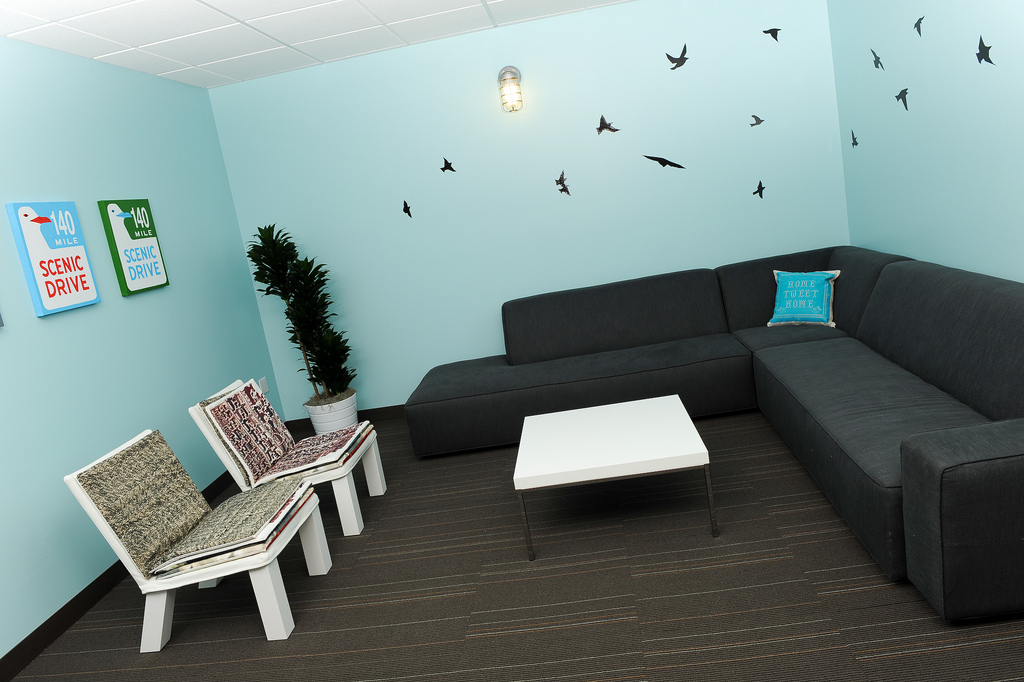
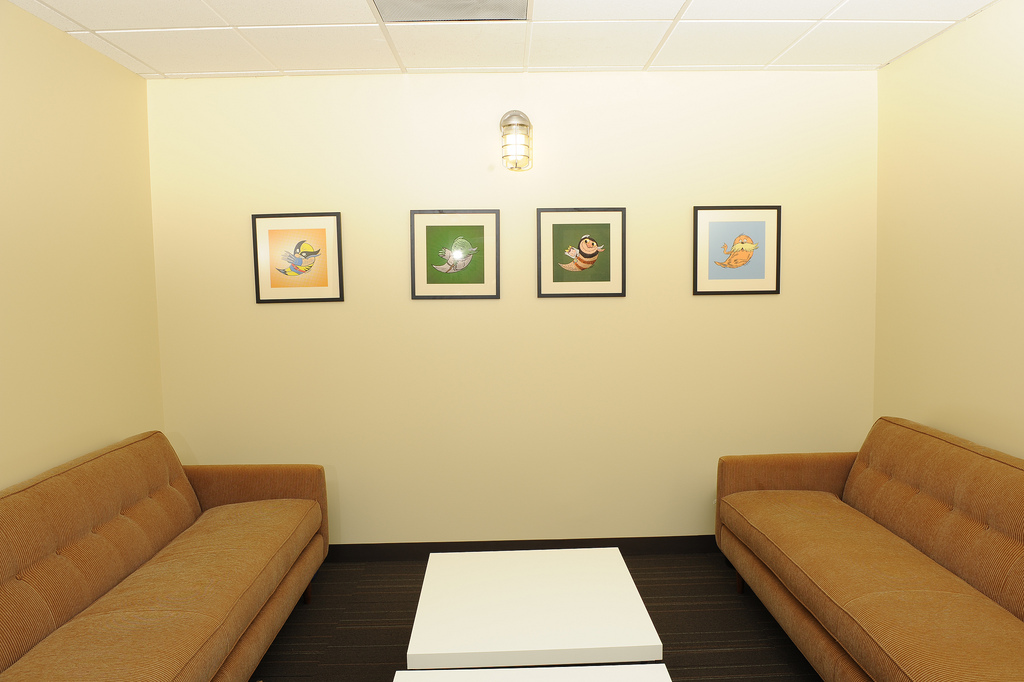
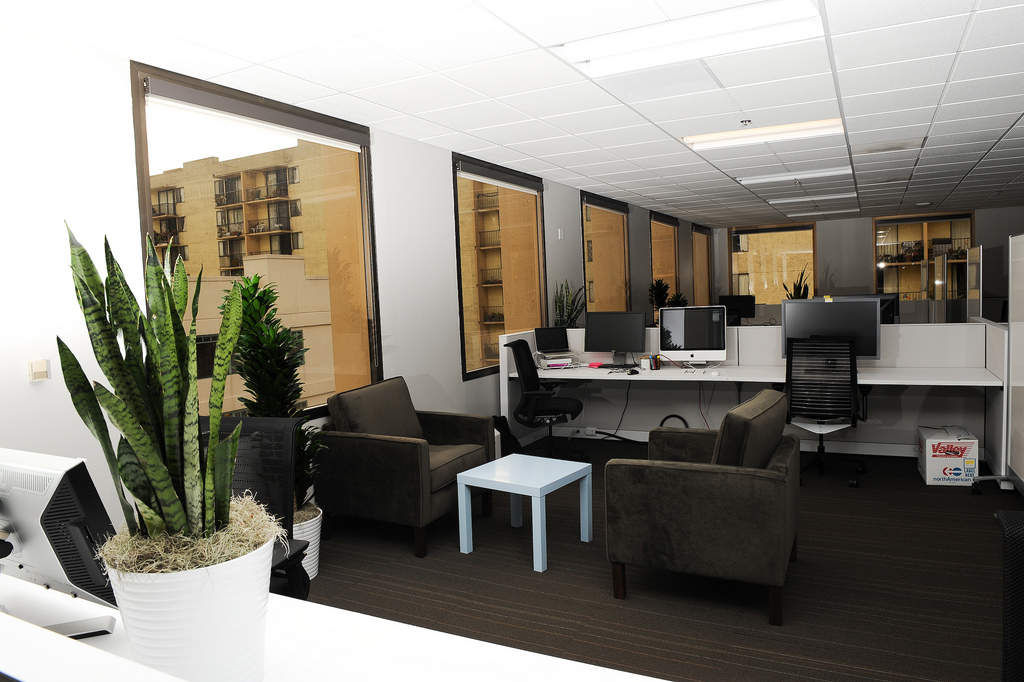
Somehow they managed to make their office as 'cute' as their website.
 |  | 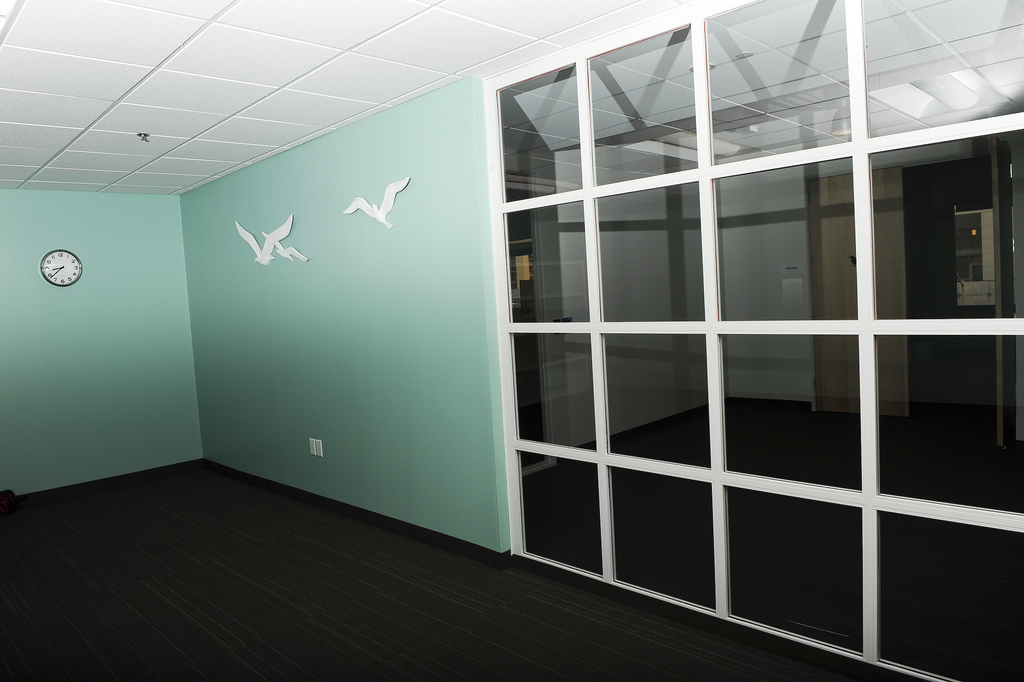 | 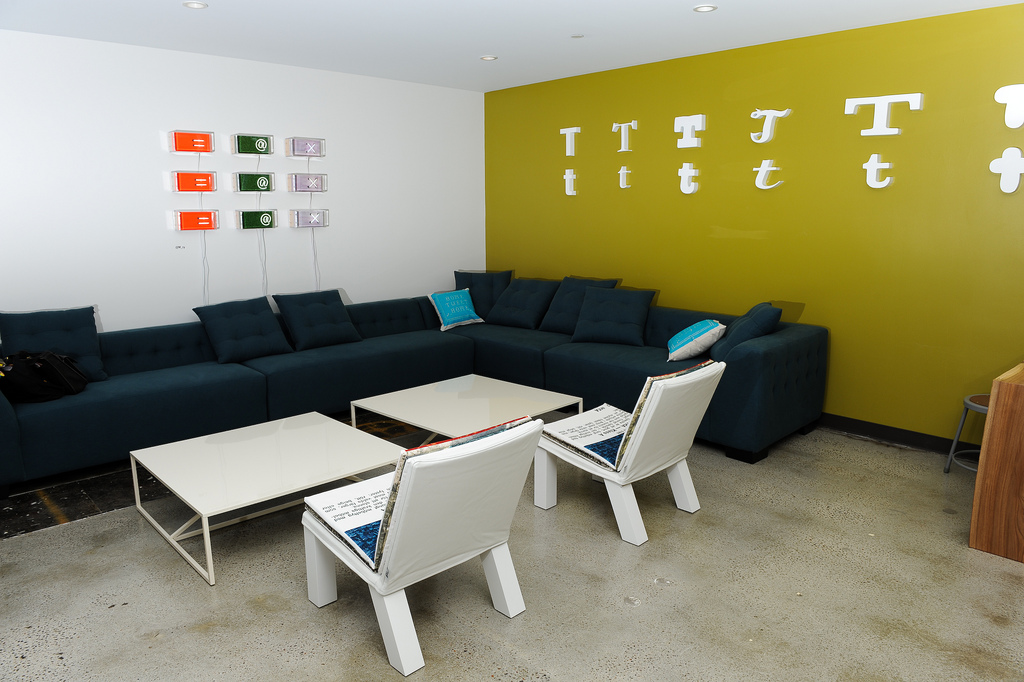 |
 | 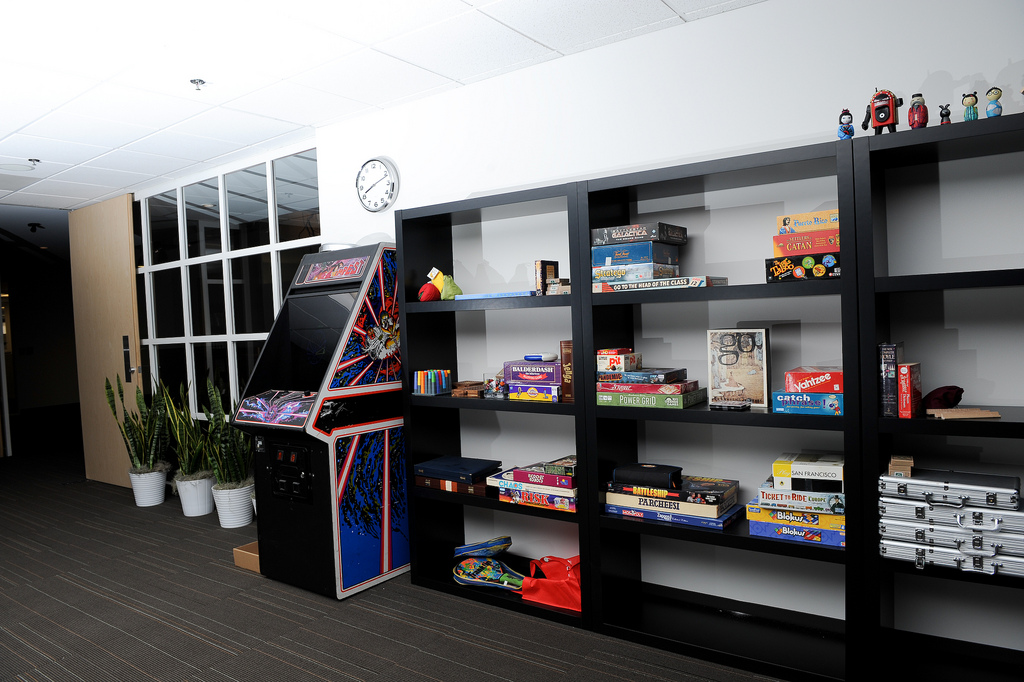 | 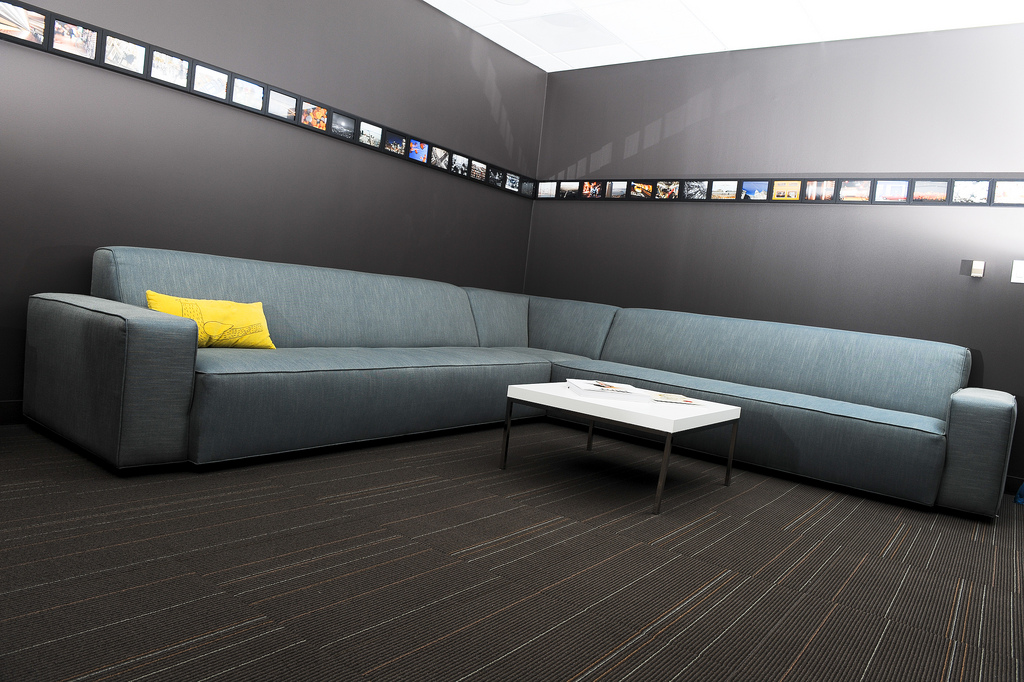 |
Images by Dustin Diaz via Officesnapshots.com
14. Blizzard Entertainment Irvine, California
The most killer office in Cal ? The pics speak for themselves. This where the magic happens: from WarCraft, StarCraft, Diablo and a brand new IP still in secrecy.


 |  |  |  |
via Blizzard.com
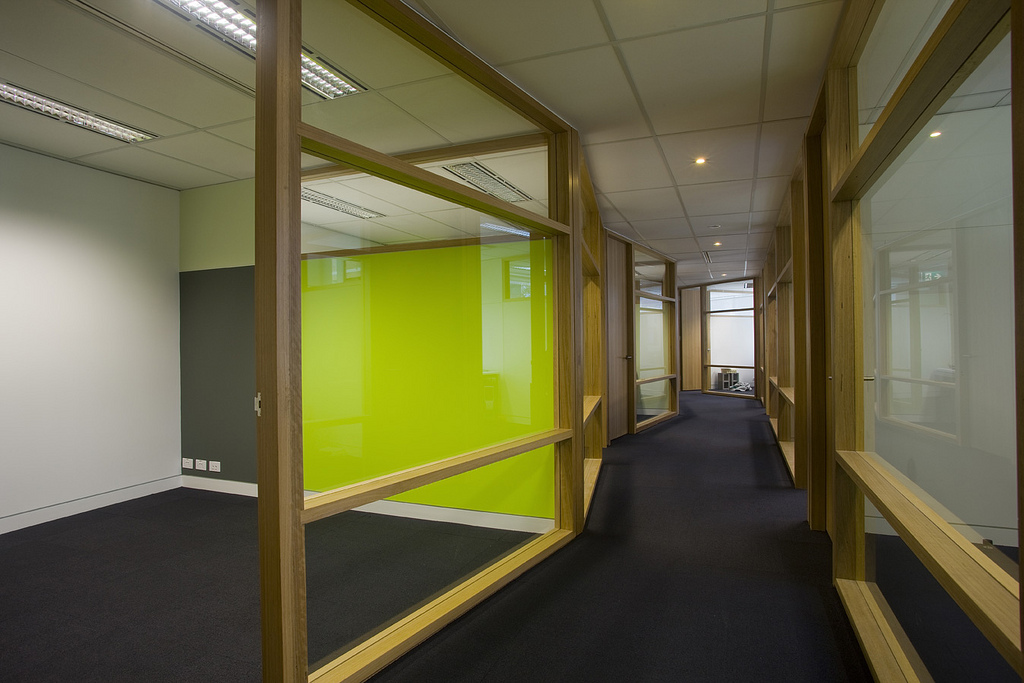
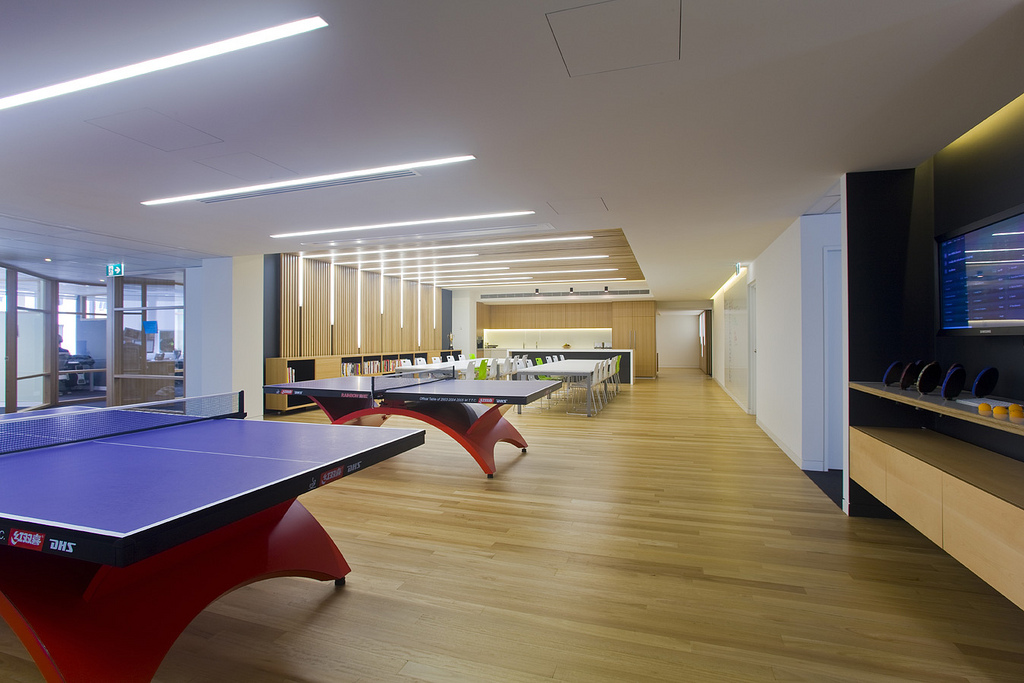
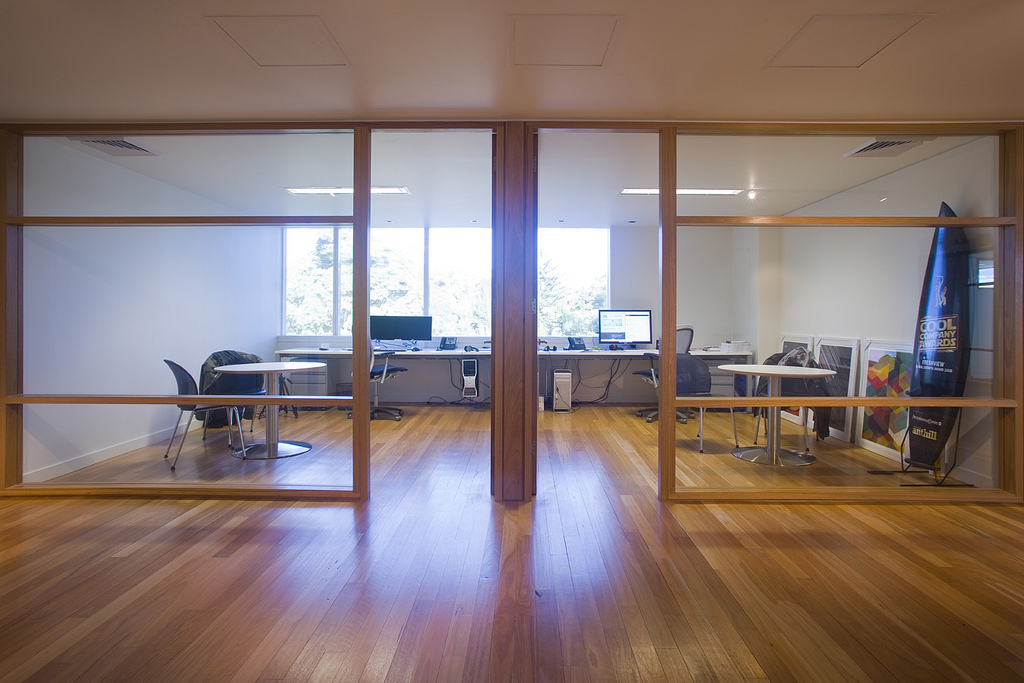
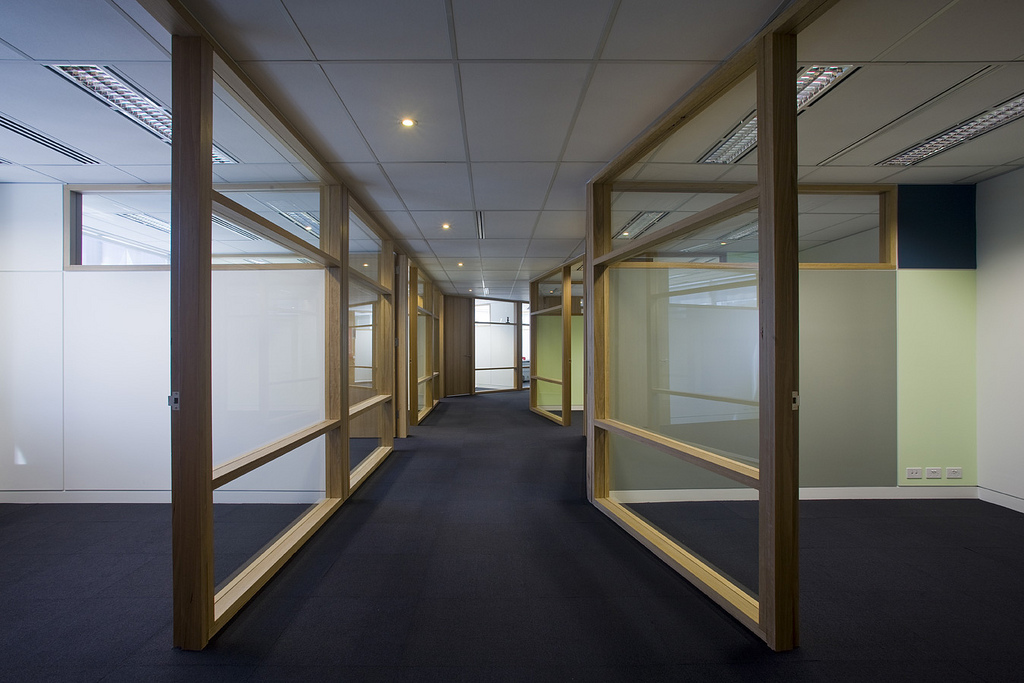
13. Campaign Monitor Sutherland, Australia
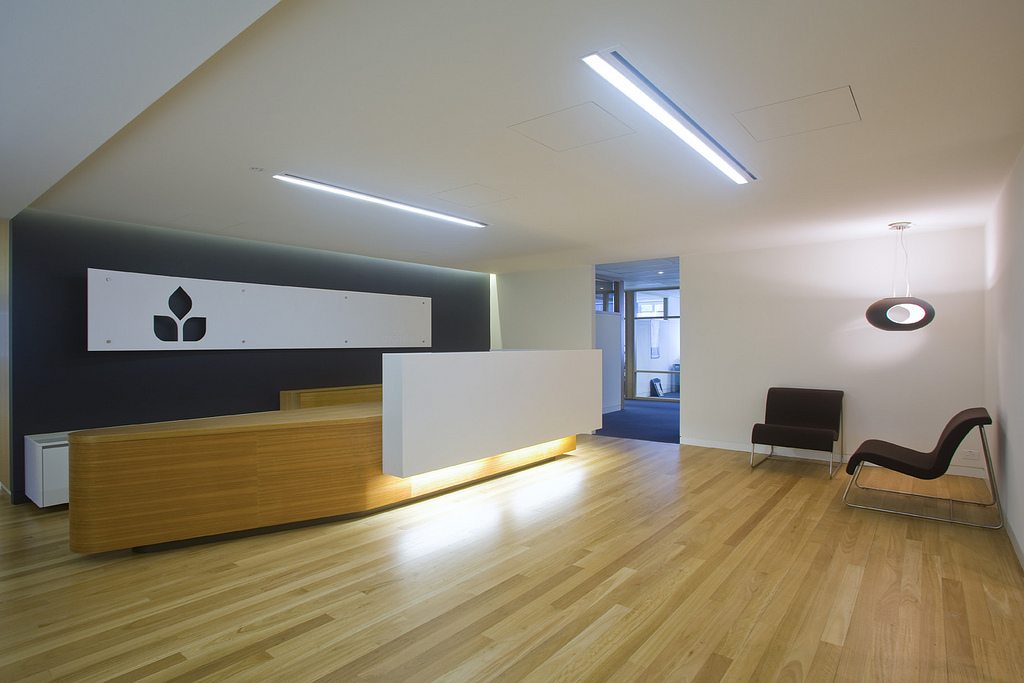
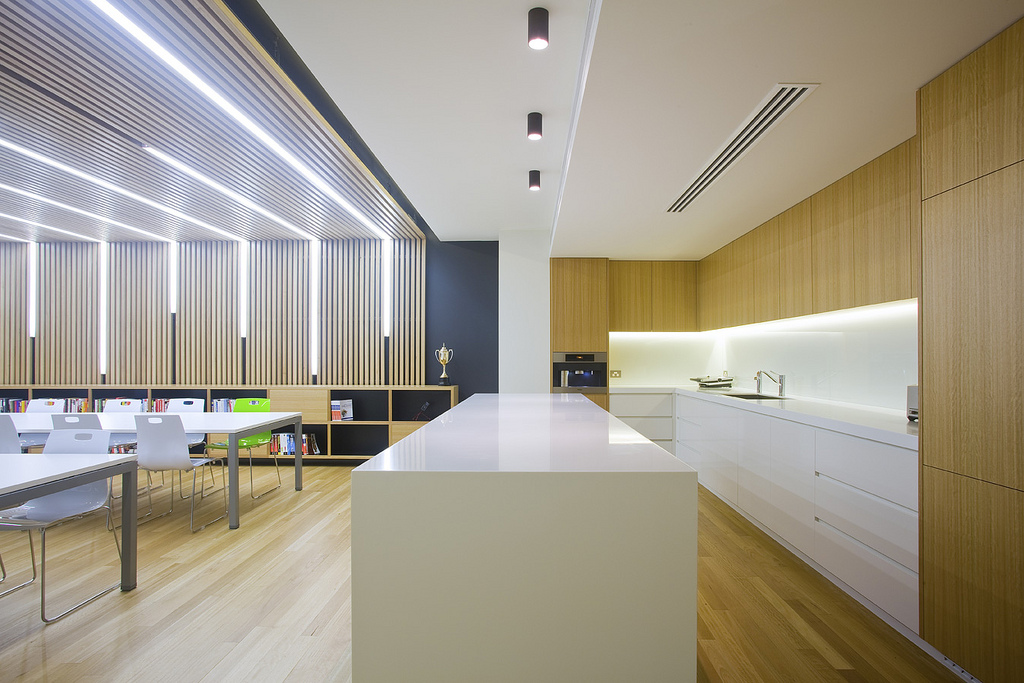
In 2008 the Freshview team, makers of Campaign Monitor, set out to create the ultimate office for startup developers. Then in the summer of 2010, they got another new office. Here it is.
 |  |  |  |
 |  |
via Campaign Monitor
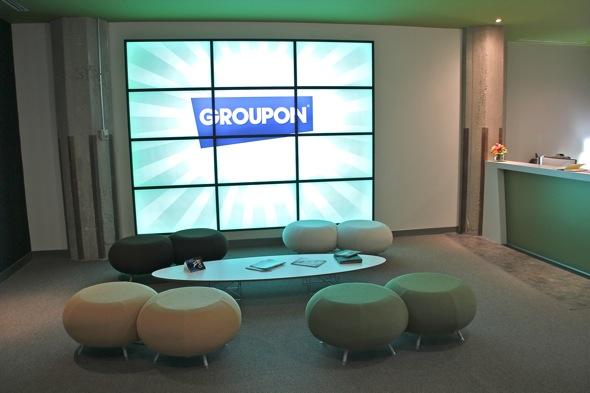
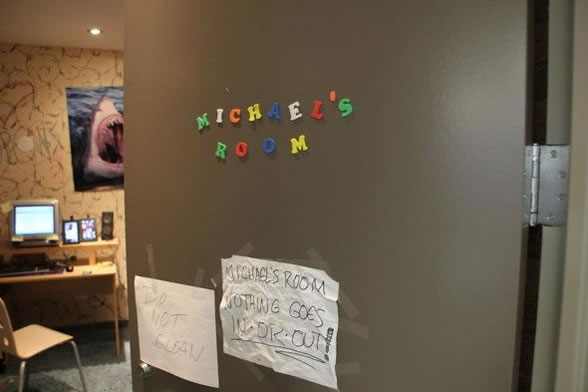
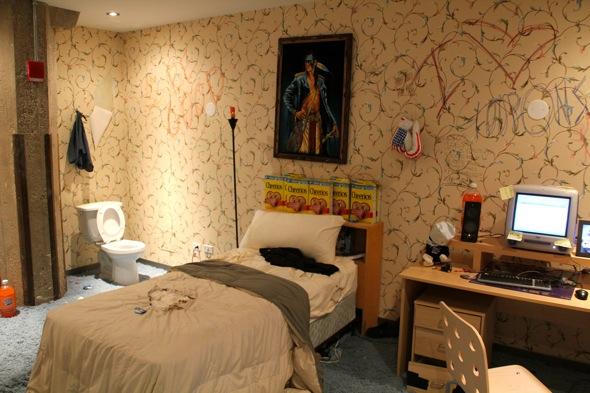
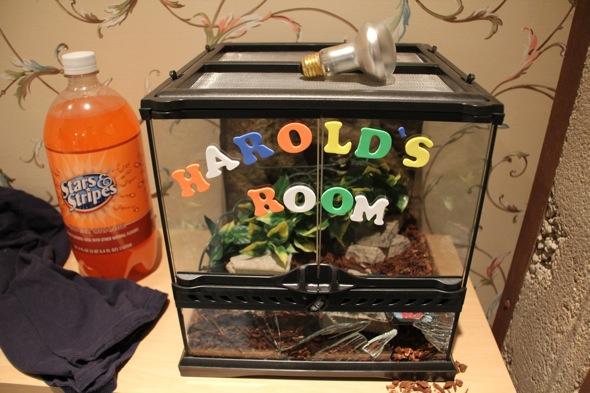
Yada yada yada, Groupon is hugely successful - ok now checkout Micheal's room!
 | 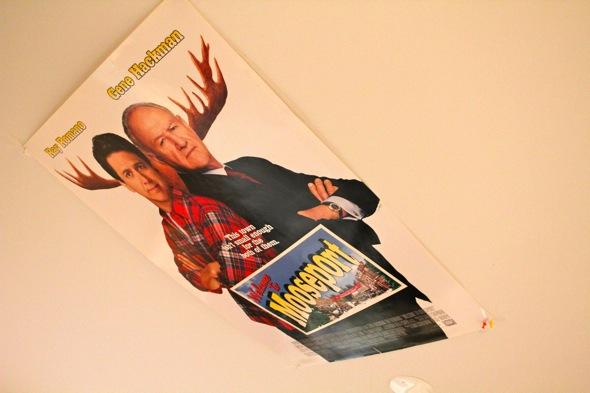 |  | 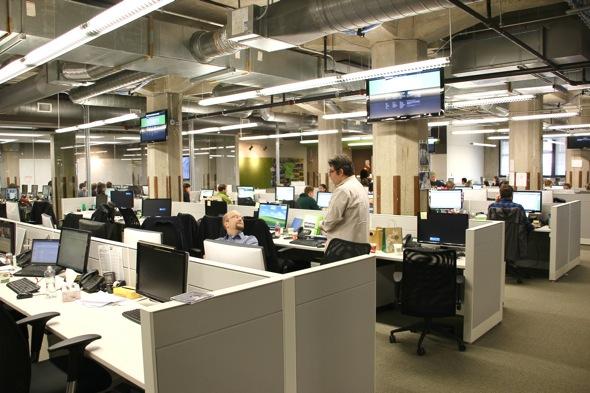 |
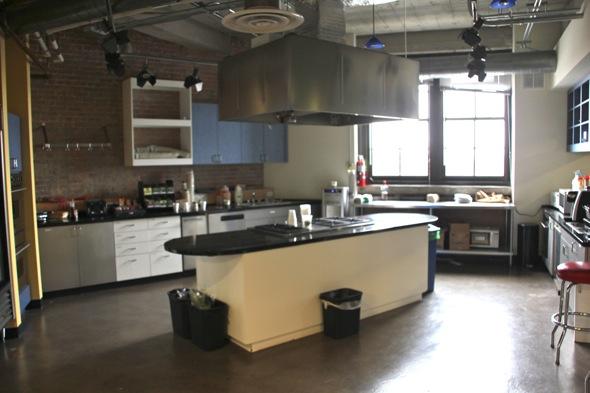 | 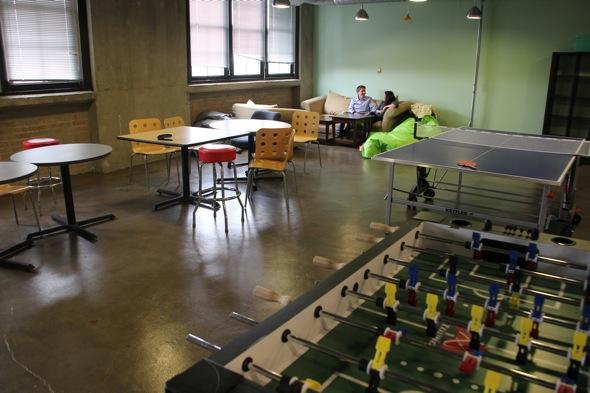 | 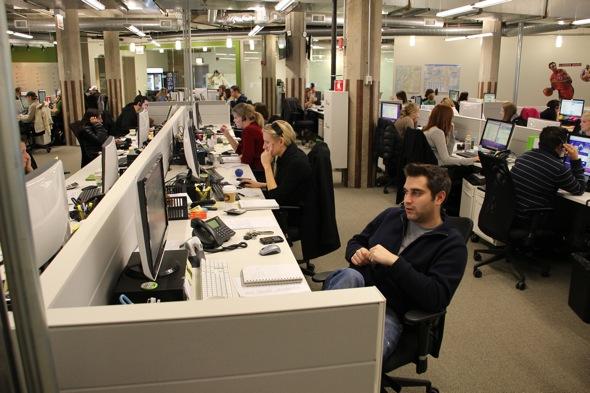 |
Images via Businessinsider.com
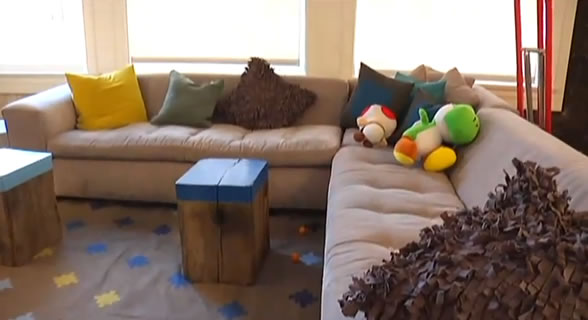
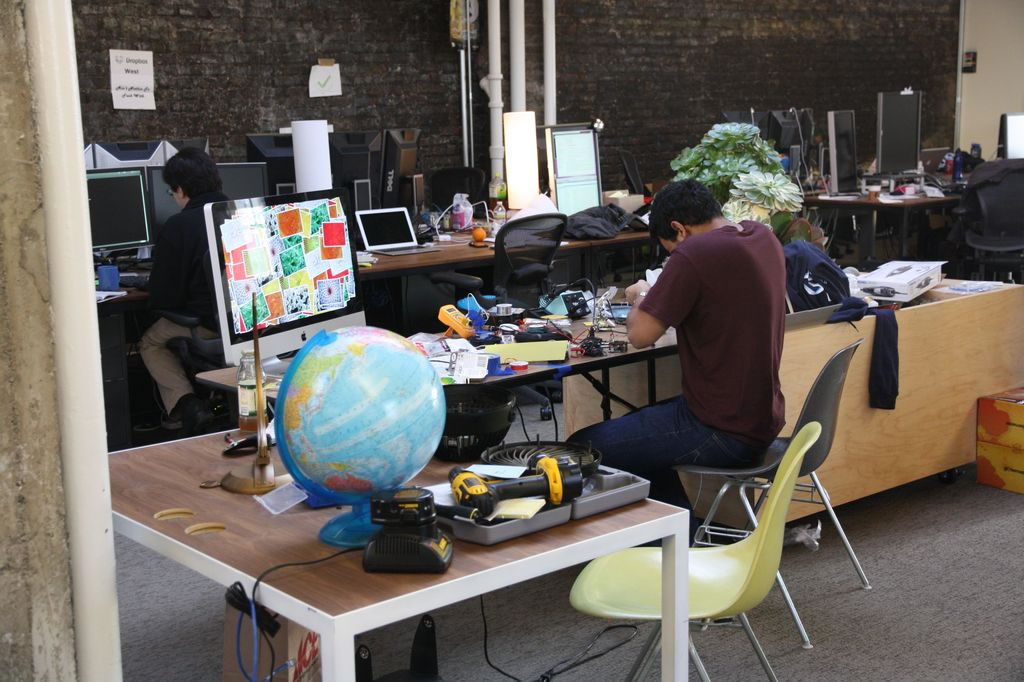
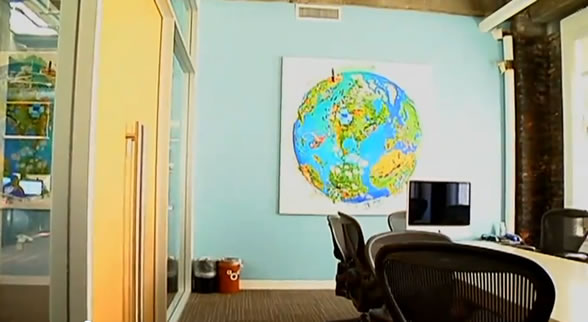
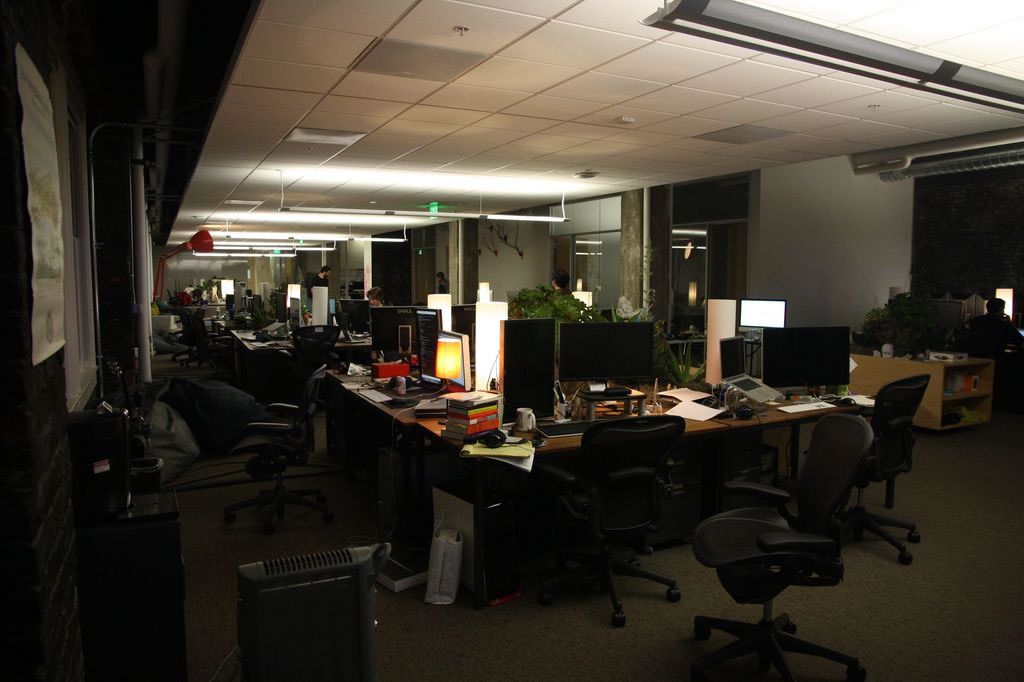
11. Dropbox San Francisco, California
Dropbox has grown to become one of the top companies to come out of YCombinator. Their brand new office in downtown San Fran is proof.
 |  |  |  |
 | 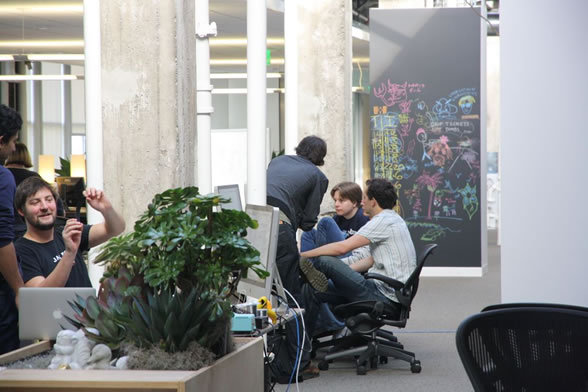 | 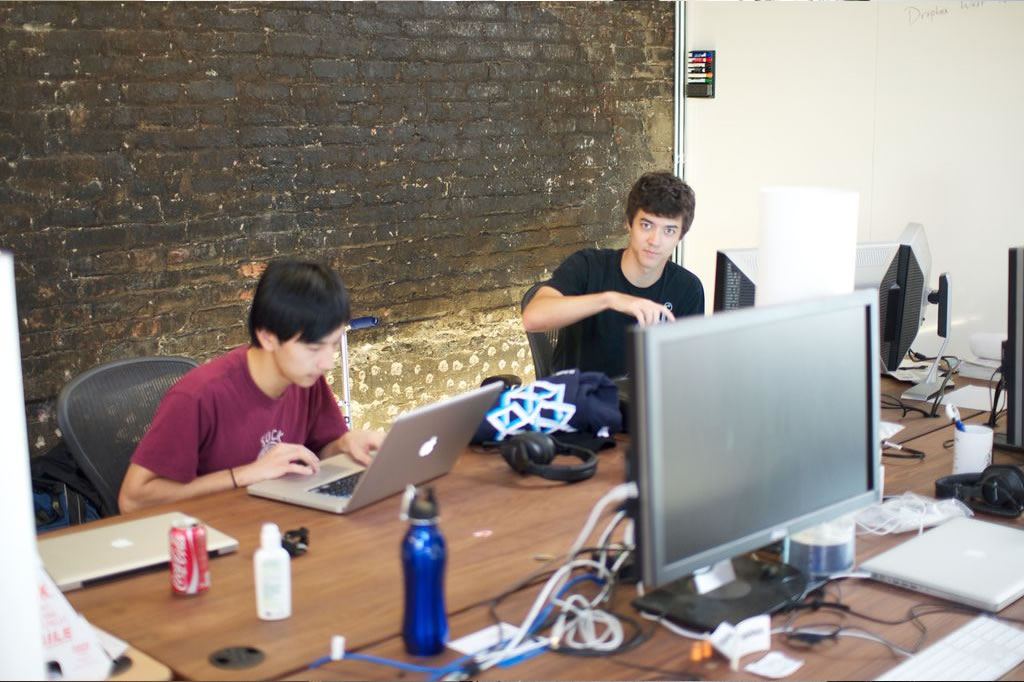 |  |
via Dropbox and TechCrunch
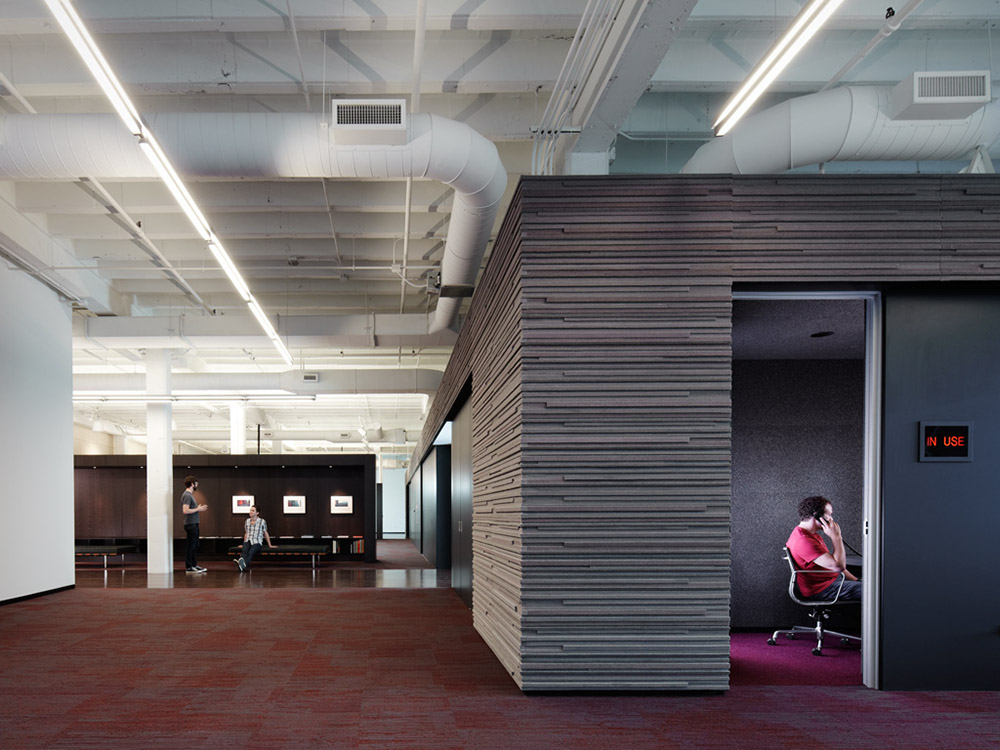
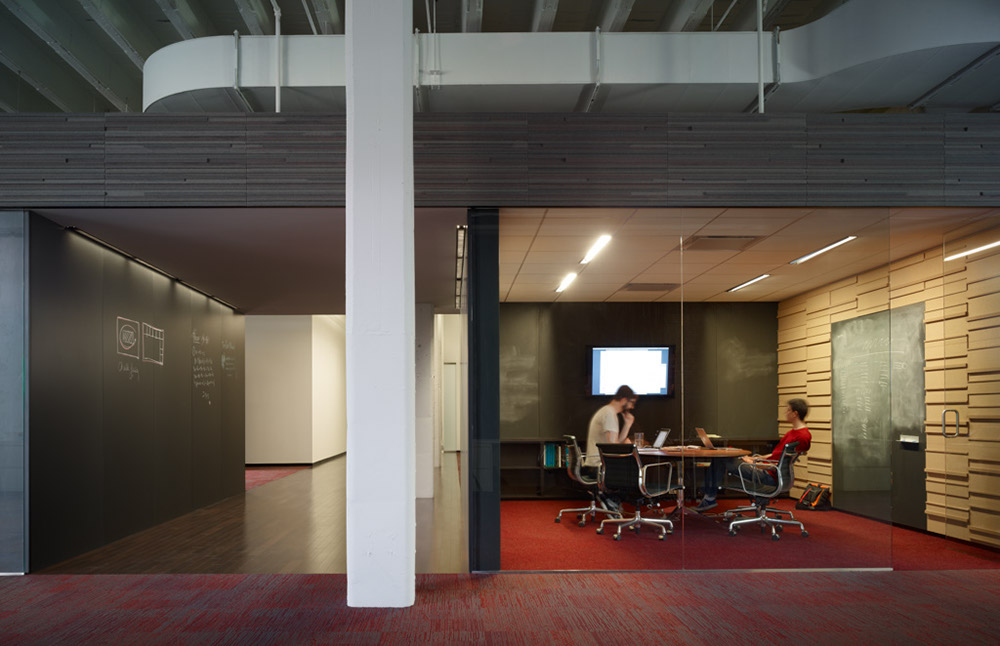
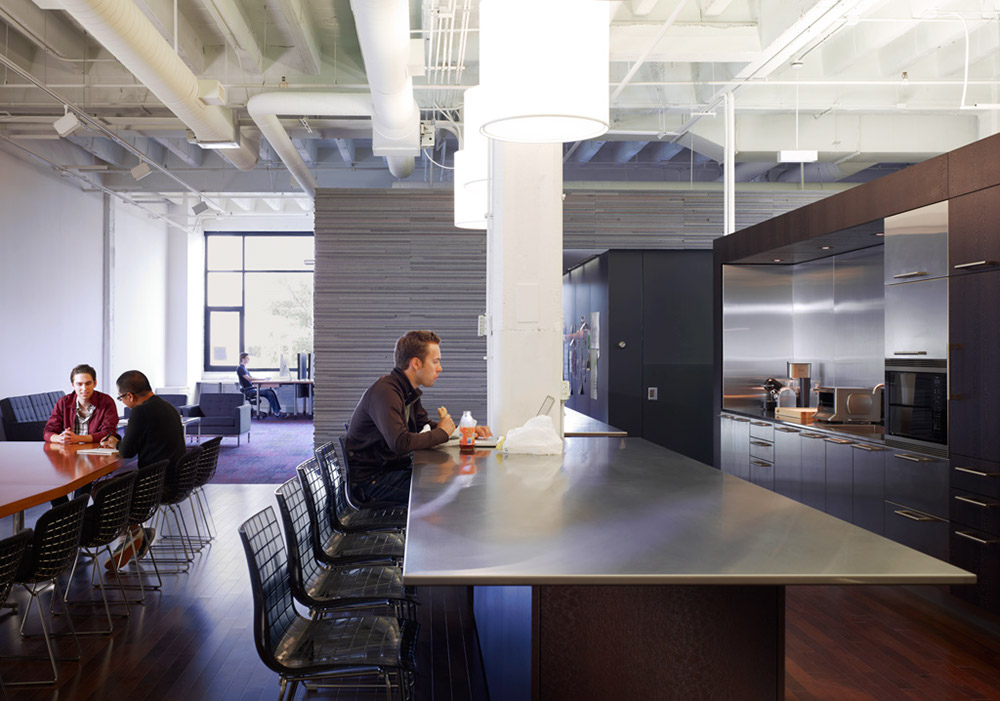
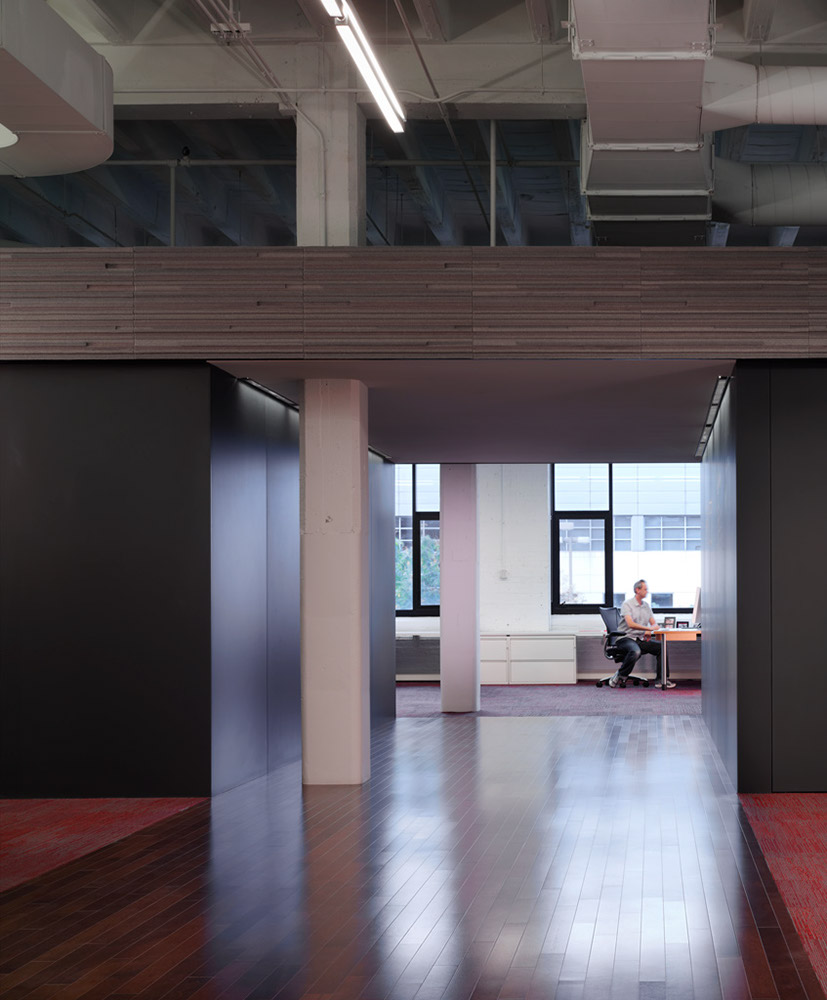
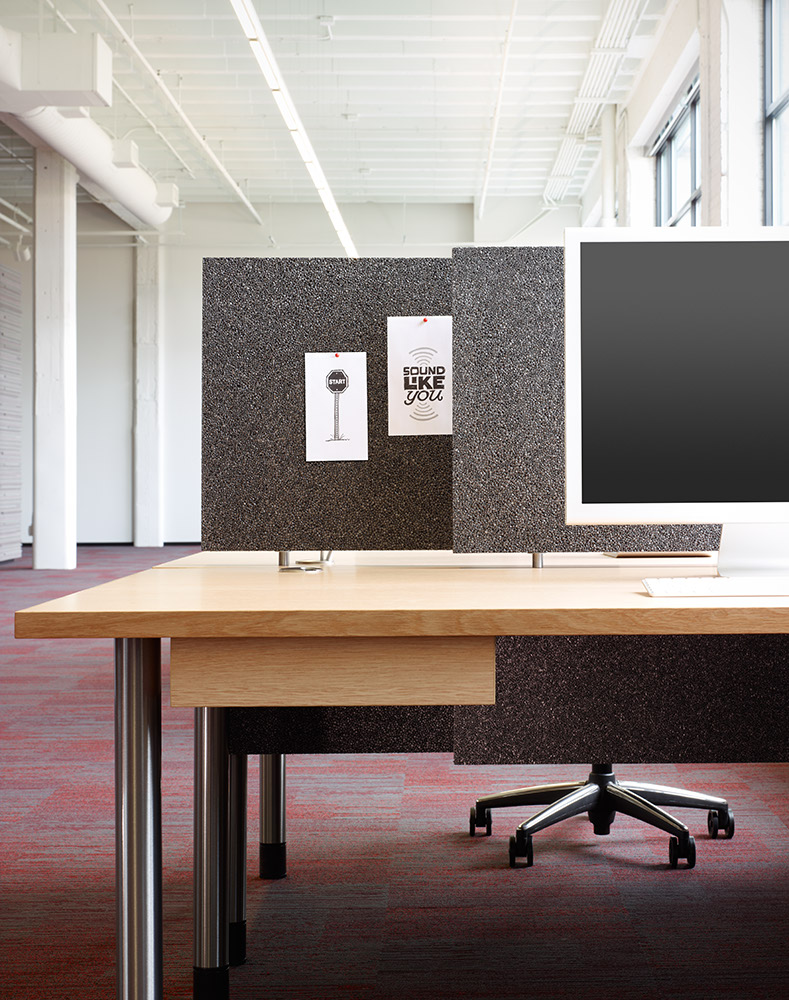
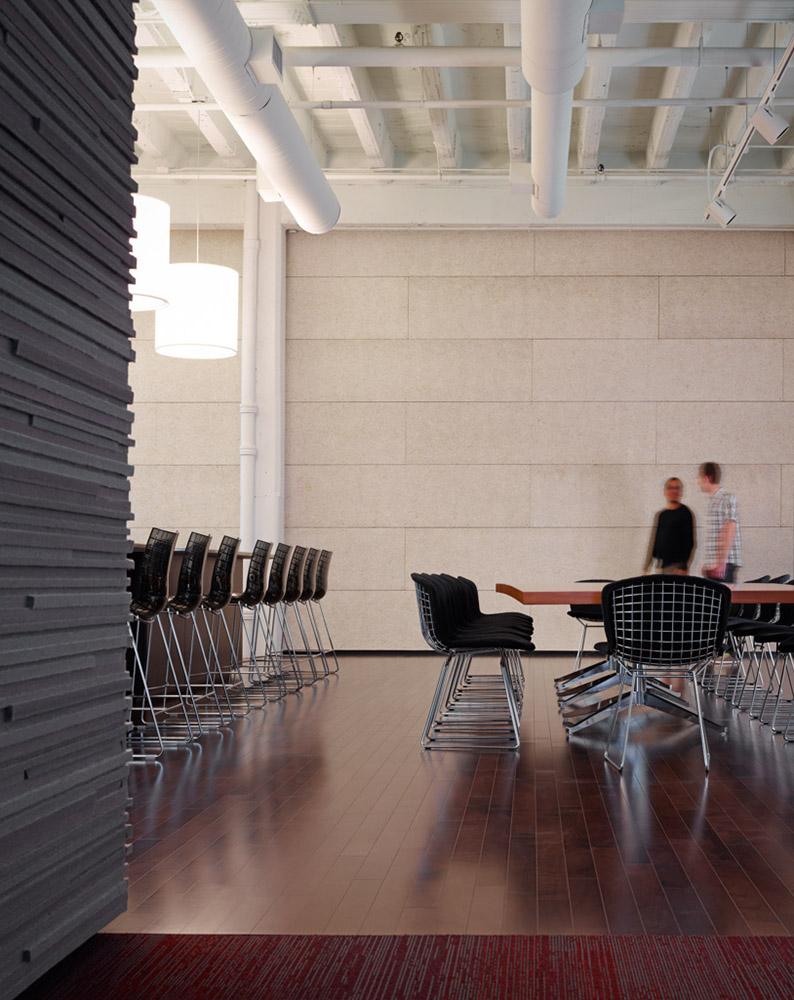
10. 37Signals Chicago, Illinois
The 37Signals team went with an 'inwardly focused' office layout for their new office; freshly built in summer 2010.
 |  |  |  |
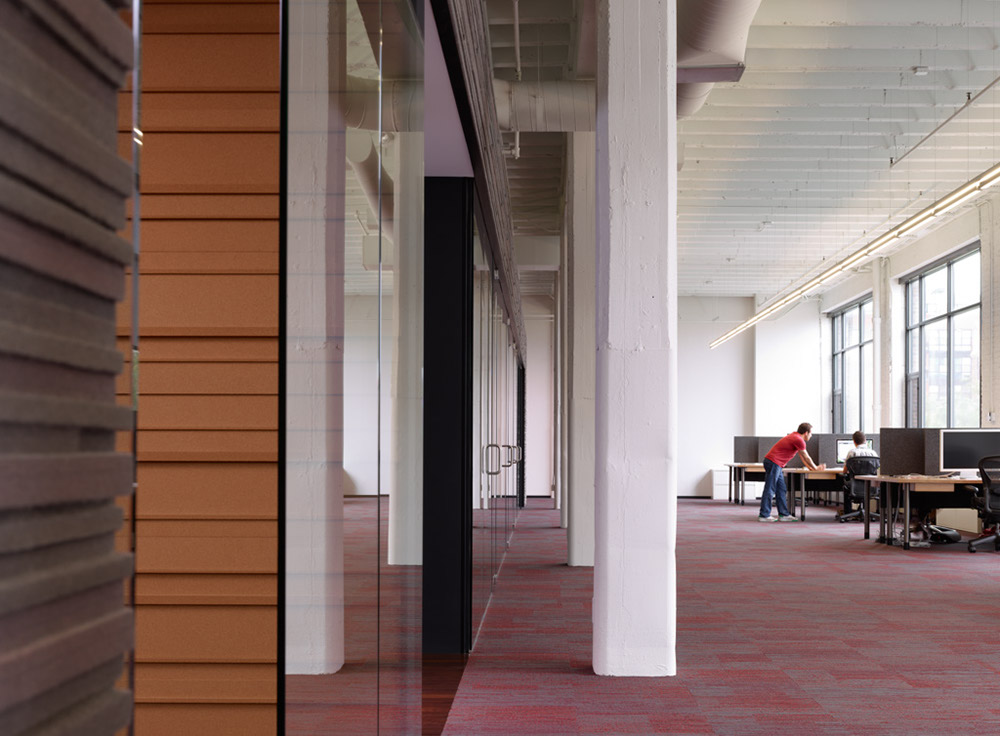 |
via 37Signals
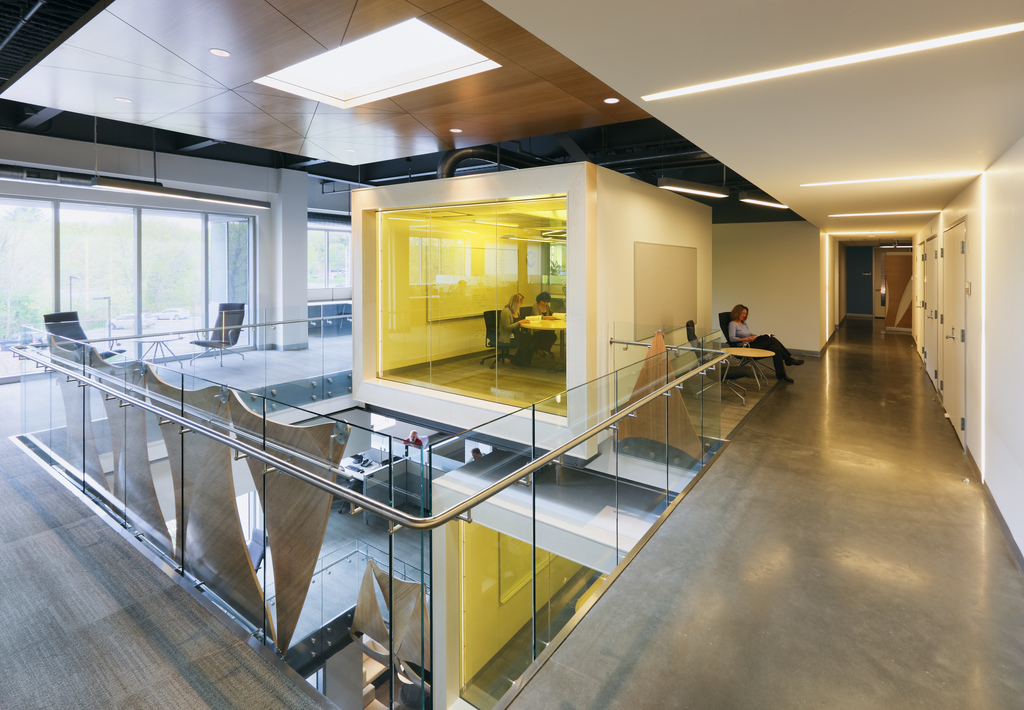
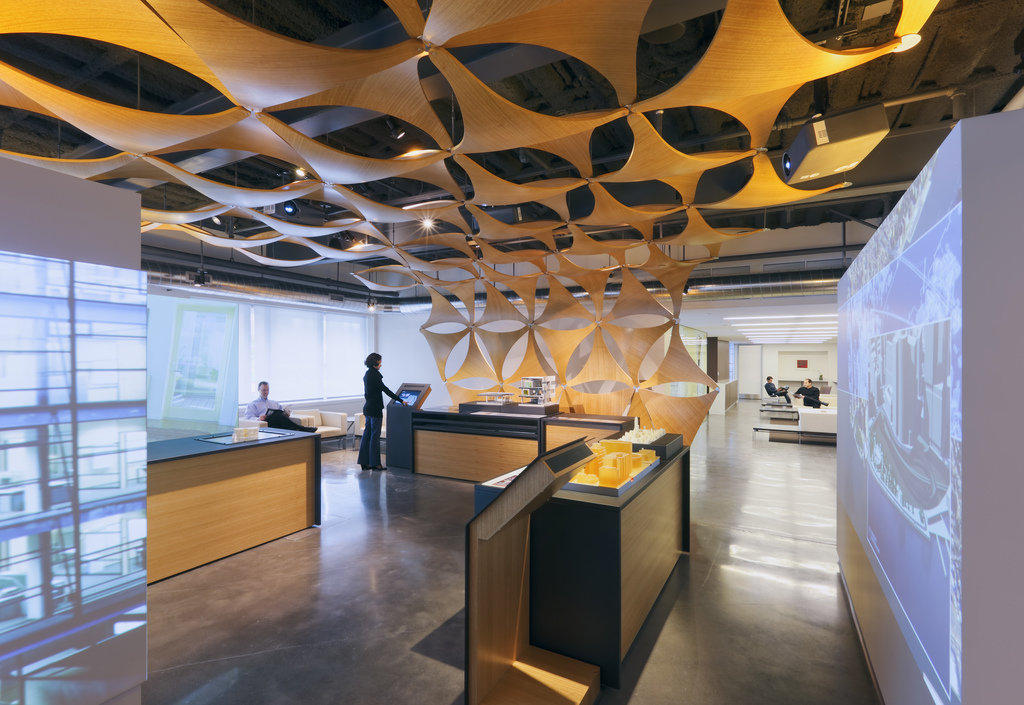
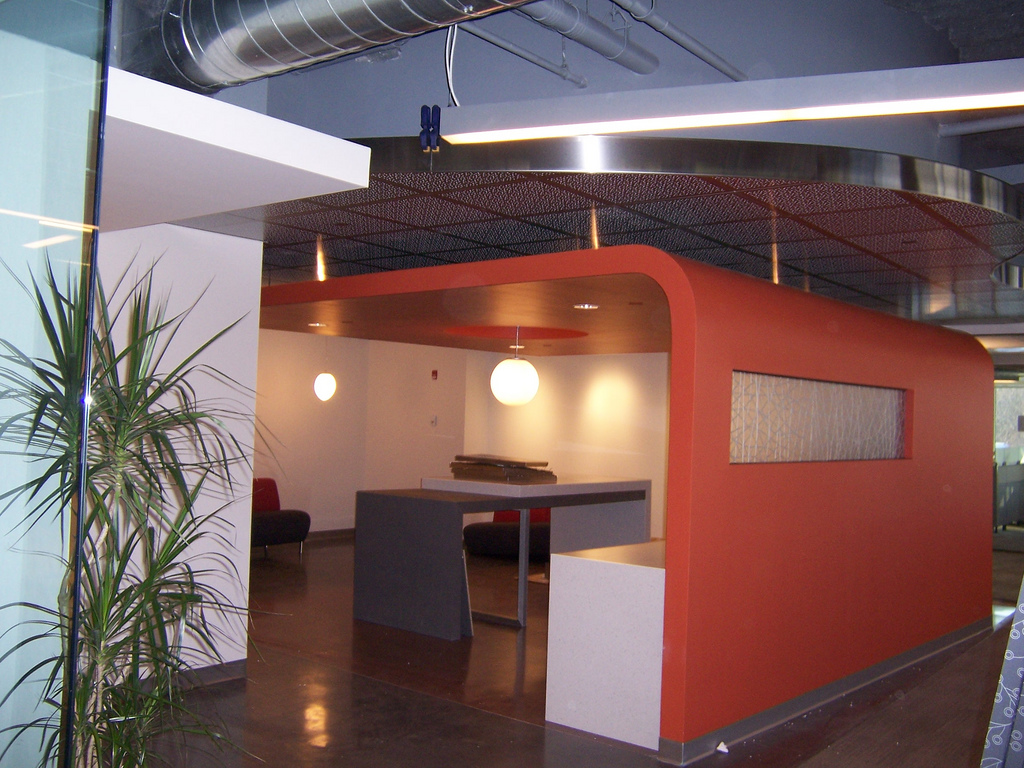
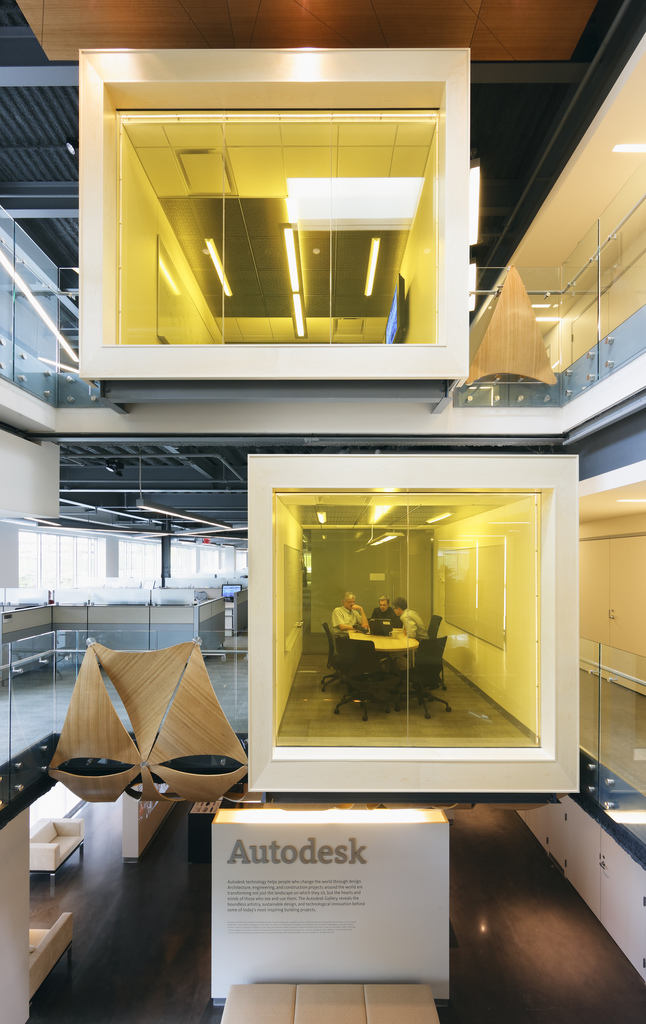
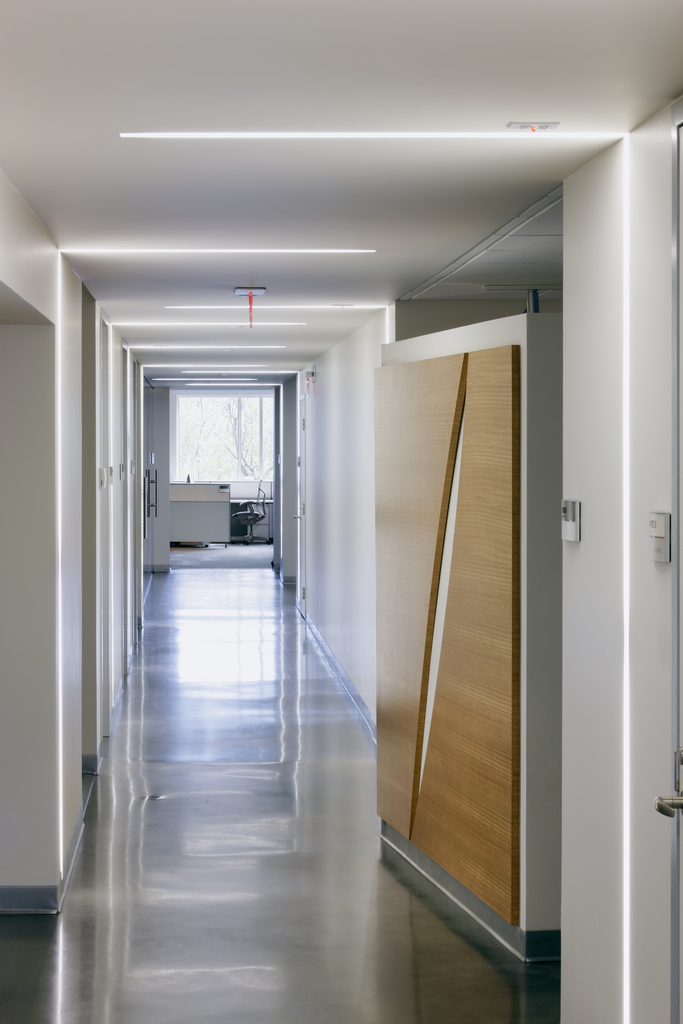
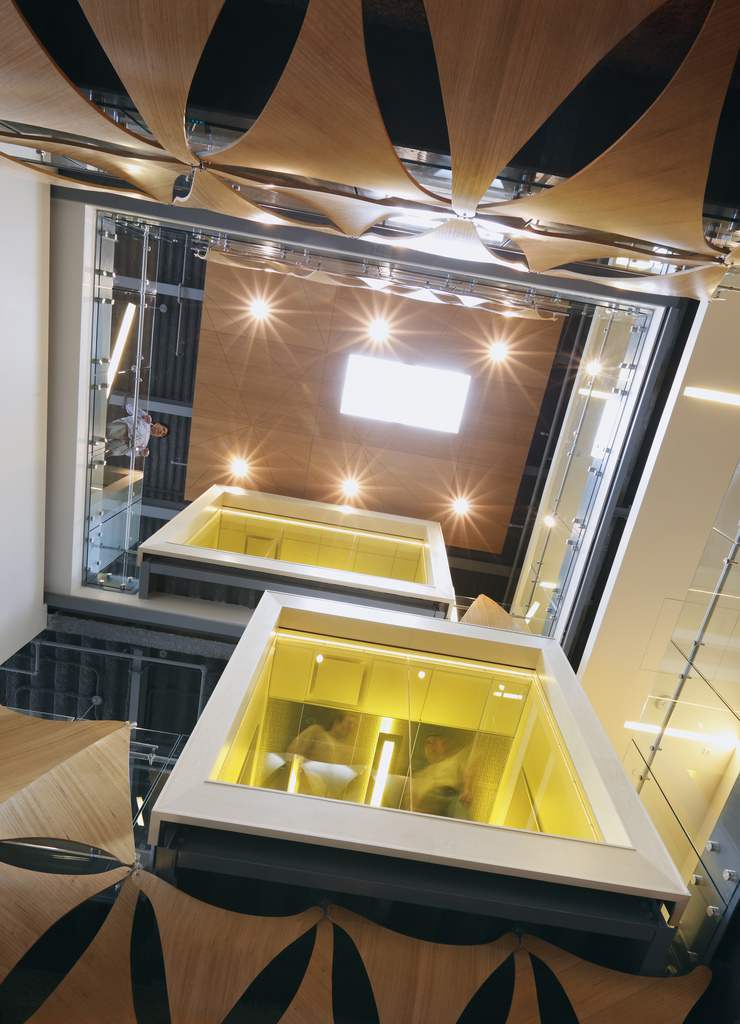
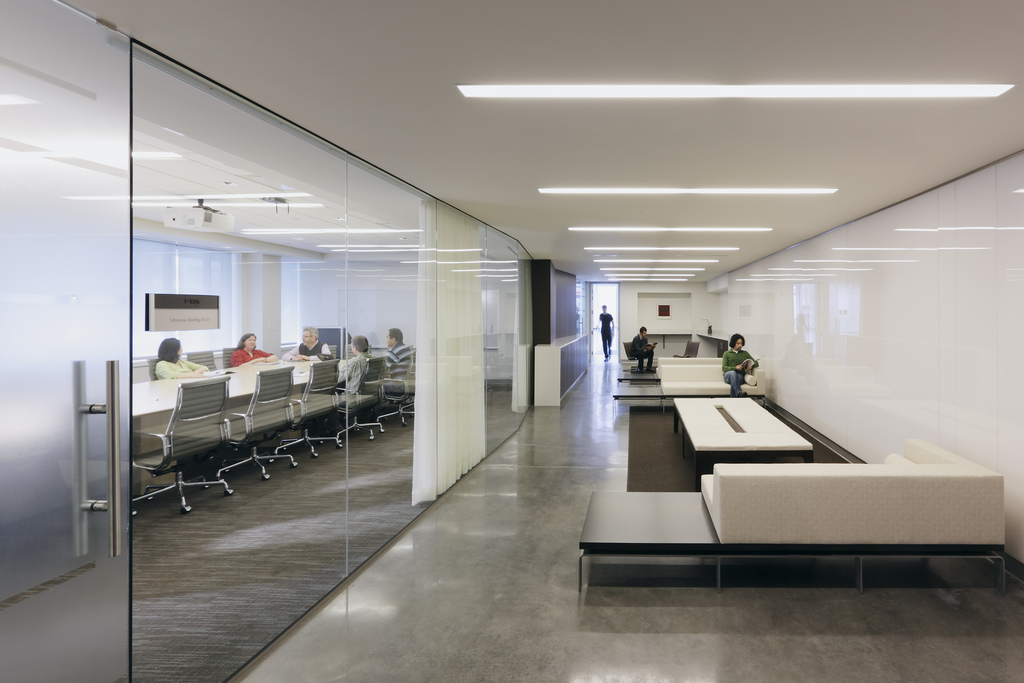
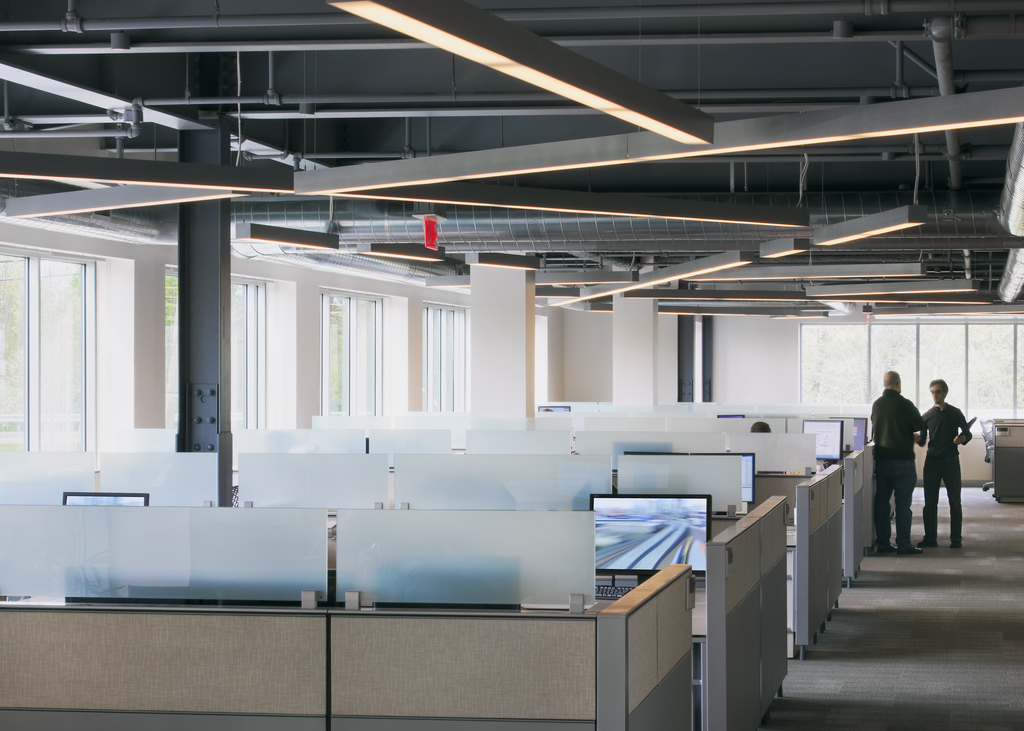
9. Autodesk Waltham, Massachusetts
A company that makes architectural software should have a pretty damn good office.
They do.
 |  |  |  |
 |  |  |
Taken by Jeff Goldberg at Esto Photography
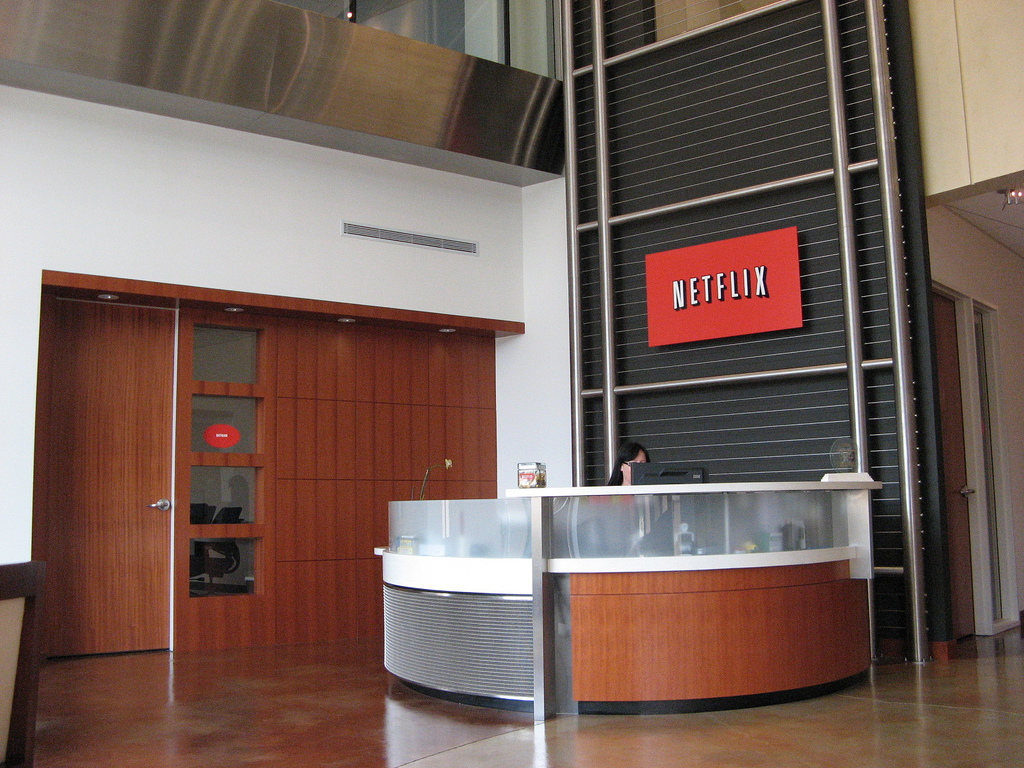
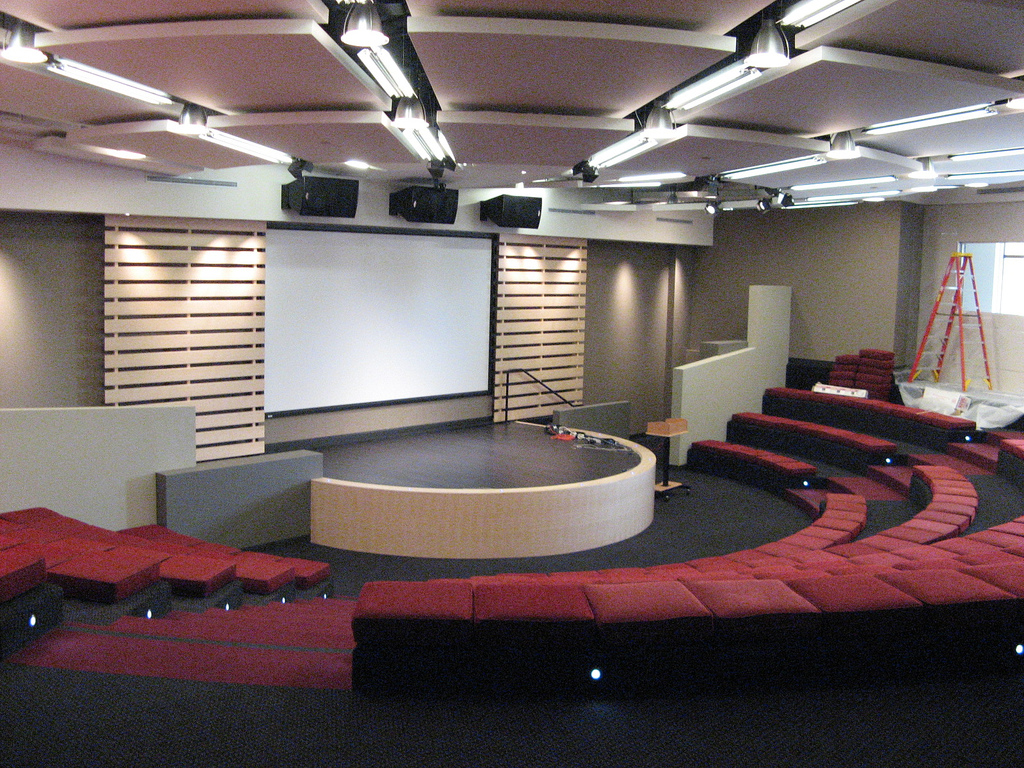
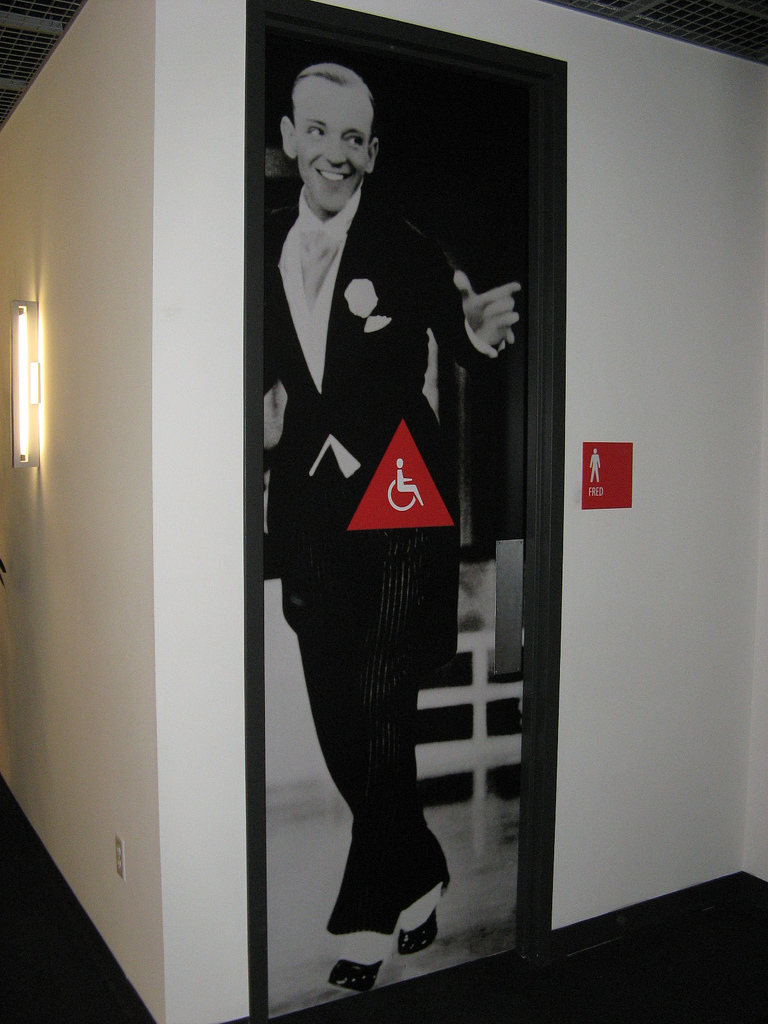
8. Netflix Los Gatos, California
Unlimited vacation time. All the stock options you want. Movies all day. And yes, a really killer office. Who wouldn't want to work here?

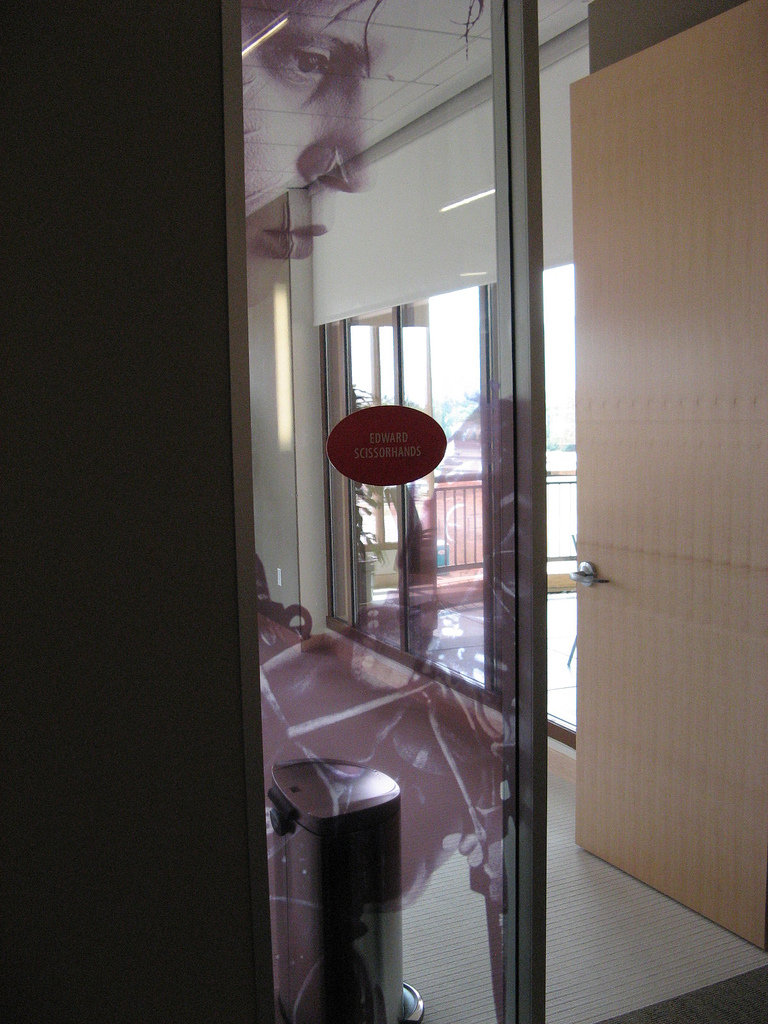 | 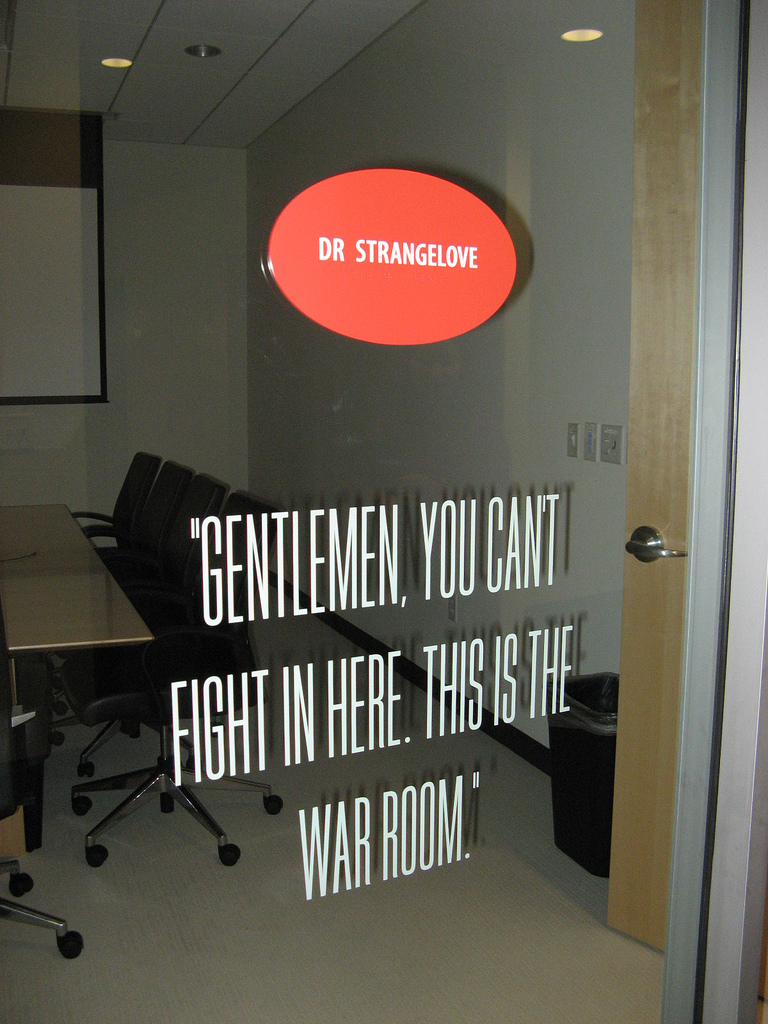 | 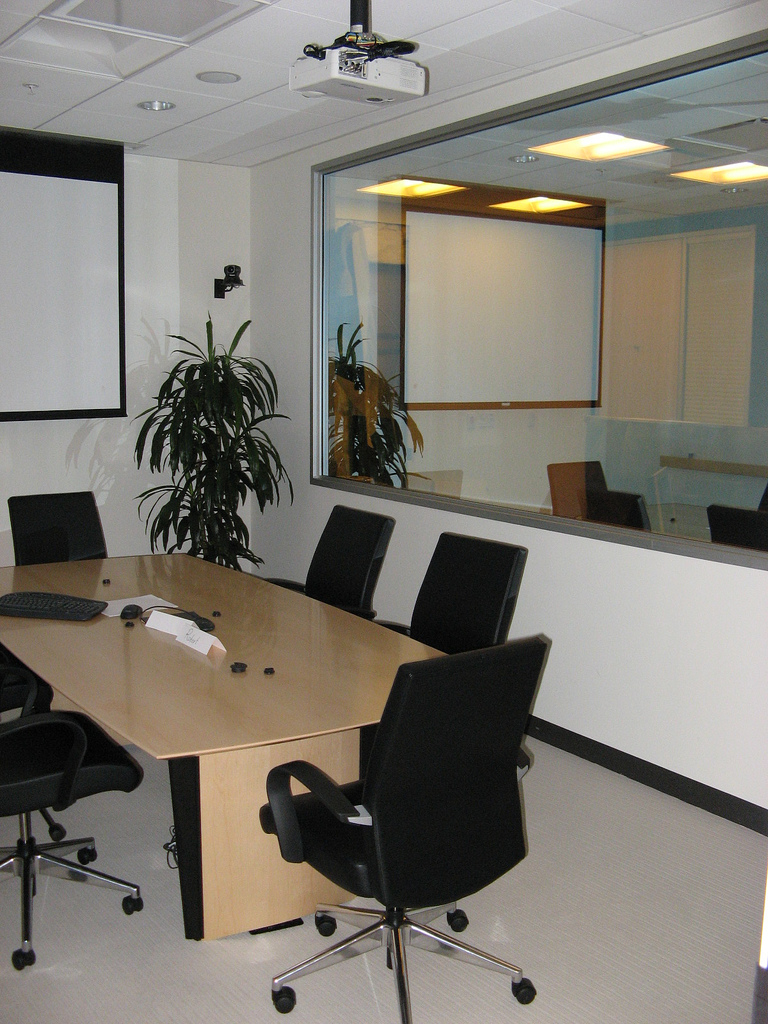 |  |
via HackingNetflix
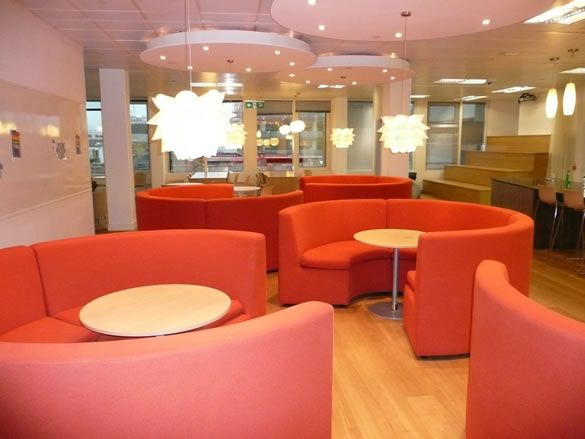
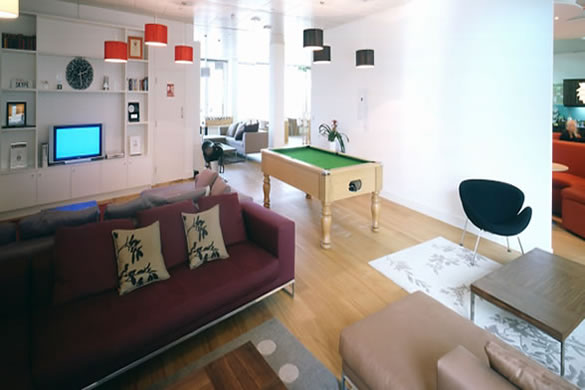
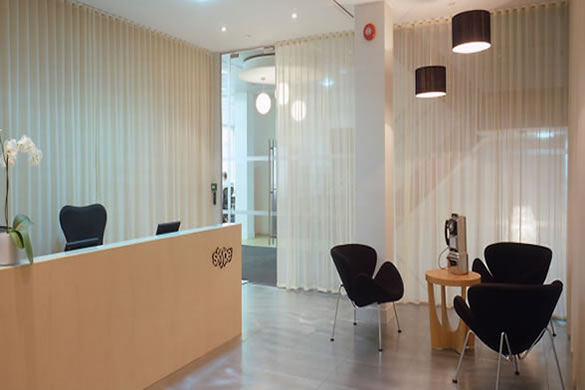
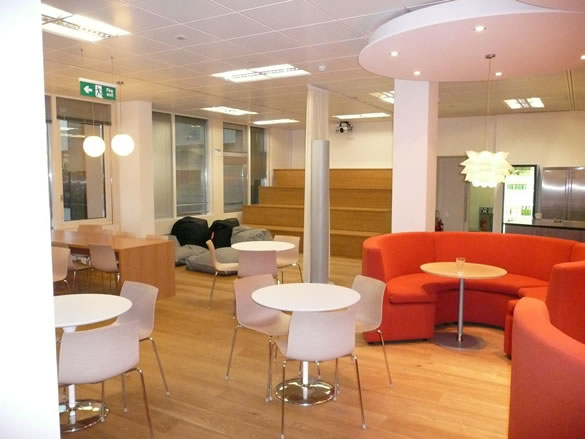
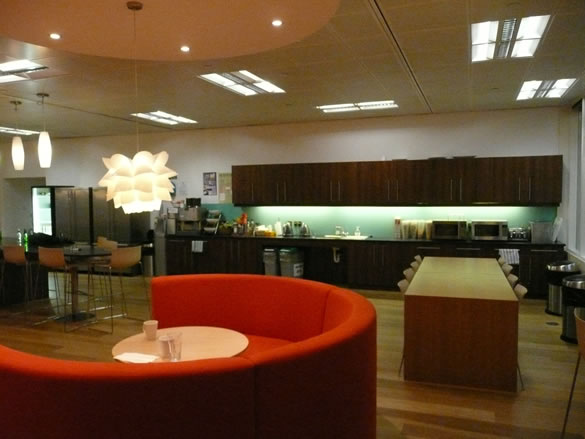
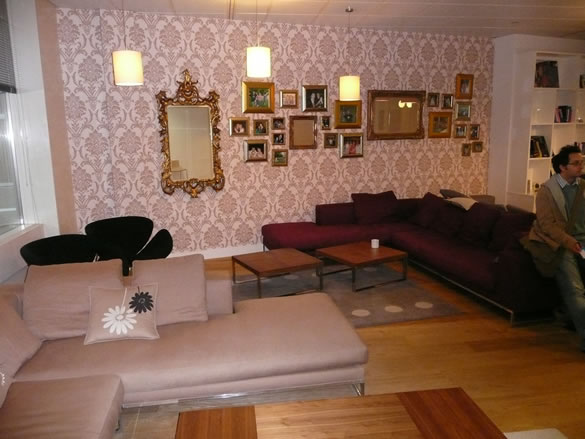
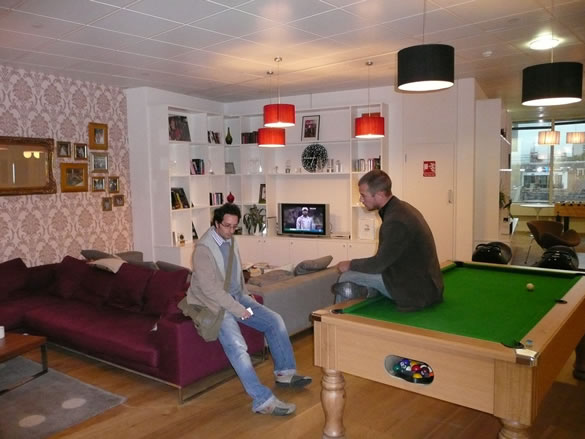
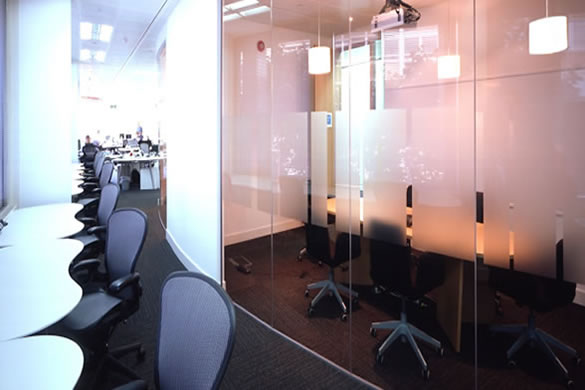
7. Skype London
The Skype London office is a comfortable, classy place. Thing seem pretty laid back... do they even get anything done here!
 |  |  |  |
 |  |
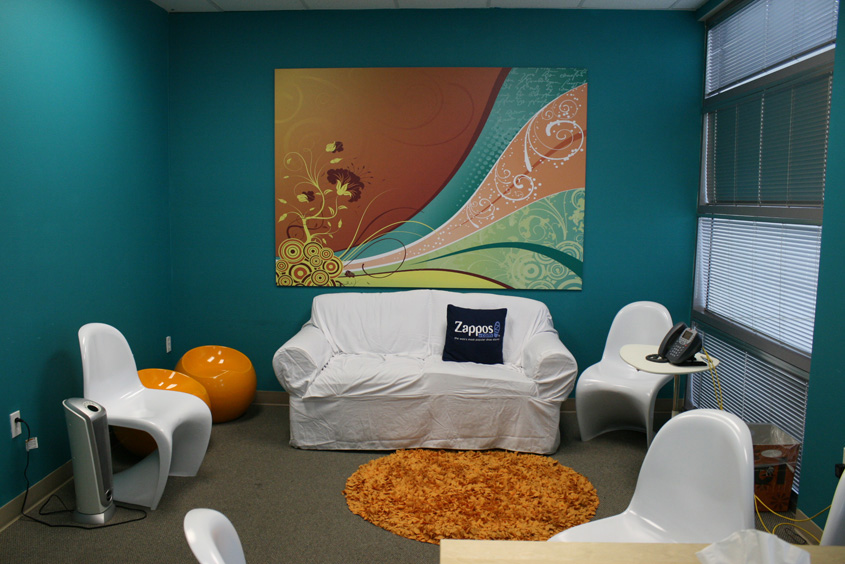
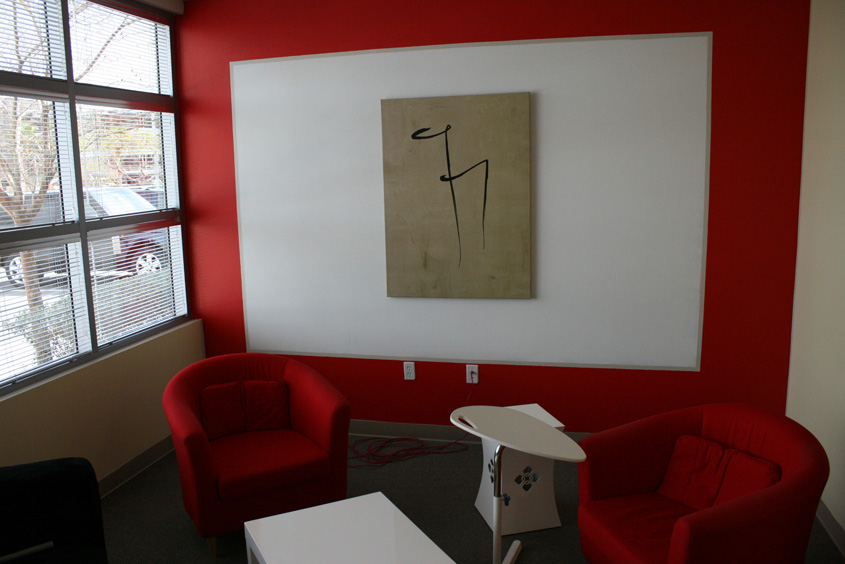
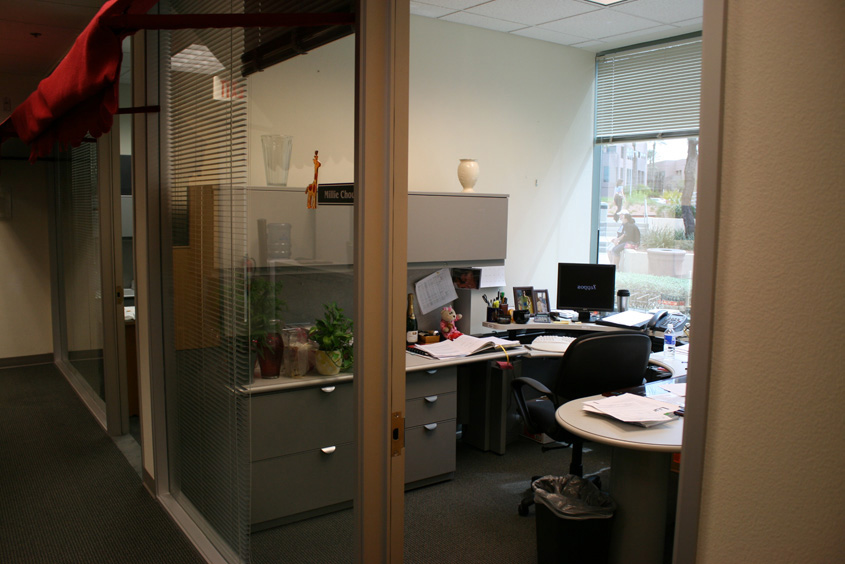
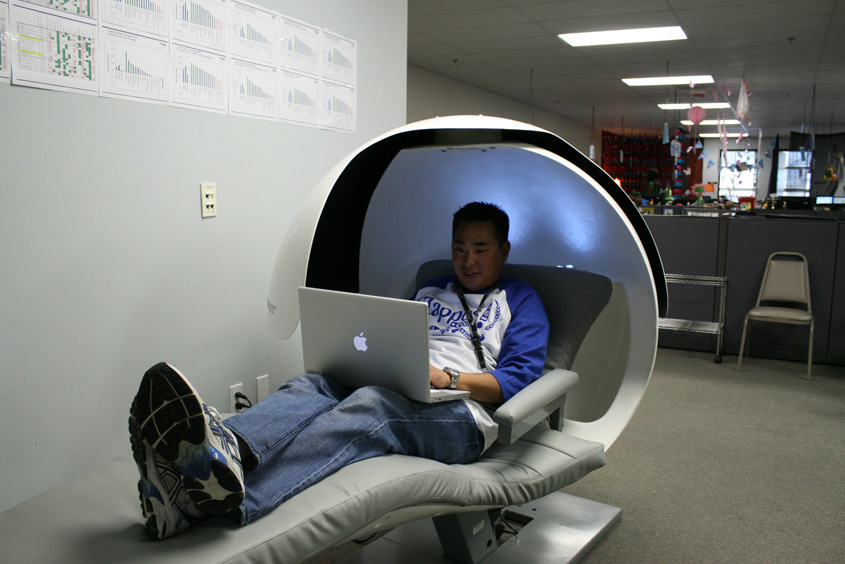
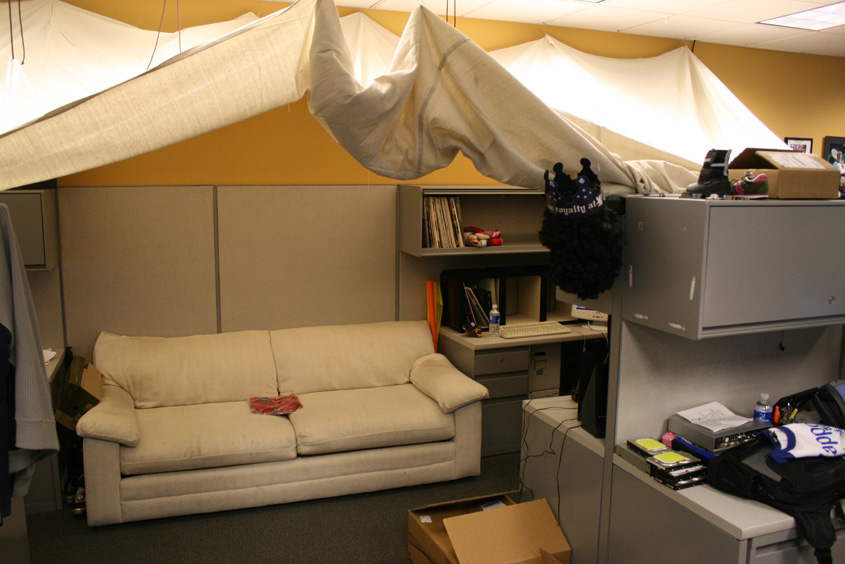
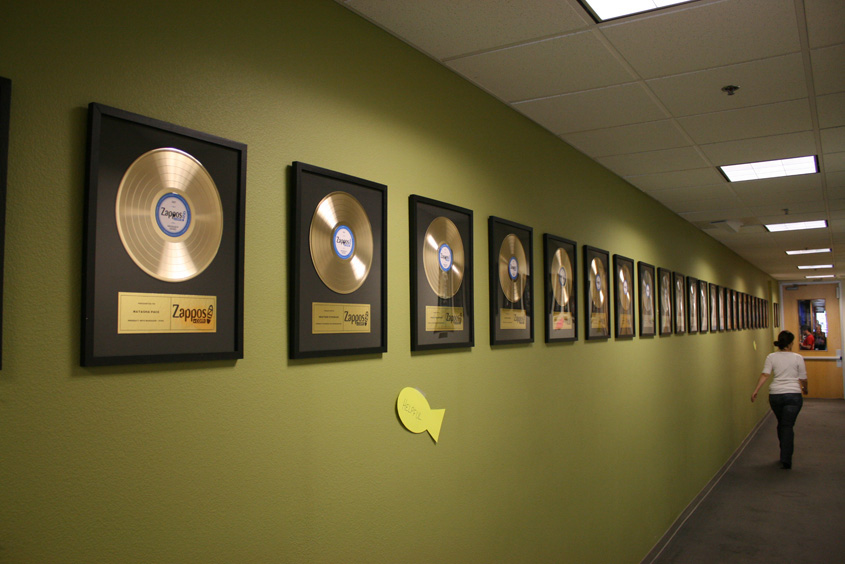
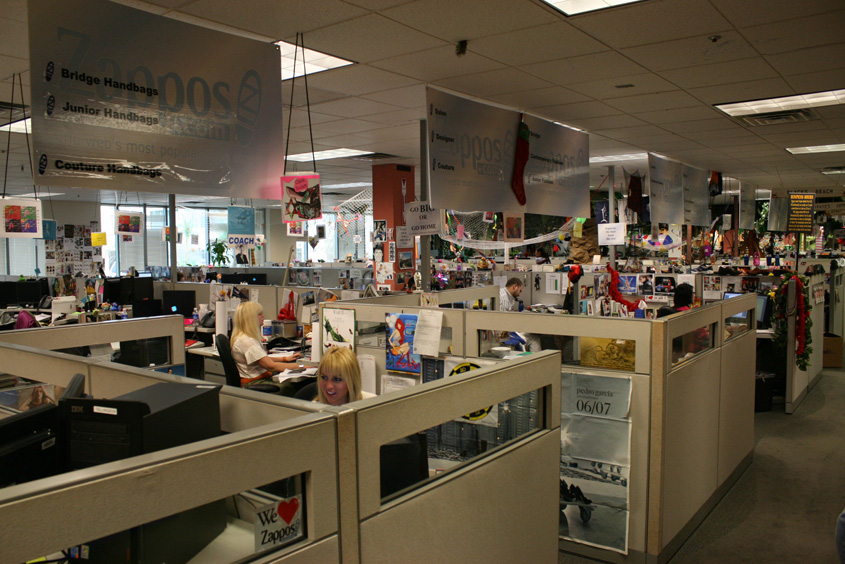
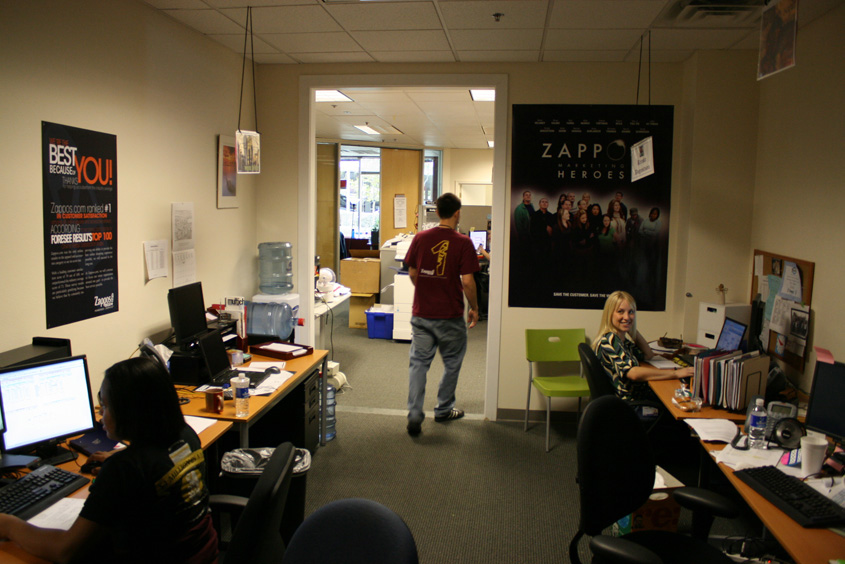
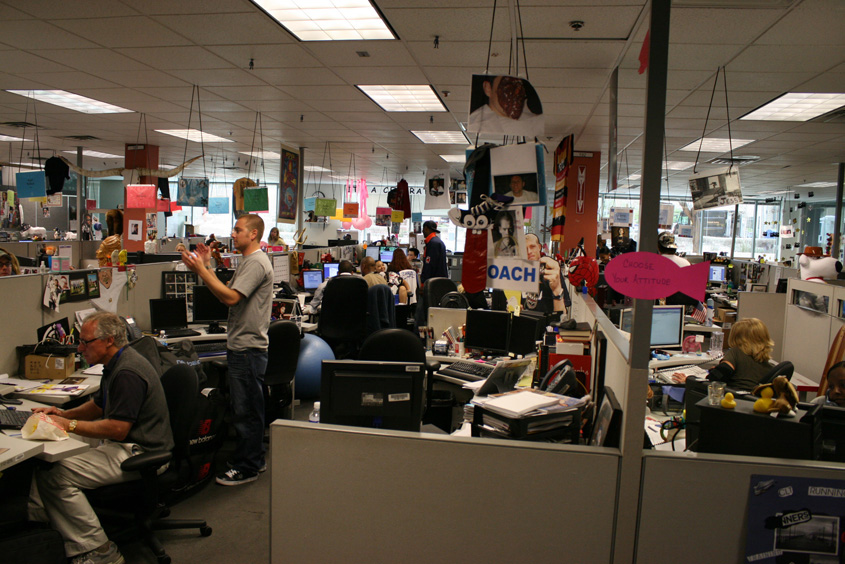
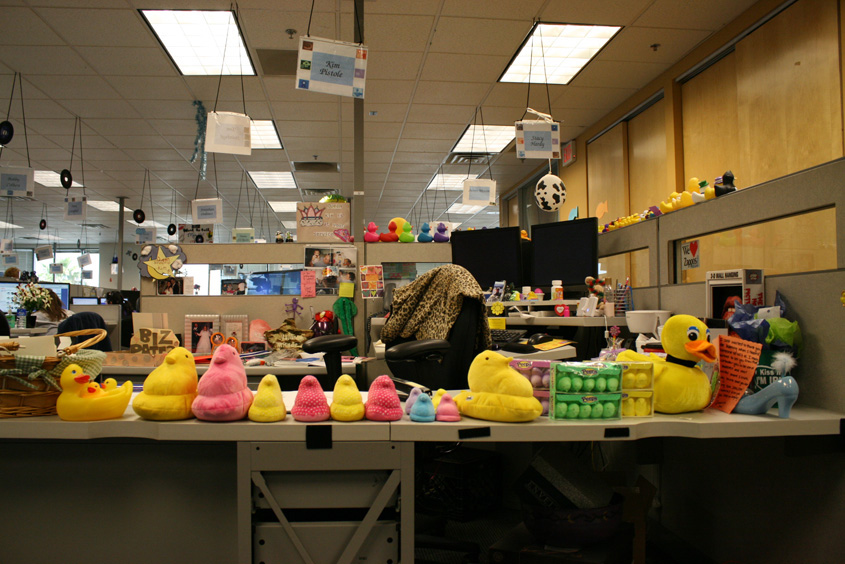
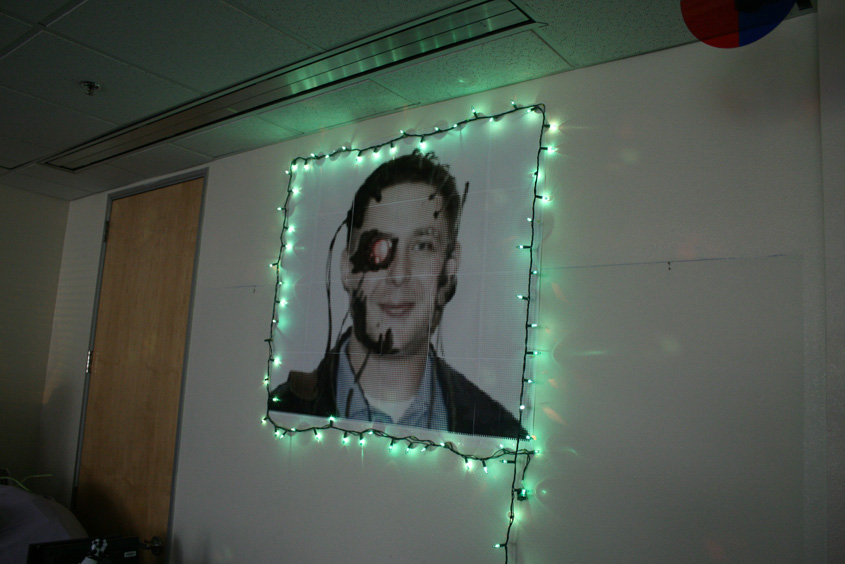
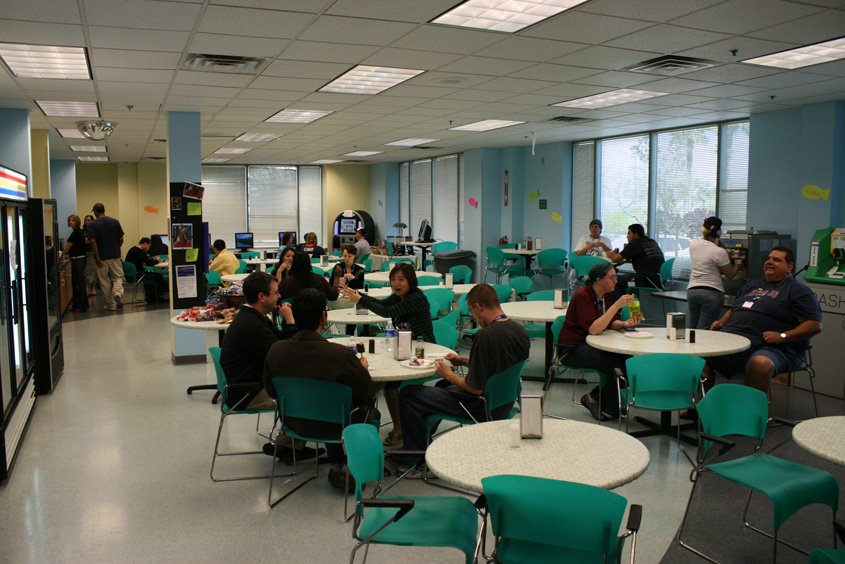
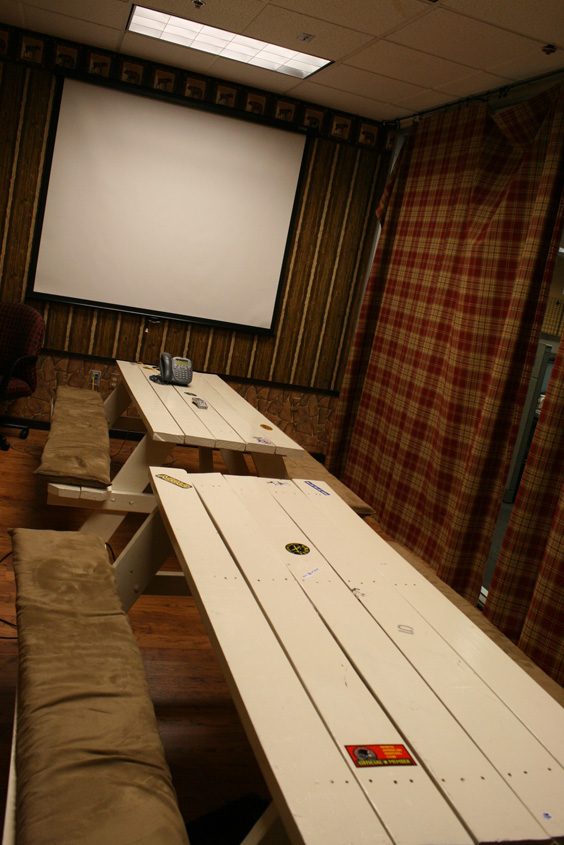
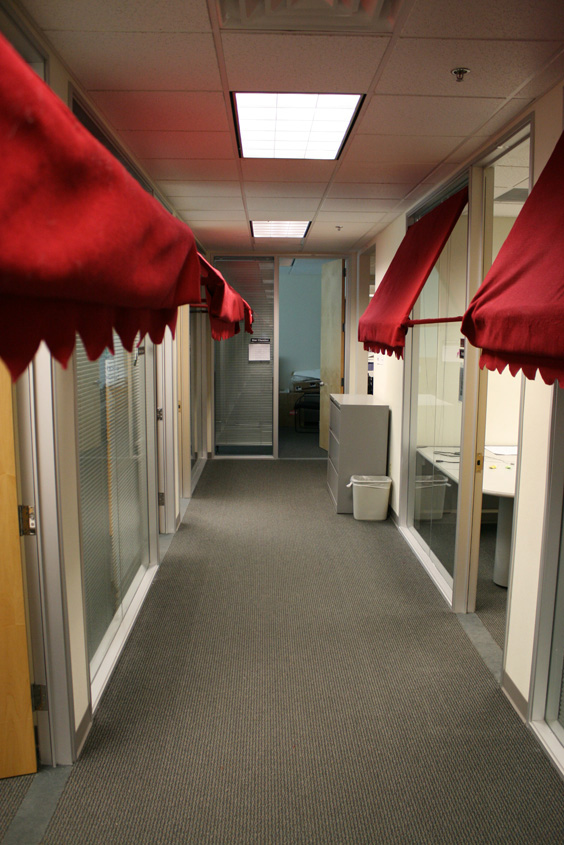
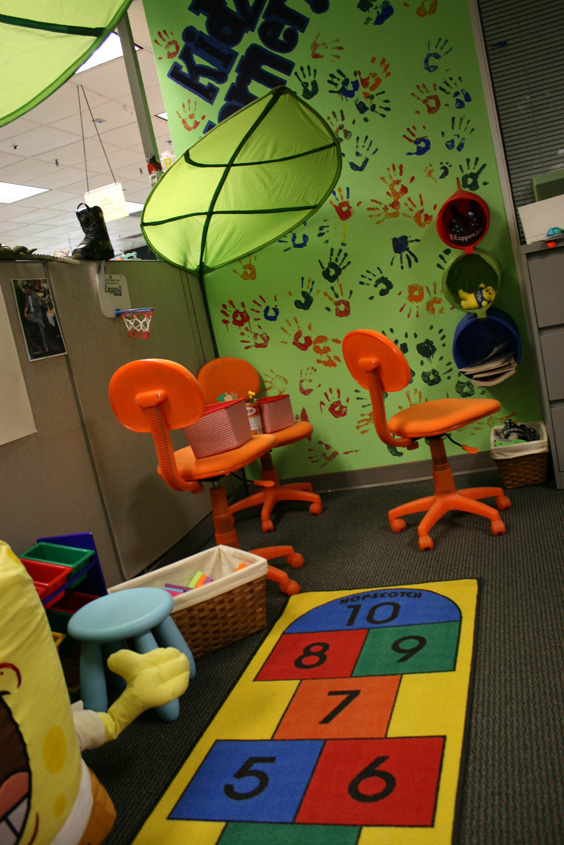
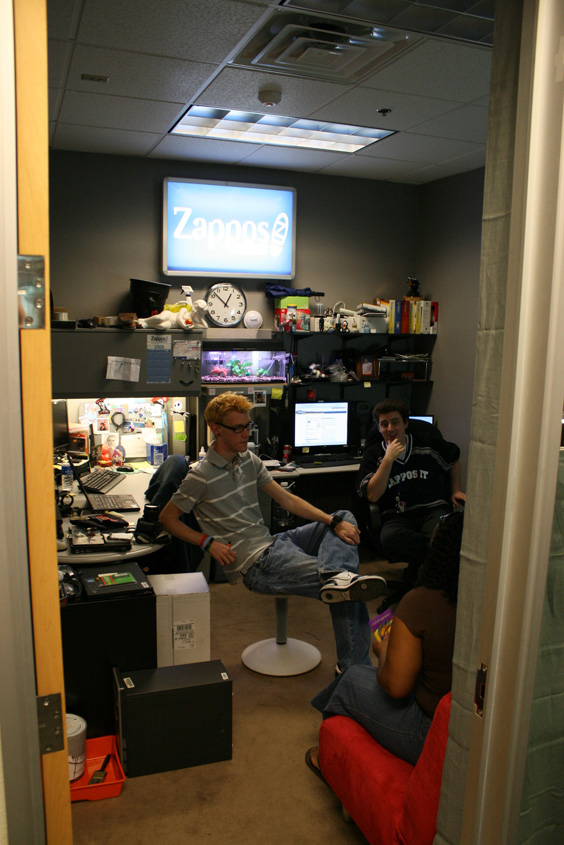
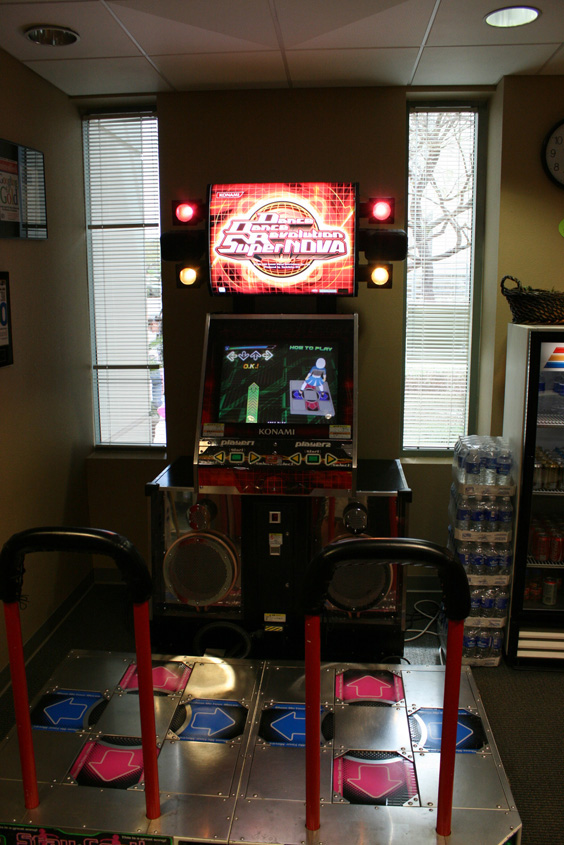
6. Zappos Henderson, Nevada
This company is awesome. Employees can do whatever the hell they want. They have even wrote a book about it. If you're wondering what all the fuss is about, take a look.

 |  |  |  |
 |  |  |  |
 |  |  |  |
 |  |  |  |
 |  |  |  |
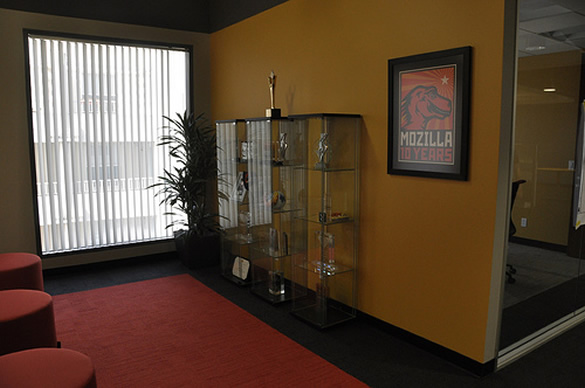
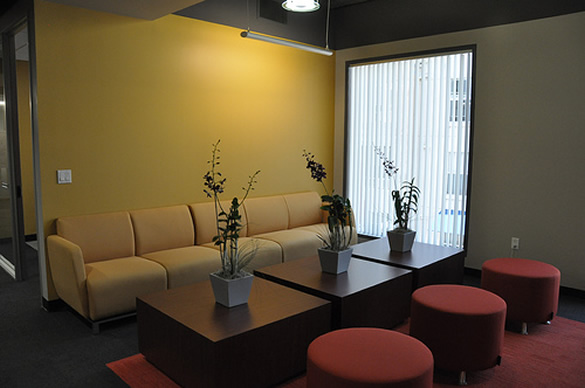
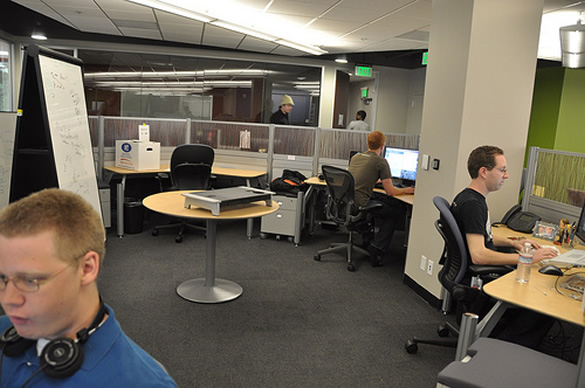
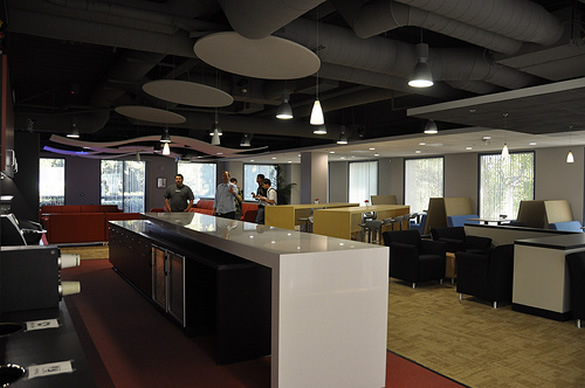
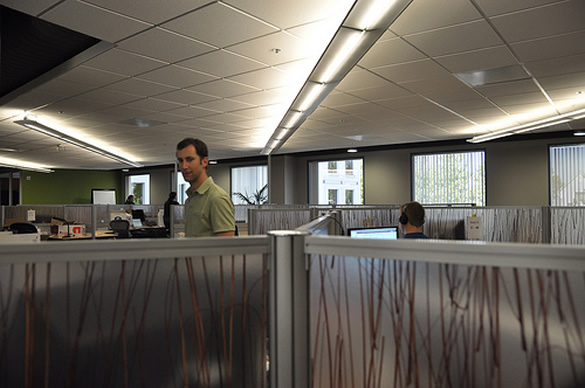
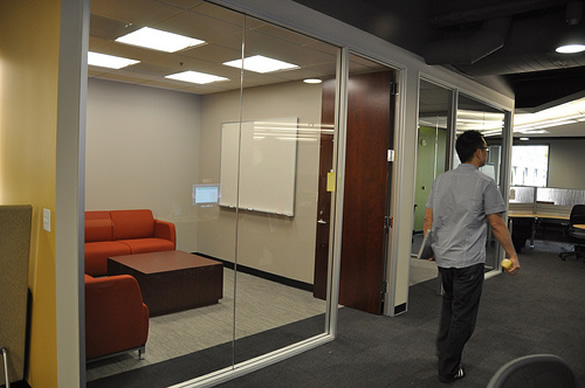
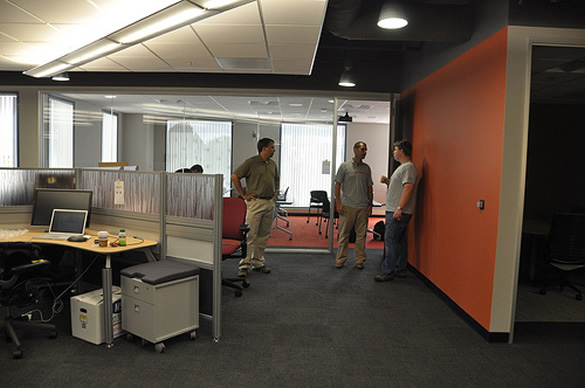
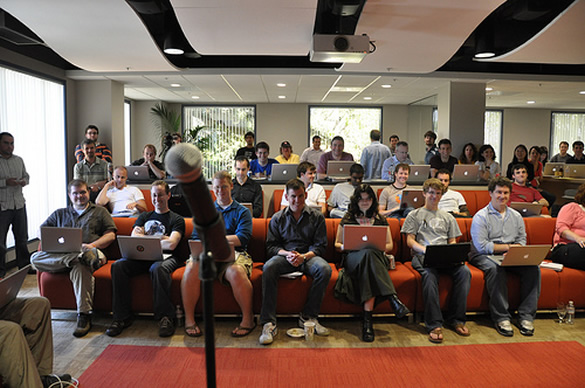
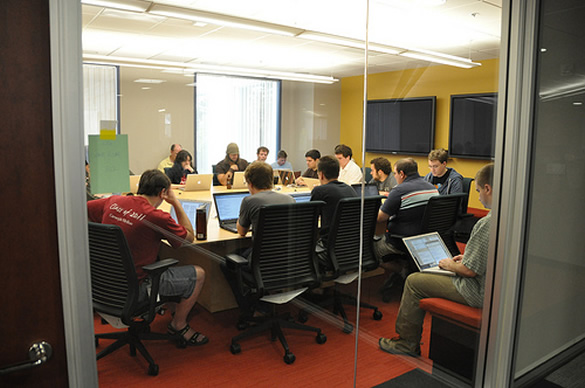
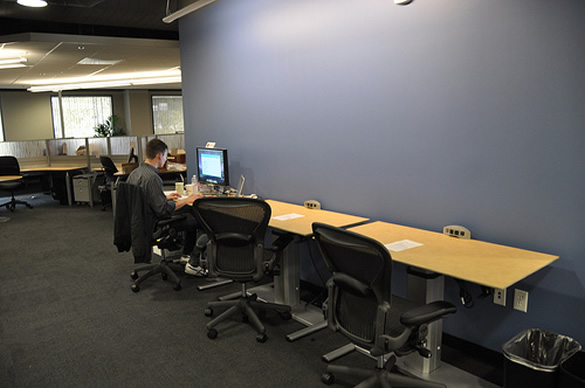
5. Mozilla Mountain View, California
Just because your business is based on open source software doesn't mean you can't have a ballin' office. Especially when you're as successful as the Mozilla team.
 |  |  |  |
 |  |  |  |
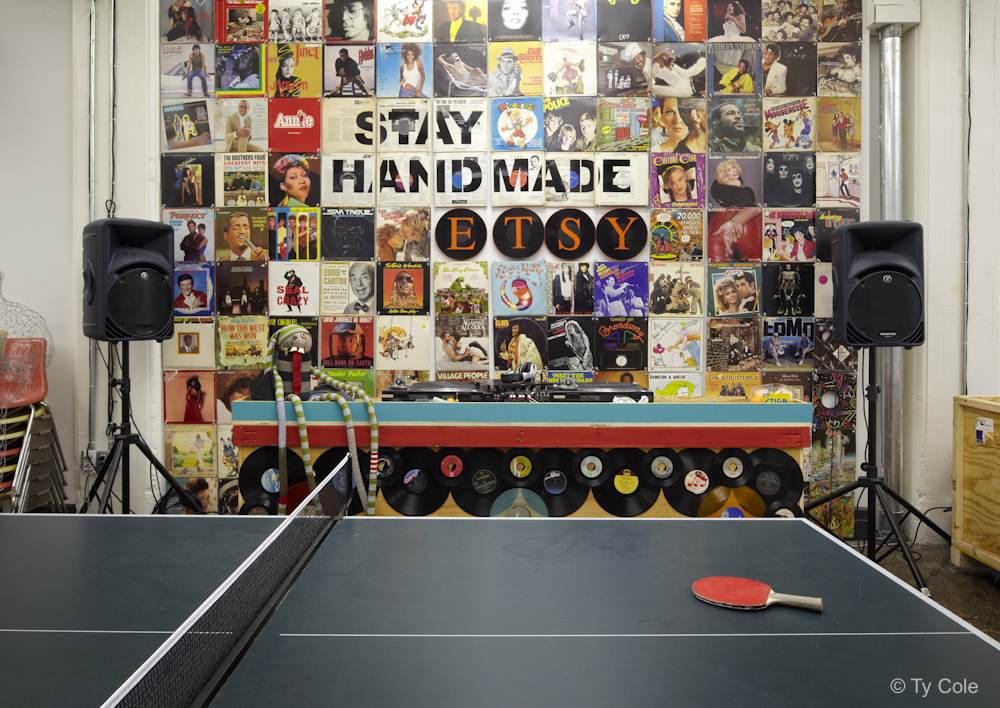
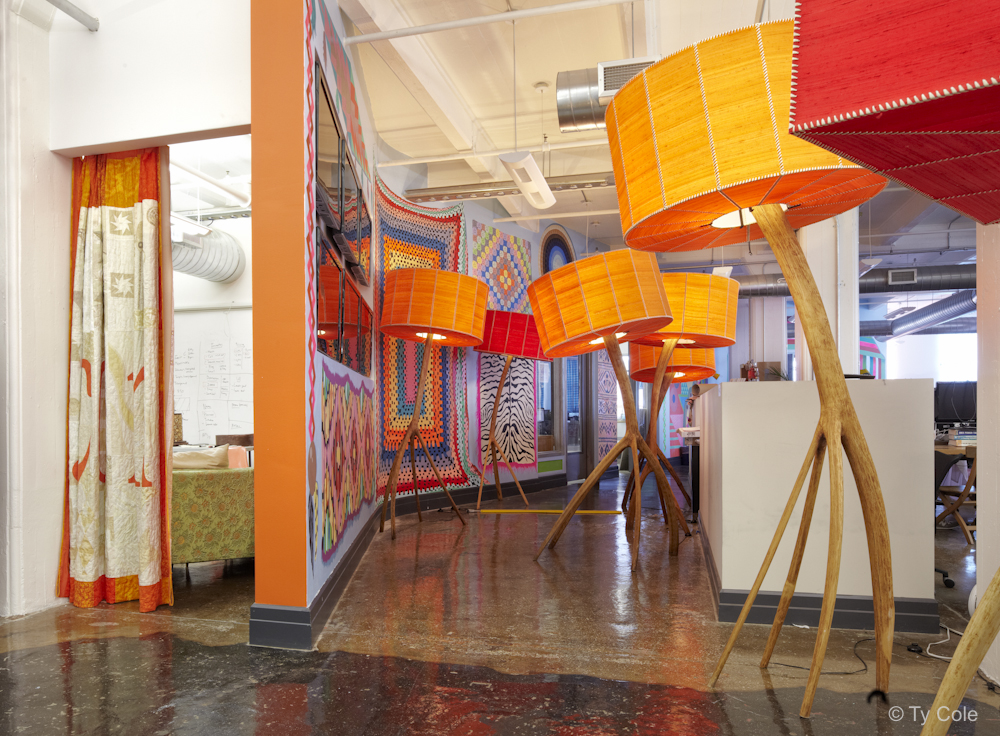
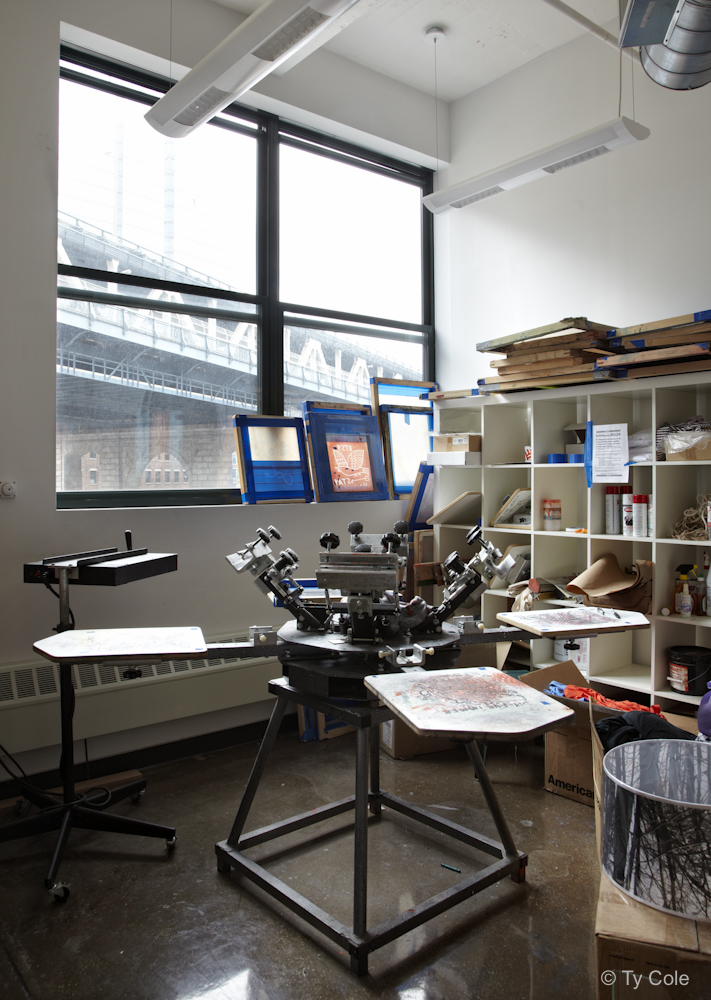
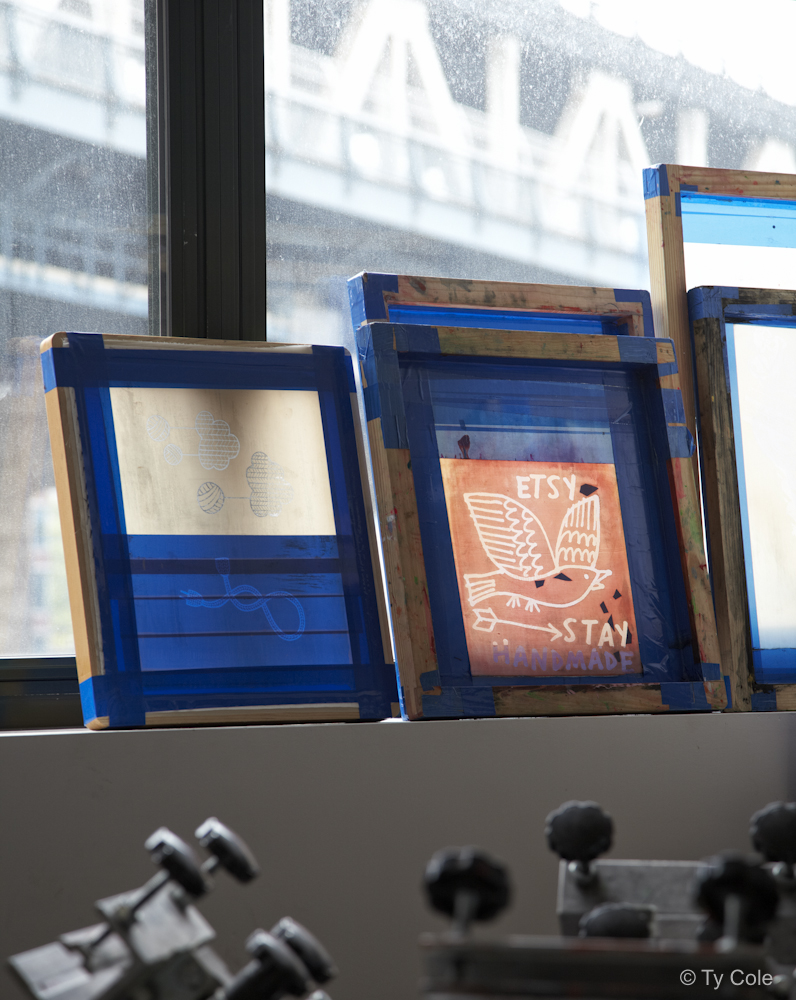
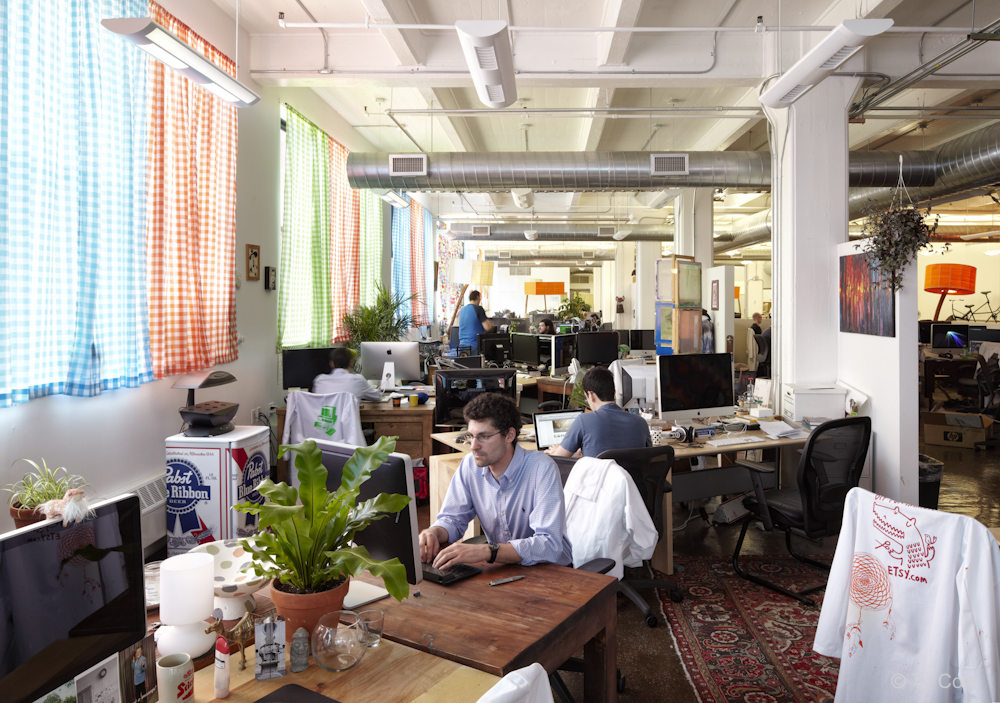
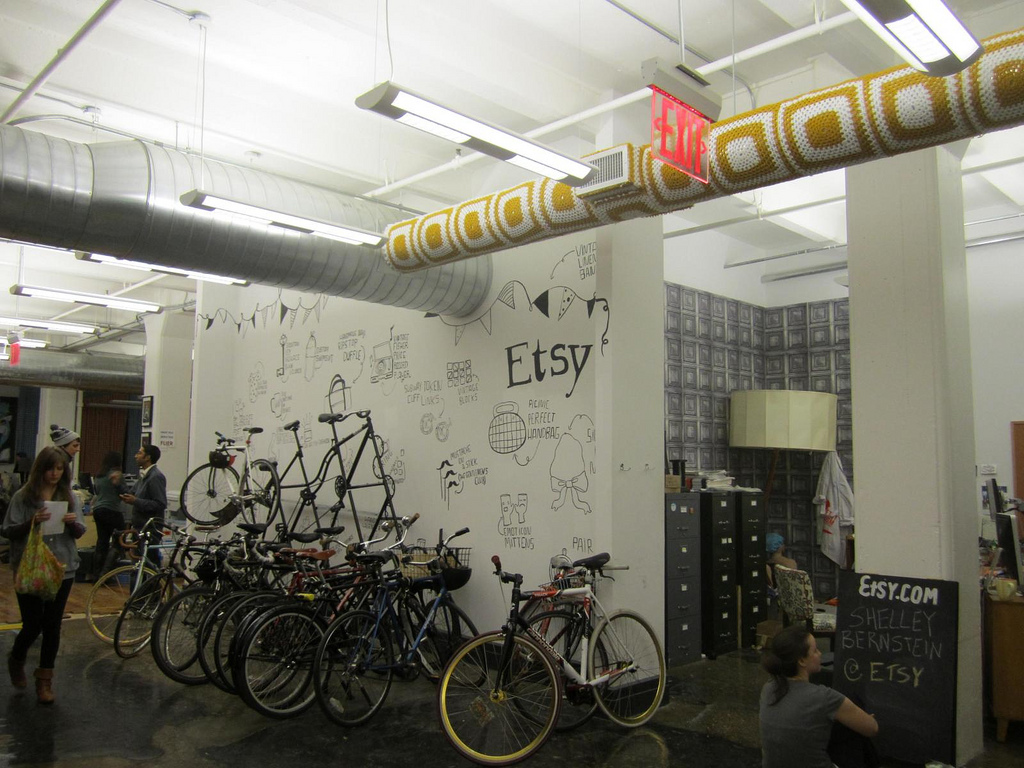
4. Etsy Dumbo, Brooklyn
The artsy, crafty company has - not surprisingly - an artsy, crafty office. Even their business metrics are surrounded by vintage themes!

 |  |  |  |
 |
via Ty Cole
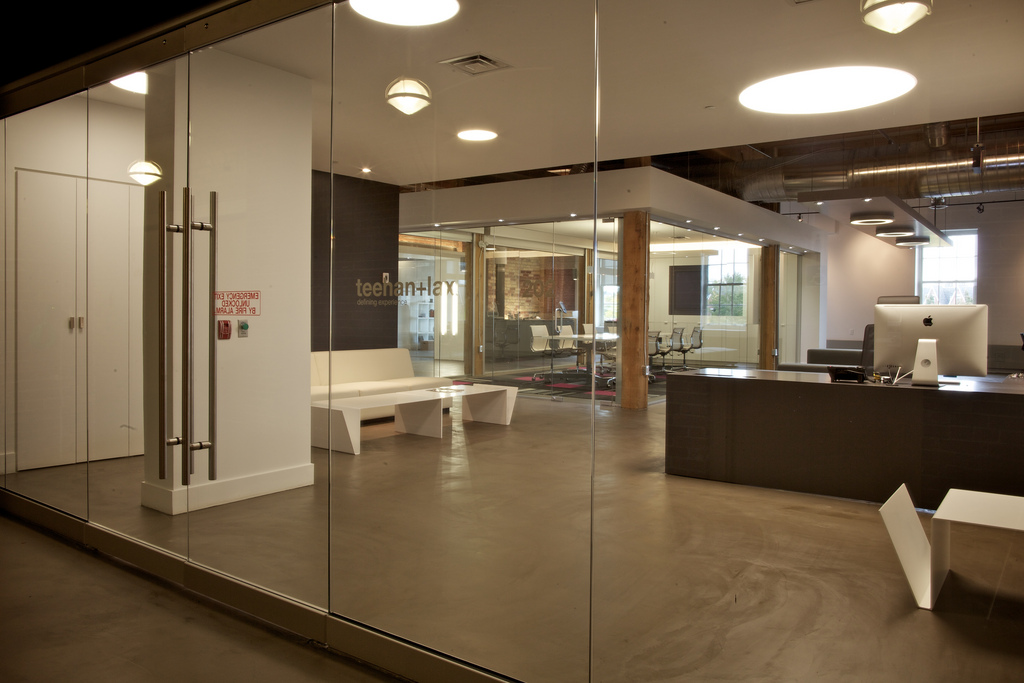
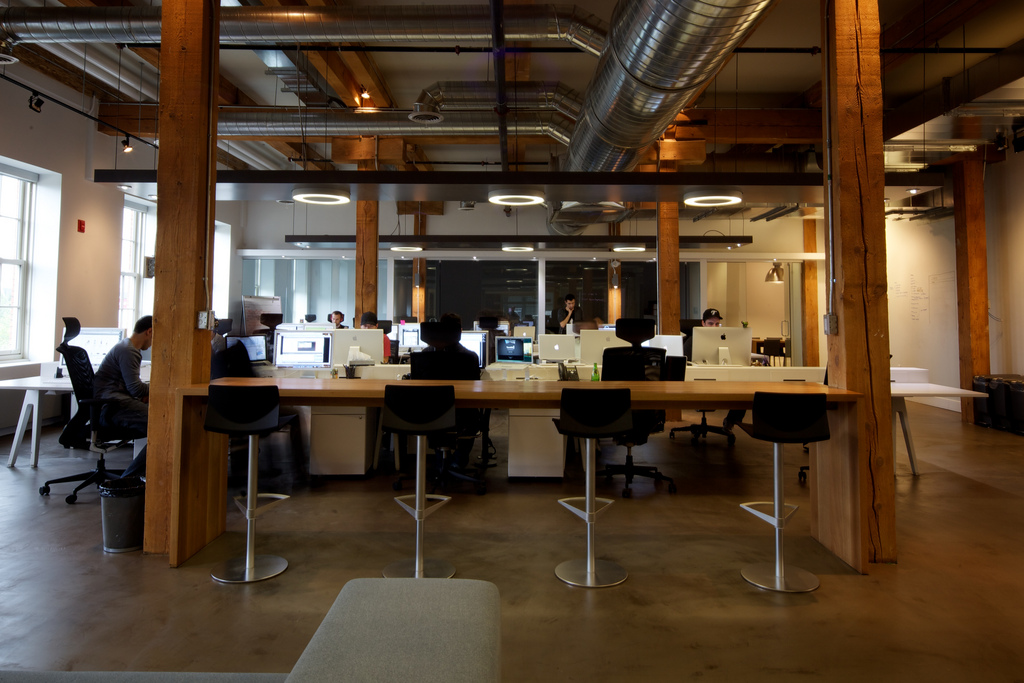
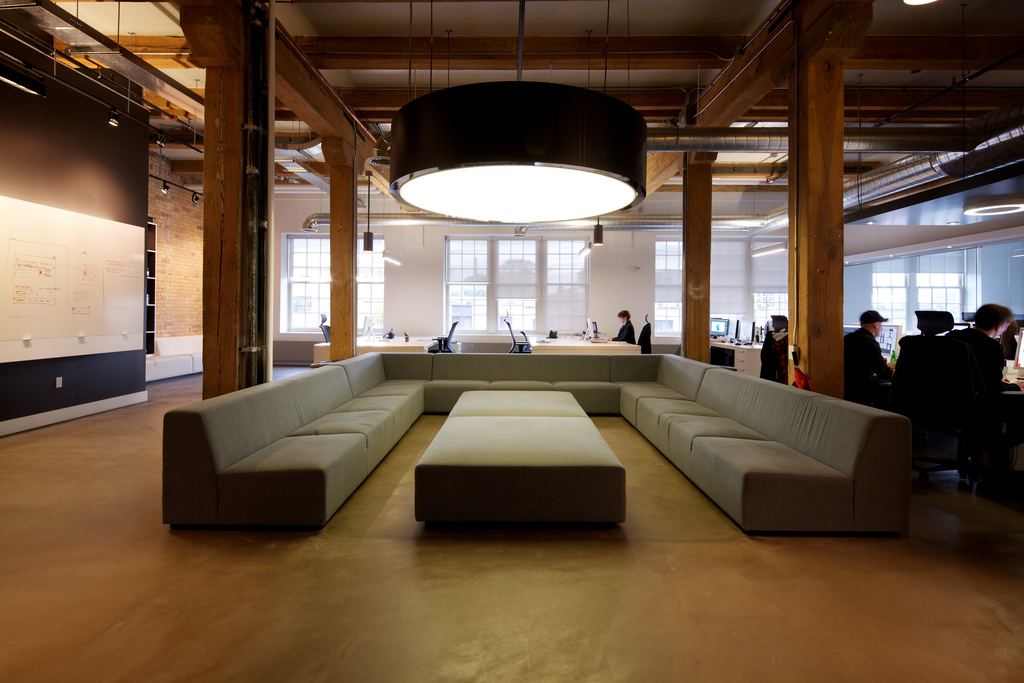
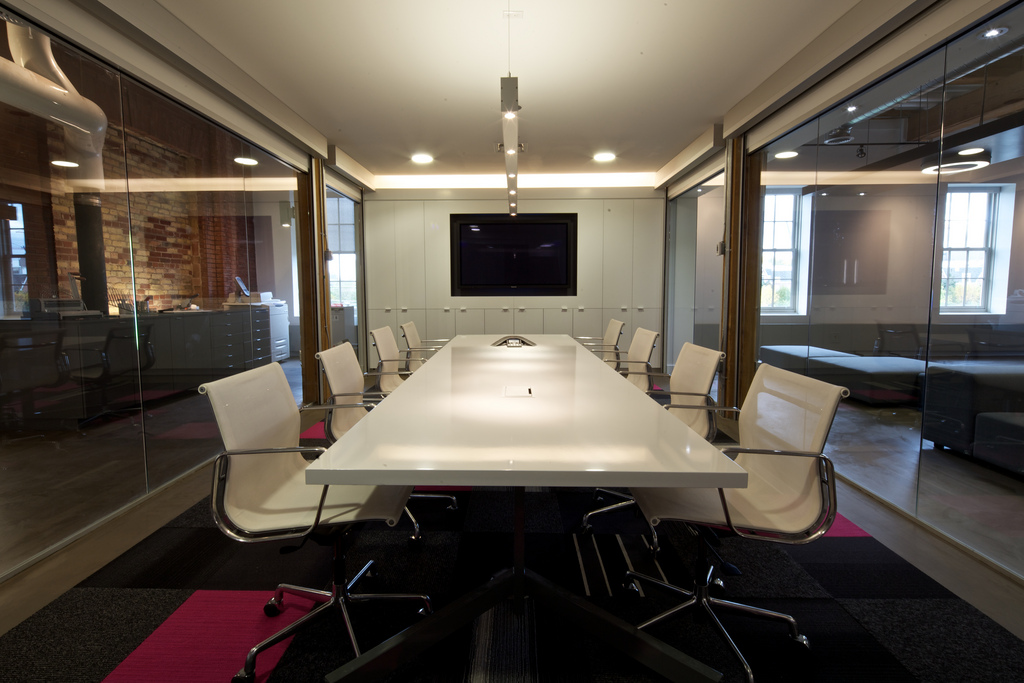
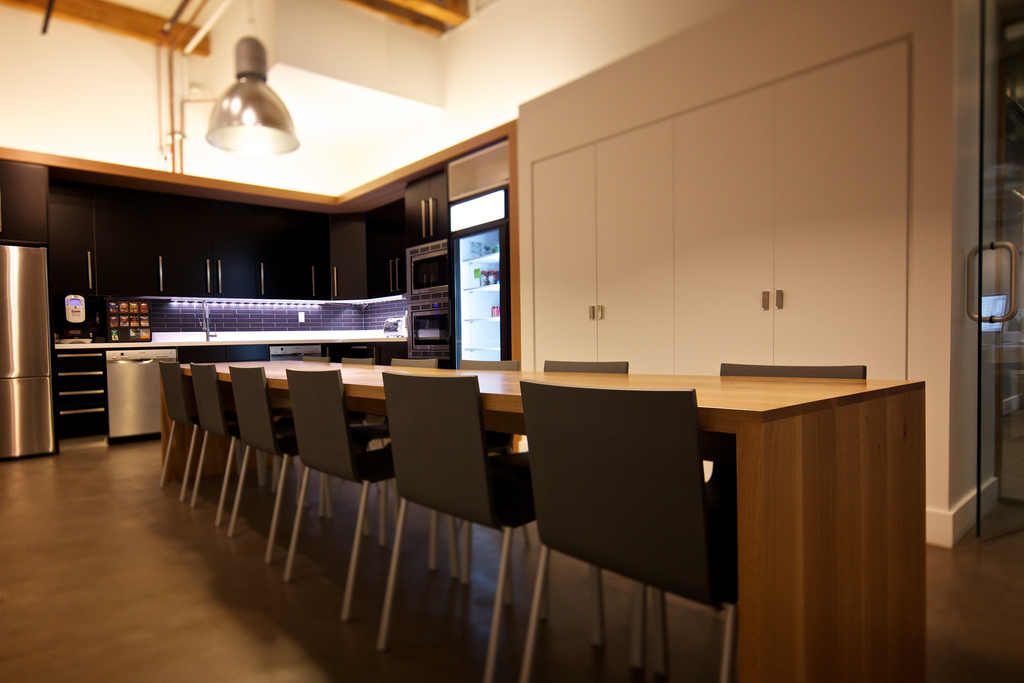
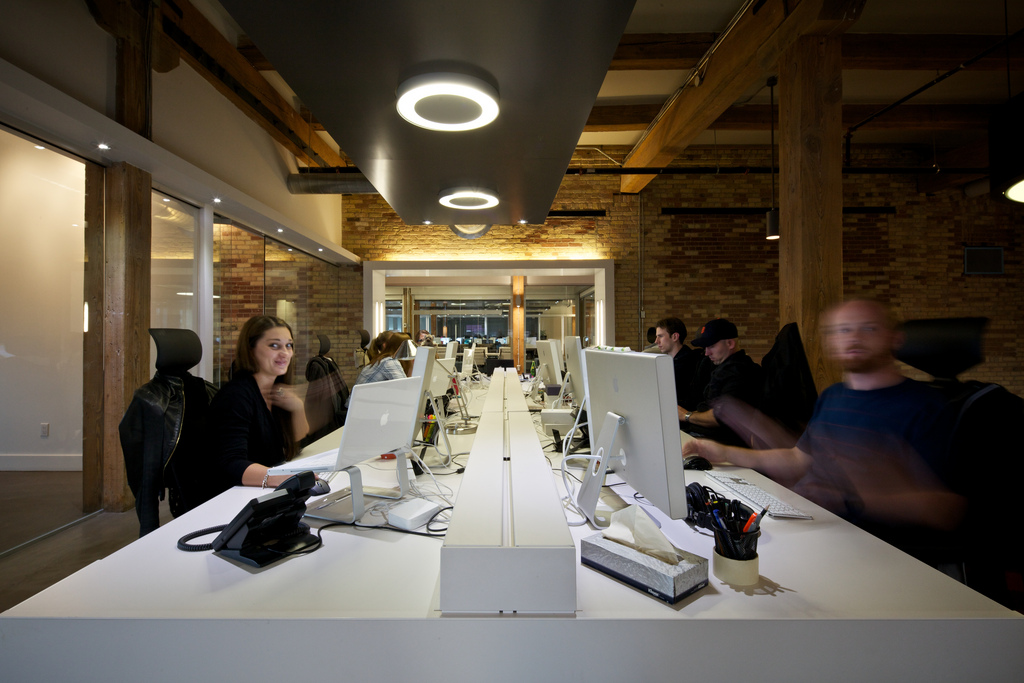
3. Teehan+Lax Toronto, Ontario
An interactive design studio based in Canada, the team recently celebrated their 8th year in business. Their new office is below.
 |  |  |  |
 |  |  |  |
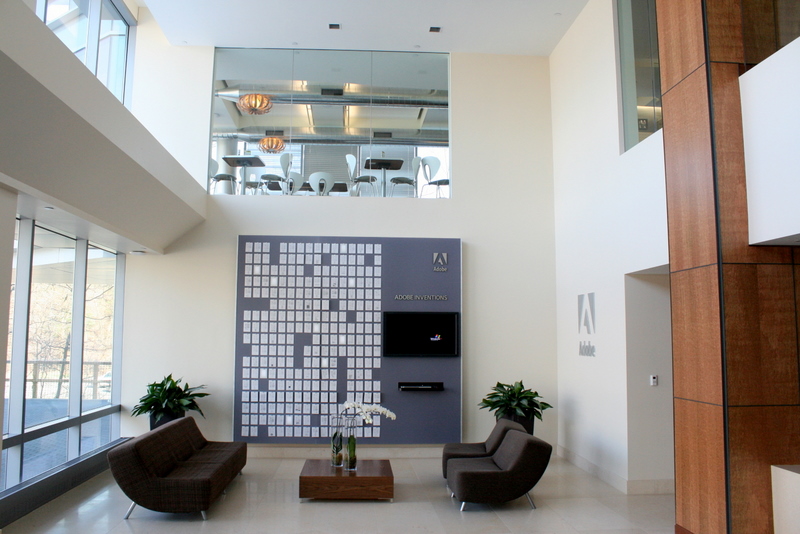
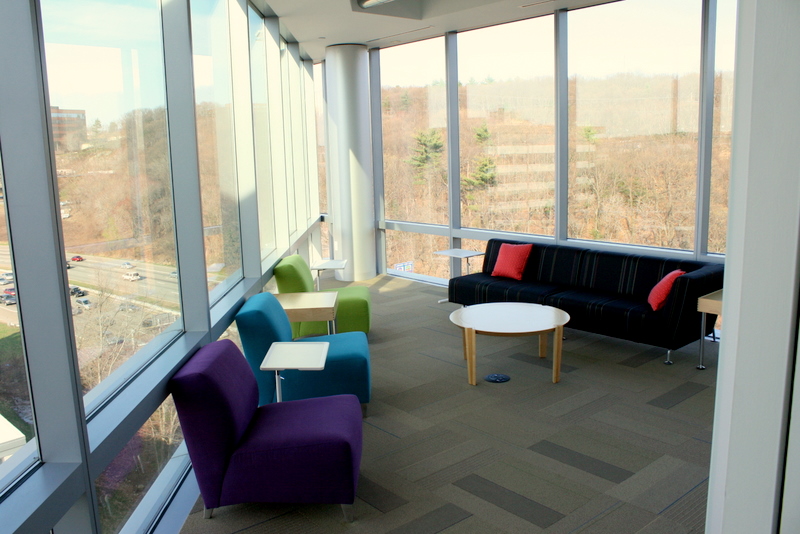
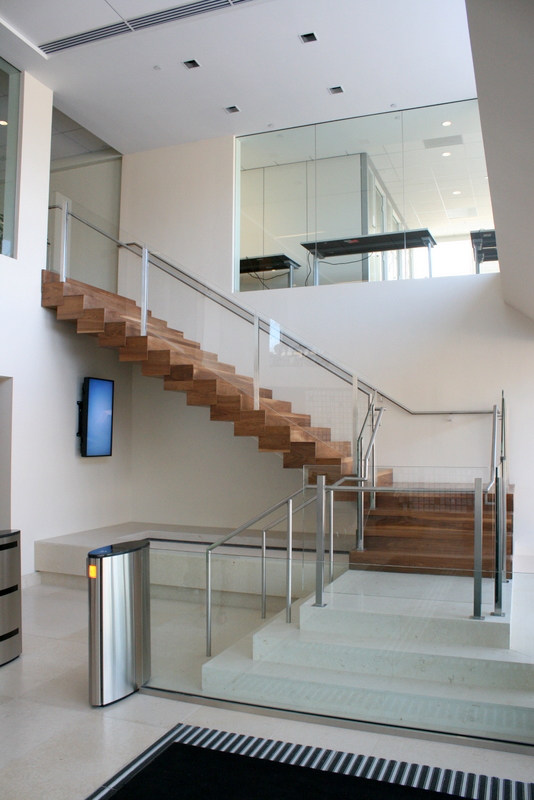
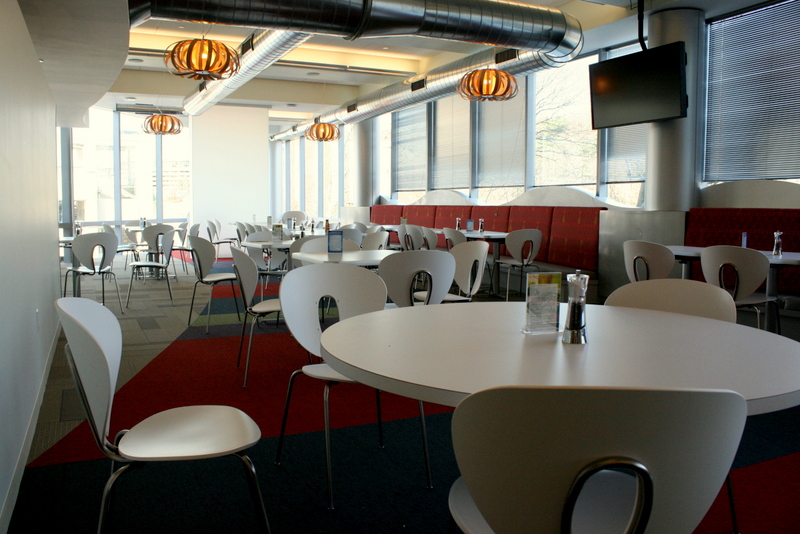
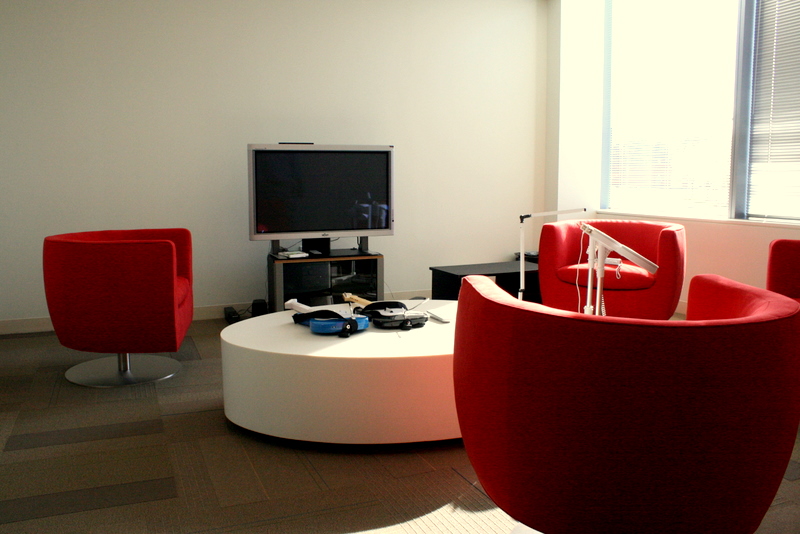
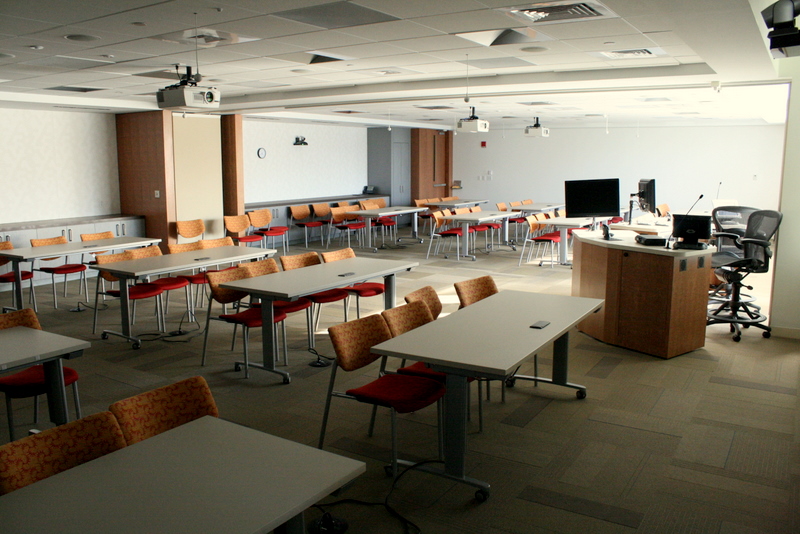
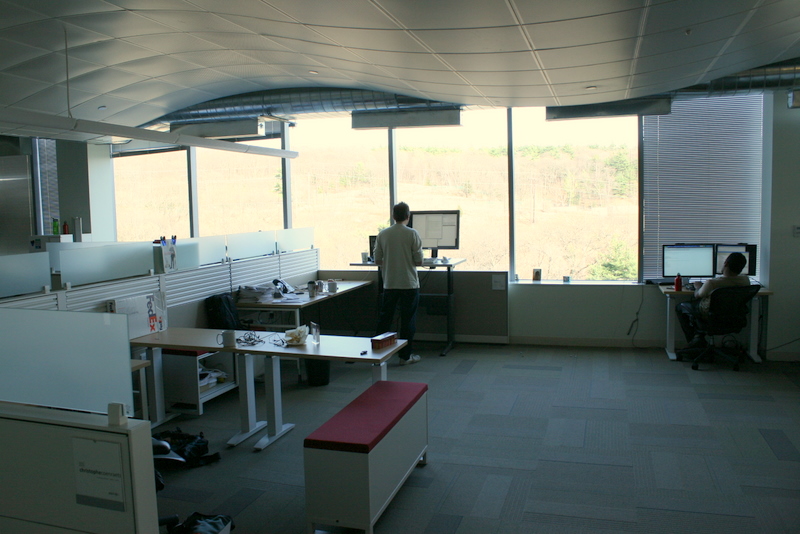
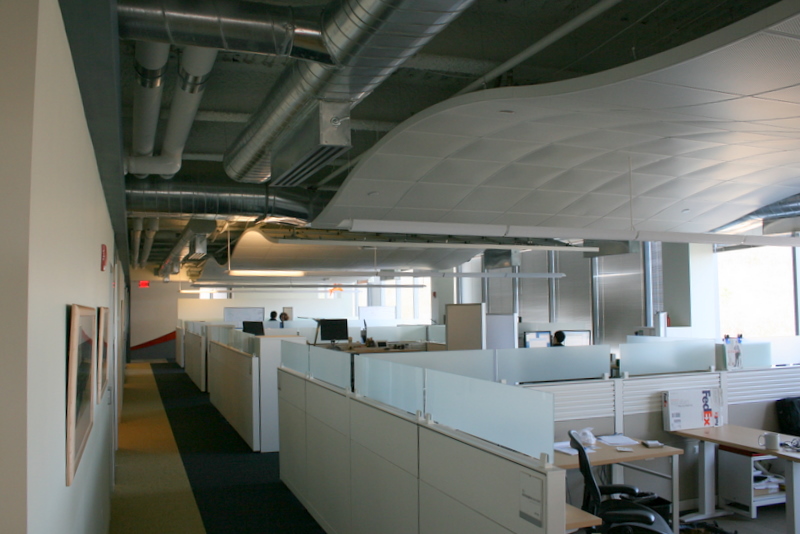
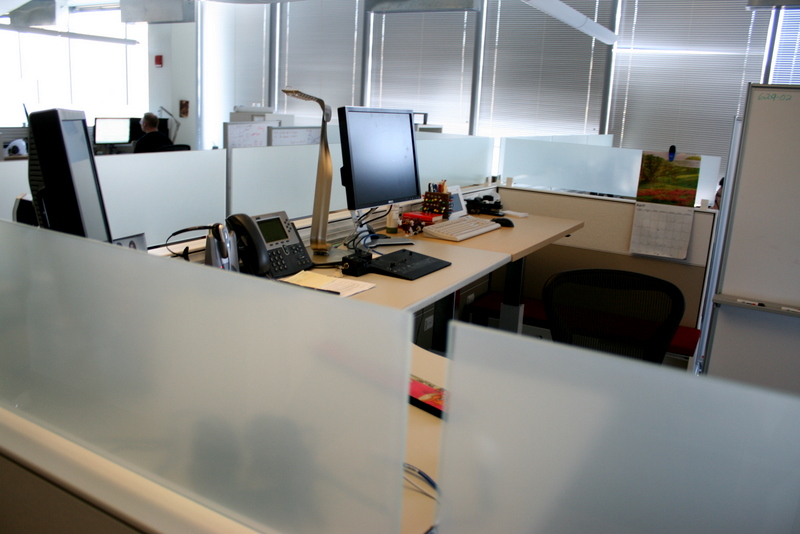
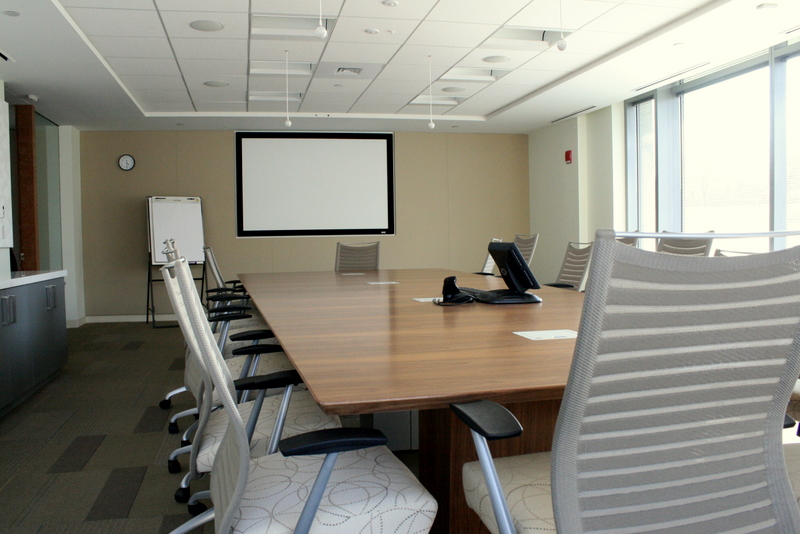
2. Adobe Waltham, Massachusetts
California based Adobe recently expanded into Massachusetts with this brand new office.

 |  |  |  |
 |  |  |  |
 |  |
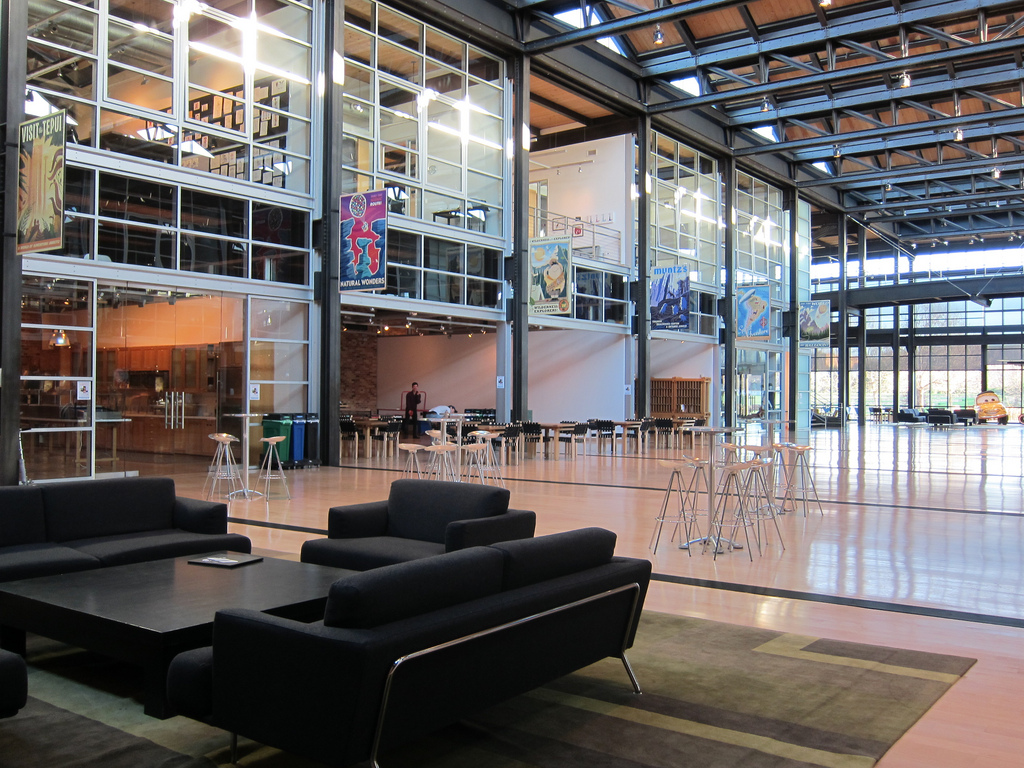
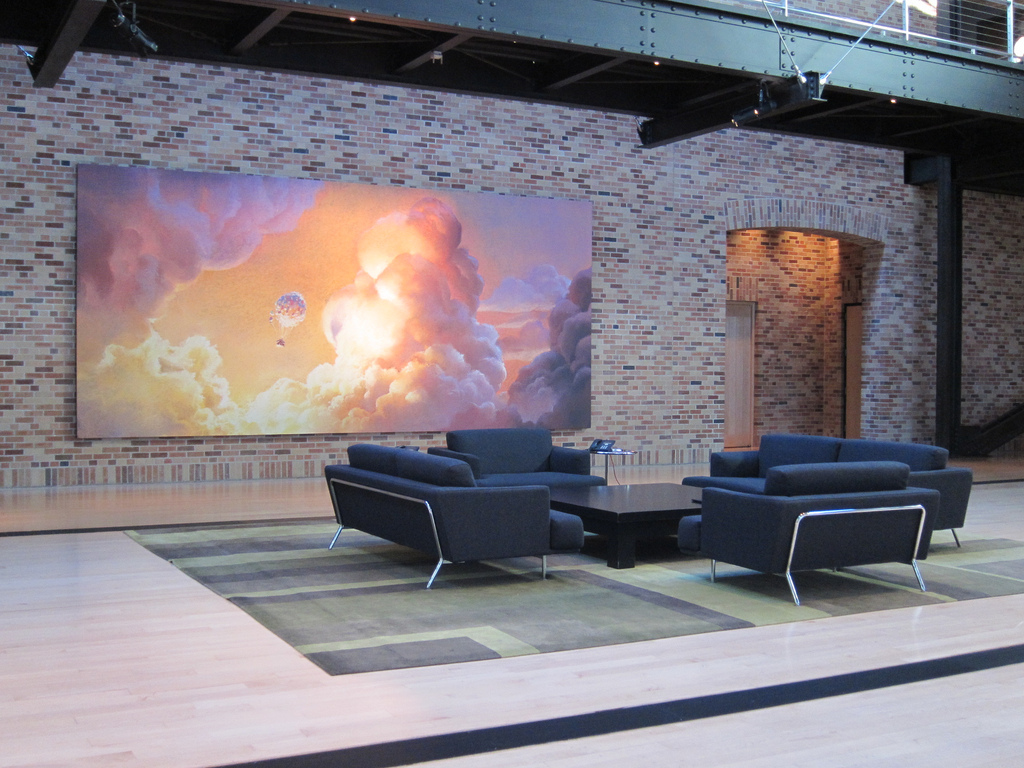
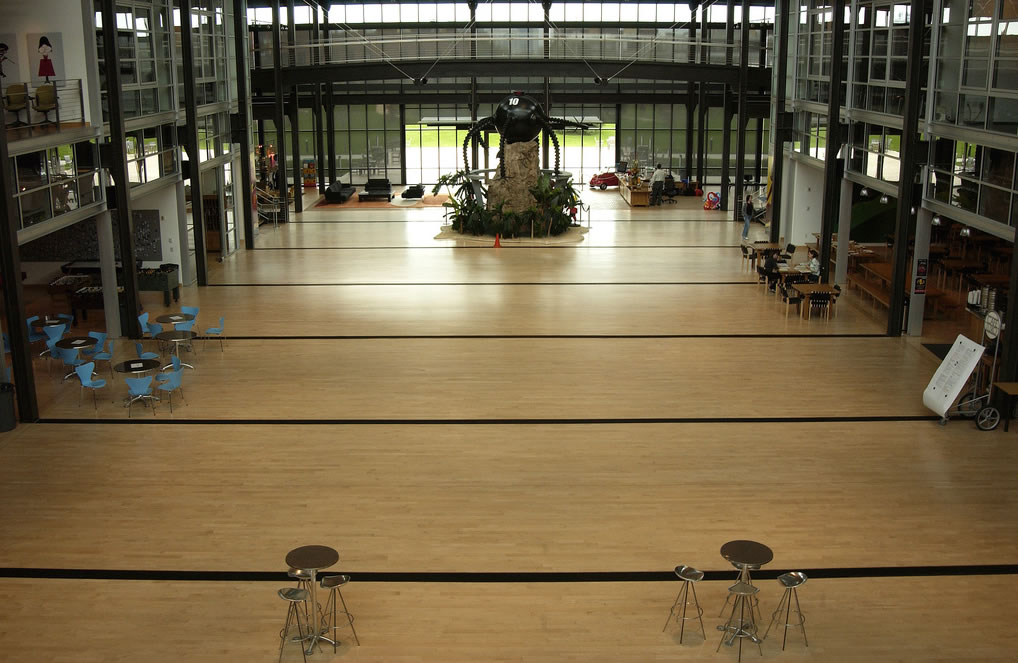
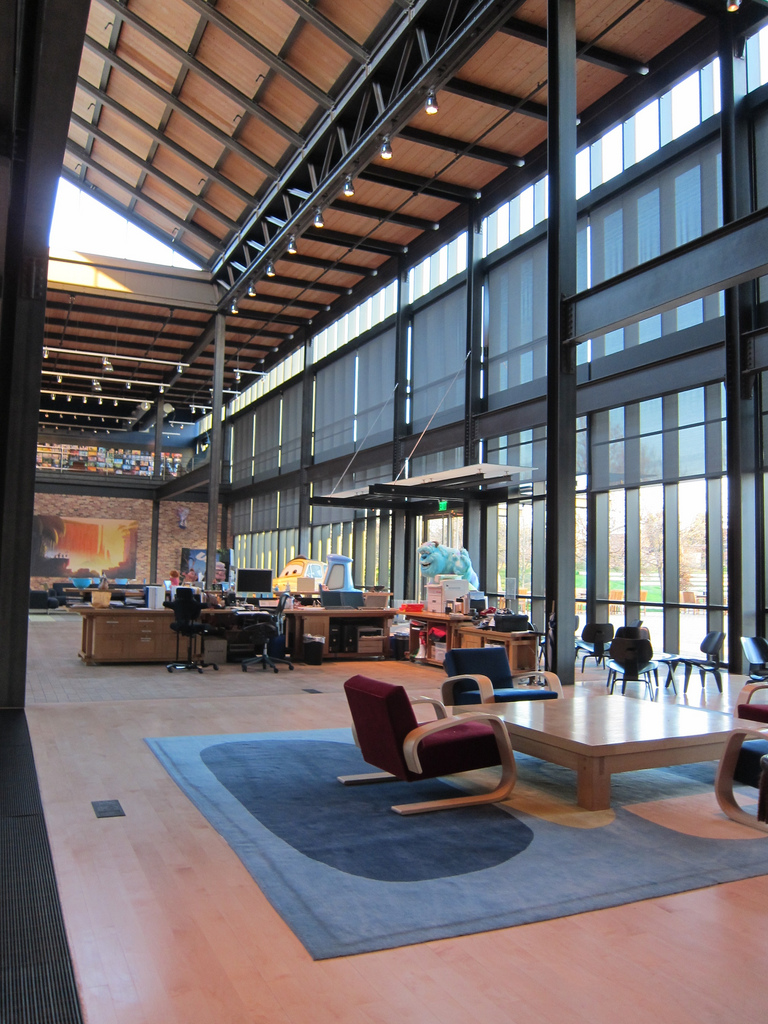
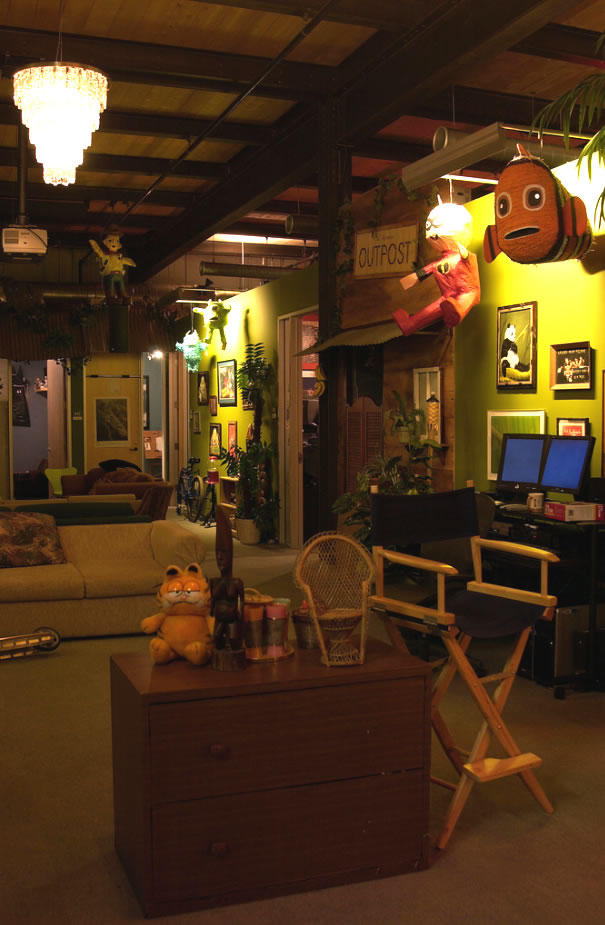
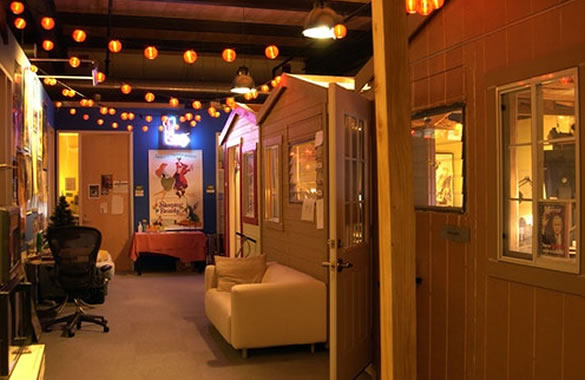
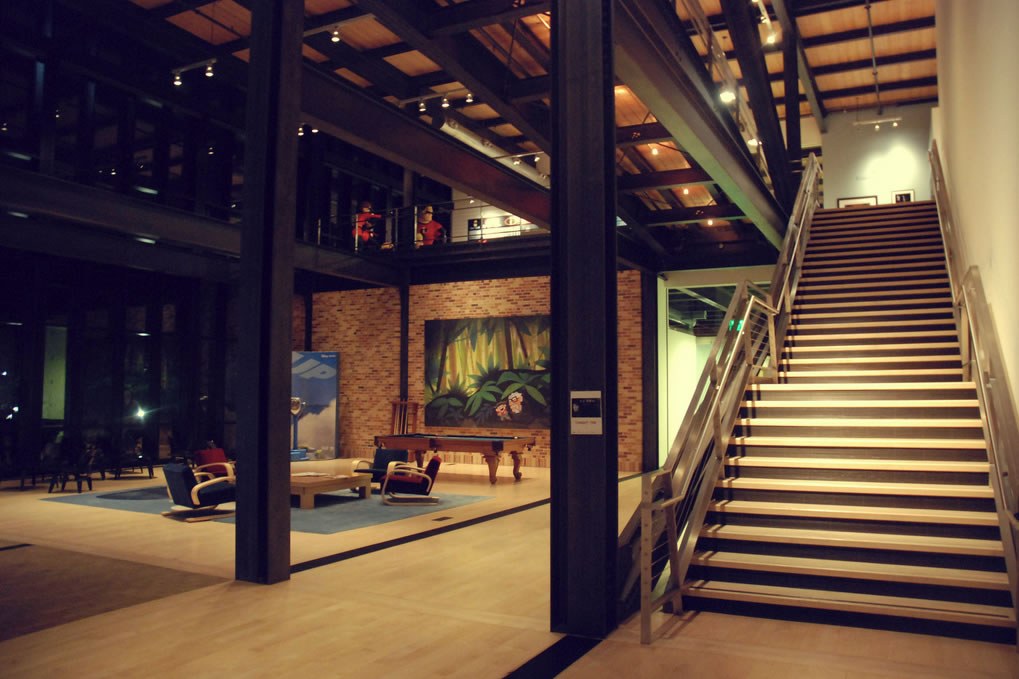
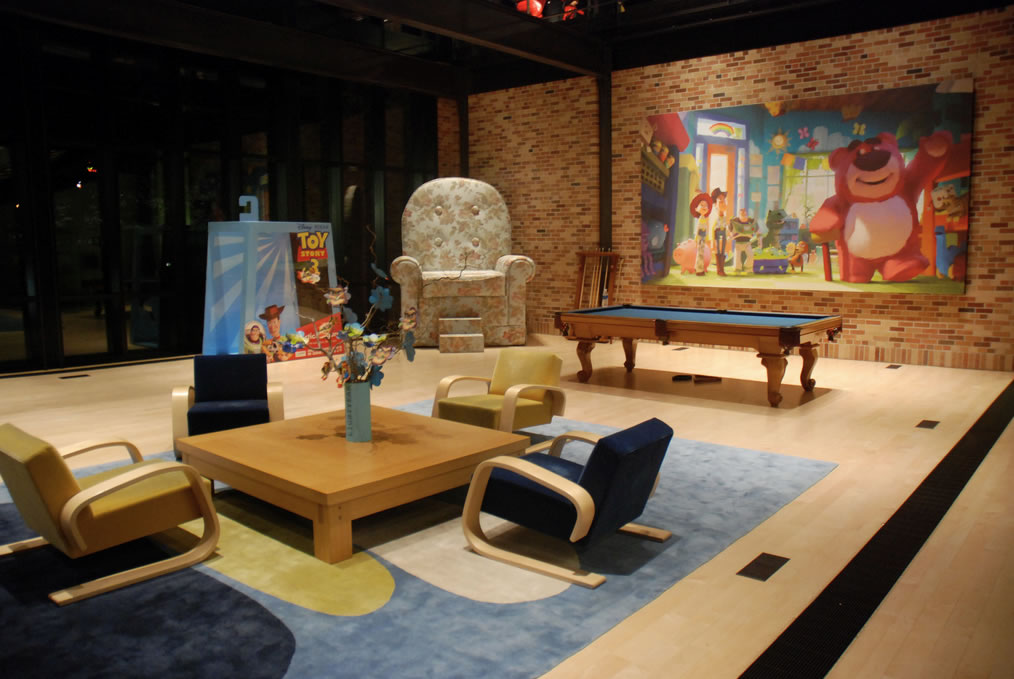
1. Pixar Emeryville, California
This is a company in the business of film; but first and foremost they are in the business of imagination. Their office has been designed to nourish & develop it.



 |  |  |  |
 |  |  |  |
 |  |  |  |
 |  |  |
via Veerles Pieters, Lisa Diaz
If you enjoyed this post I’m pretty sure you’ll also like these:
Continue Reading
Copyright 2010 All Rights Reserved | Super Template by Ilmu Komputer | Modified by Ilmu Grafis | Original Wordpress theme by Ahli Desain